SchoolScape 2026 and the rise of classroom IoT platforms
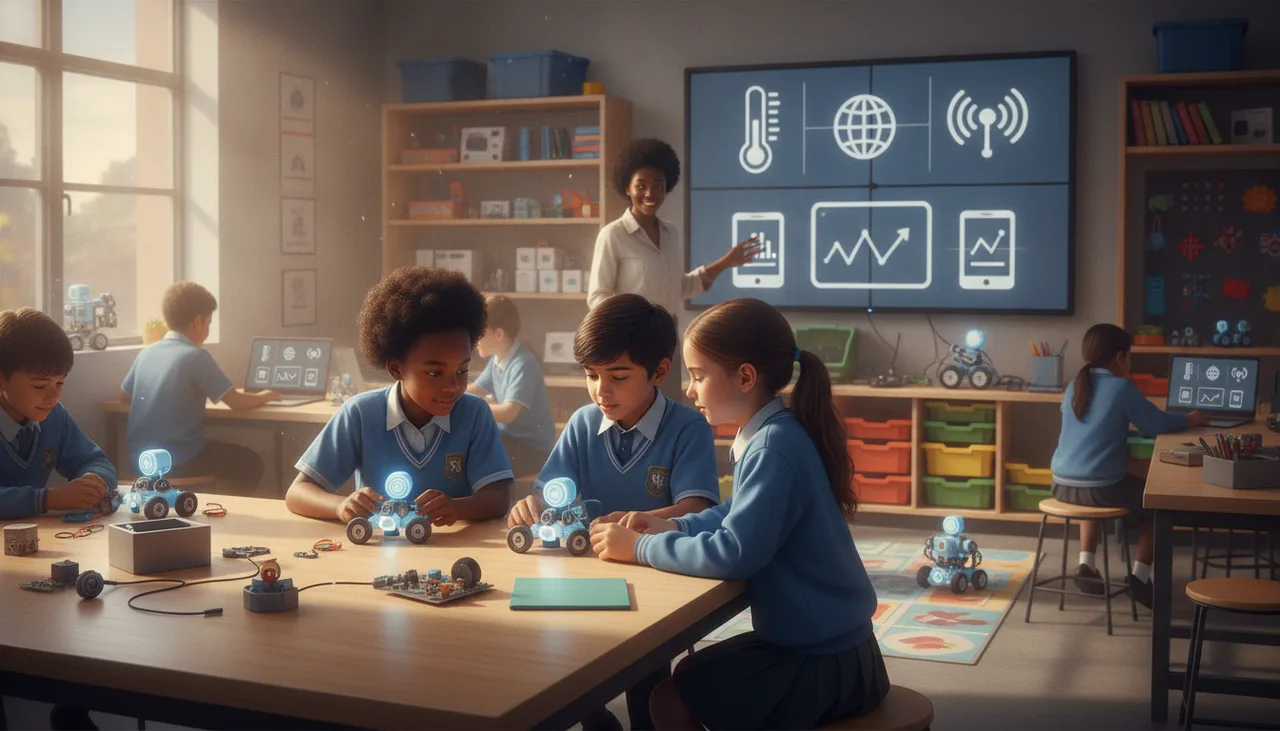
At SchoolScape 2026 the classroom kit stopped being the whole product. The dashboard behind it, a live view of every connected device, is now its own buying category.
SchoolScape 2026 in February made one shift hard to miss. Behind more and more stands sat a screen, and on that screen was a dashboard tracking a whole room of connected devices. The kit is no longer the whole product. What schools are now weighing up is the classroom IoT platform: a live view that pulls sensor data from every desk and lets a teacher manage the hardware as a fleet. This piece unpacks what these platforms do, why the trend matters, and how to judge one before you spend.
What showed up on the expo floor
For a few years the robotics and coding aisle at a schools expo looked the same. Boxes of boards, a wall of jumper wires, a demo robot doing laps of a table. This year a lot of those same vendors had added something behind the demo: a connected dashboard. Instead of one board doing a trick, a bank of devices was reporting temperature, light and motion into a single screen the presenter could point at.
That is the signal worth naming. The centre of gravity is moving from the thing on the desk to the software that ties a roomful of things together. A single kit is a product you sell once. A platform is something a school lives inside for a term at a time, which is a very different purchase.
What a classroom IoT platform actually does
Strip away the branding and these tools do two jobs. The first is live data pedagogy. Every student device becomes a sensor node, and its readings stream into one shared view. A class can watch thirty desks report light levels at the same moment, compare the corner by the window with the one by the door, and reason about why the numbers differ. Data stops being a worksheet and becomes something the room is generating together, in real time.
The second job is fleet management, and it is the less glamorous half that decides whether a lab actually runs. It answers the boring questions a teacher asks at 8am. Which devices are online. Which one dropped off Wi-Fi. Which still needs a firmware update before the lesson. Managing thirty boards by hand, one cable at a time, is the quiet reason many good kits end up in a cupboard. A dashboard that shows the fleet at a glance is often the difference between a lab that gets used and one that does not.
Why the trend matters for schools
For teaching, the appeal is genuine. Sensor data that updates while you talk gives a science or coding lesson a live edge that a static graph cannot. Students see cause and effect land immediately, and the class can pose a question and answer it in the same forty minutes. That is a real pedagogical upgrade, not just a nicer screen.
For operations, the case is just as strong and easier to underrate. A platform turns a fragile pile of hardware into something one teacher can run without a technician on call. In a South African setting that also has to survive local realities. Load shedding will drop your network mid-lesson, so the platform has to fail politely rather than lose the whole activity. Connectivity is uneven between a well-resourced suburb school and a rural one, so anything that assumes a fat, always-on internet link will disappoint someone.
There is a flip side worth saying plainly. A platform is also a place you can get locked in. Once a term of lesson plans, student logins and saved data lives inside one vendor's dashboard, switching later is painful. That is exactly why the buying decision deserves more scrutiny than a box of kits ever did.
A buyer's checklist before you commit
If your school is weighing one of these platforms this year, walk through the following before signing anything.
- Offline behaviour. Ask what happens when the network drops mid-lesson. The honest answer should be that the activity degrades gracefully, not that it stops dead.
- Data ownership and privacy. Student data sits in this system. Confirm who owns it, where it is stored, and that the handling lines up with POPIA. You should be able to export and delete it.
- Firmware and updates. Check how devices get updated. A one-click push from the dashboard beats plugging in thirty boards over USB every time a fix ships.
- Hardware lock-in. Does the platform work with kit you already own, or only with the vendor's own boards? Mixed support gives you room to move later.
- Teacher view versus student view. A good platform separates the two clearly, so a teacher can see the whole fleet while students see only their own work.
- Total cost, not sticker cost. Budget for spares, replacement sensors and the connectivity the platform assumes. A rough rule is to keep ten to fifteen percent of the kit spend aside for spares in the first year.
- Curriculum fit. Live dashboards are impressive in a demo. Ask to see them mapped onto actual CAPS-aligned lessons your teachers can run without weeks of prep.
Where sheen fits
The advice above is deliberately vendor-neutral, because the checklist matters more than the logo. For schools that want a worked example of the pattern, our own sheenIoT platform is built around the same two jobs: a live dashboard for a class of connected devices, and fleet visibility so a teacher can see what is online before the bell. It pairs with the sheenbot infinity board and, when hardware is short or the network is down, students can keep building against the sheenVerse simulator instead of stopping. Teachers who want to try the teaching side before touching hardware can start through the academy. Whatever you choose, run it past the checklist first.
Takeaway
SchoolScape 2026 confirmed that classroom IoT platforms are becoming a category of their own, not an add-on to a kit. That is good news for teaching, because live sensor data makes a lesson land, and good news for operations, because a fleet you can see is a fleet you can run. Just remember that a platform is a longer commitment than a box of boards. Judge it on how it behaves when the network drops, who owns the data, and how easily you could leave. Get those right and the dashboard earns its place on the wall.
Is a classroom IoT platform worth it for a small school?
It can be, if the operational relief is real for you. The value is highest where one teacher has to run many devices with no technician. If you only have a handful of kits, the fleet-management half matters less and a simpler setup may serve you better.
Will it work through load shedding?
Only if it is designed to. Ask the vendor to show you the lesson running with the network pulled. Platforms that cache locally and sync later hold up far better in South African conditions than ones that need a constant connection.