EV3 app support ends 31 July: keeping old kits useful
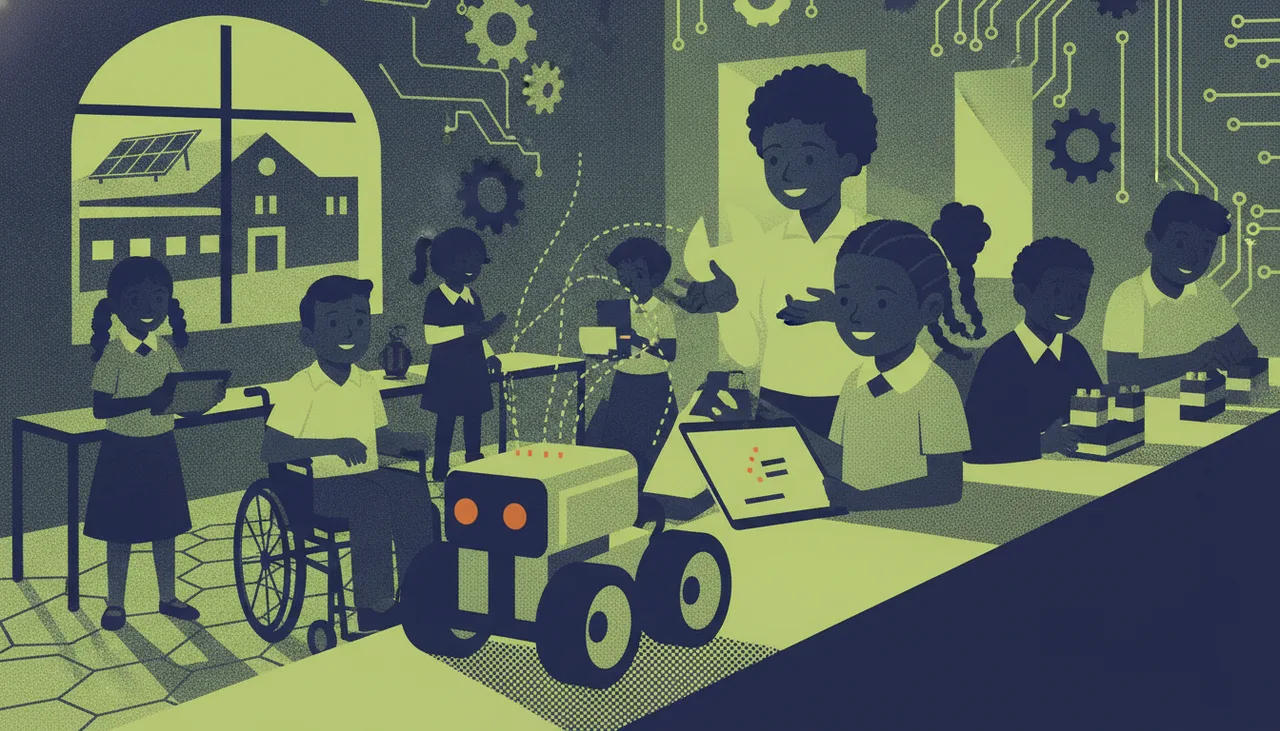
The LEGO EV3 programming app reaches end-of-support on 31 July 2026, but the kits keep working. Community firmware like Pybricks, Python routes and repurposing keep old sets useful.
The LEGO MINDSTORMS EV3 programming app reaches end-of-support on 31 July 2026. If your lab runs on EV3, that headline sounds worse than the reality. The bricks, motors and sensors keep working, and there are free, well-tested ways to keep programming them. The coming winter holidays are a good window to pick a path before the next term starts, rather than discovering the problem in the middle of a lesson.
What is actually ending
End-of-support is not a kill switch. On 31 July 2026, LEGO stops maintaining the EV3 programming app, which means no more updates, fixes or new features. The copy you already have installed will most likely keep launching for a while afterwards. The real risk is slower and quieter than the date suggests. Tablets and laptops keep updating their own operating systems, and at some point an OS change, a browser change or an app-store removal can leave the app unable to install or run. So the deadline is less a cliff and more a countdown on borrowed time.
Why it matters for schools and clubs
Plenty of South African schools and coding clubs standardised on EV3. The kits are tough, the lessons are written around the block editor, and a class set is a real budget line you cannot simply replace in rand. The danger is a lab going dark mid-term because a routine device update quietly broke the one app the lessons depend on. If you manage a fleet of kits across several classrooms, it helps to treat this as asset planning rather than an emergency. A clear map of which devices run the app today, and what they will run next, keeps the robotics programme predictable. This is the kind of work our school service exists to support, but the planning matters whether or not anyone helps you do it.
Option one: community firmware
The most direct rescue is the community project Pybricks, which openly brands itself Saving LEGO MINDSTORMS. Pybricks replaces the firmware on the EV3 hub so you can program it in Python from a web browser, with no dependence on the retiring app or any app store. On the EV3 brick it can boot from a microSD card, so the change is reversible: pull the card and the hub is back to stock. The trade-off is that Pybricks is text-based Python rather than drag-and-drop blocks. That is a step up for the youngest learners, but a natural one for most high-school groups.
Option two: the block-to-text bridge
If the app was your reason to avoid text coding, the timing is oddly helpful. EV3 hardware has long supported Python routes, including community Linux images that turn the brick into a small Python computer. Many teachers already plan a move from blocks to text somewhere in the senior phase, and a firmware or operating-system change is a clean moment to make it. You do not need working robots to teach that transition either. Students can rehearse Python logic in a browser simulator first, then push tested code to the hardware, which keeps a shared class set free for building rather than debugging.
Option three: repurpose or refresh the hardware
Some kits are near the end of their working life anyway, with tired batteries and worn cables. Those are worth stripping for parts, because motors, sensors and structural pieces keep a lab stocked cheaply. For classrooms ready to move on, one practical pattern is to keep the LEGO building experience but pair it with a modern, still-supported controller for the brains of the robot. Our own sheenbot∞ board is one such option, and its browser-based coding canvas lets a class start programming with no installs at all. Families who would rather learn on real LEGO with a teacher can also look at the holiday workshops at our Cape Town academy while the school plans its longer-term path.
A checklist before next term
- Inventory every hub, motor, sensor and cable, and flag the ones that still work.
- Note which laptops or tablets currently run the EV3 app, and pause their OS and app updates until you have a plan.
- Back up your existing programs, worksheets and lesson plans, since those are the hard part to replace, not the software.
- Pilot Pybricks on a single spare hub before you touch the whole class set.
- Decide the block-versus-text path for each year group, so the change is pedagogical and not just technical.
- Budget for spares and microSD cards now, while it is a planning item and not a mid-term scramble.
Frequently asked questions
Will my EV3 robots stop working on 1 August 2026?
No. The hardware is unaffected, and an app you have already installed will usually keep running. What ends is maintenance, so the practical risk is a future device or app-store update, not the deadline itself.
Is switching to community firmware permanent?
On the EV3 brick it does not have to be. Pybricks can run from a microSD card, so removing the card returns the hub to its original firmware. Piloting on one spare hub is the safe way to try it.
Do we have to teach Python now?
Not immediately, but it is the most future-proof route for EV3, and most senior-phase learners are ready for it. Blocks remain fine for younger groups, and a browser simulator lets students practise either way before touching a shared kit.
Takeaway
31 July 2026 ends the app, not the kit. EV3 hardware is genuinely durable, and between community firmware, Python and simple repurposing there is no reason a working brick should end up in a cupboard. Use the coming holidays to choose a route, pilot it on one hub, and walk into next term with the robotics lab still running.