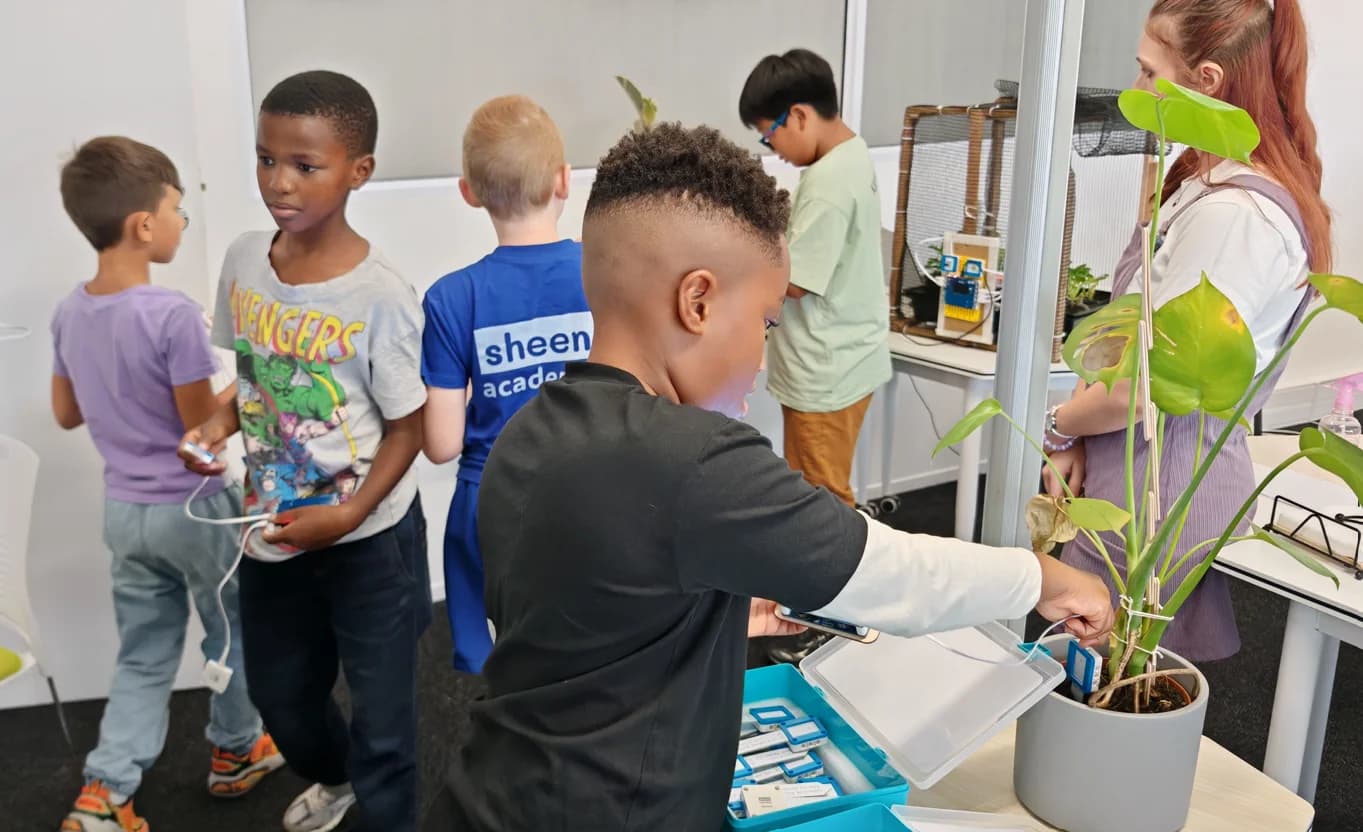
A Full Lab in Your Browser
Every component in the sheenbot∞ kit, modeled in real 3D and wired to the same MicroPython runtime your hardware uses.
Authentic 3D Board
Full sheenbot∞ board with NeoPixel LEDs, OLED, A/B buttons, slide switch, reset, CODEIT touch keys, USB-C and JST PH ports — all interactive.
44+ Sensors & Actuators
Analog, digital, output and motor modules — including TOF, color, gesture, heart-rate, RTC, encoder, MP3, voice recorder, plus the full LED-matrix and traffic-light family.
Save, Open, Export
Persist scenes to the cloud, reopen on any device, export the view as PNG, or download a .shnverse / LDraw bundle to share offline.
Component Library
Tap any tile for an orbitable 3D view, specs and typical uses.
Analog
Digital
Smart
Motors
LEDs
Displays
Audio
Plus 55 LEGO Technic structural parts — beams, panels, axles, pins, gears, wheels — and a GeekServo 180° rendered live from PWM.
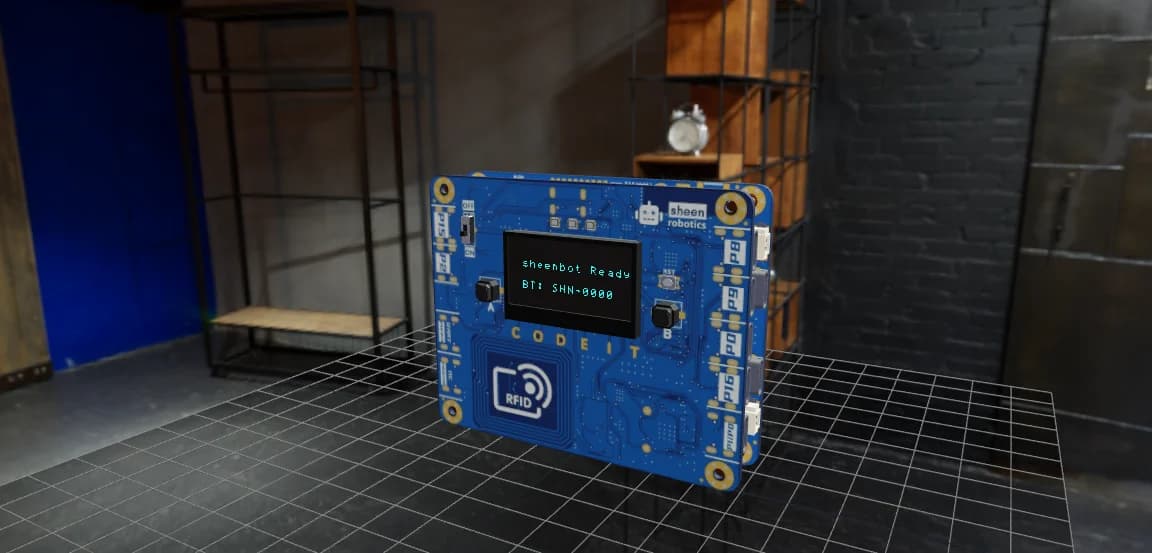
Same Runtime as the Hardware
The simulator interprets the same MicroPython your physical board runs — there’s no special simulator dialect. What works here works on the device.
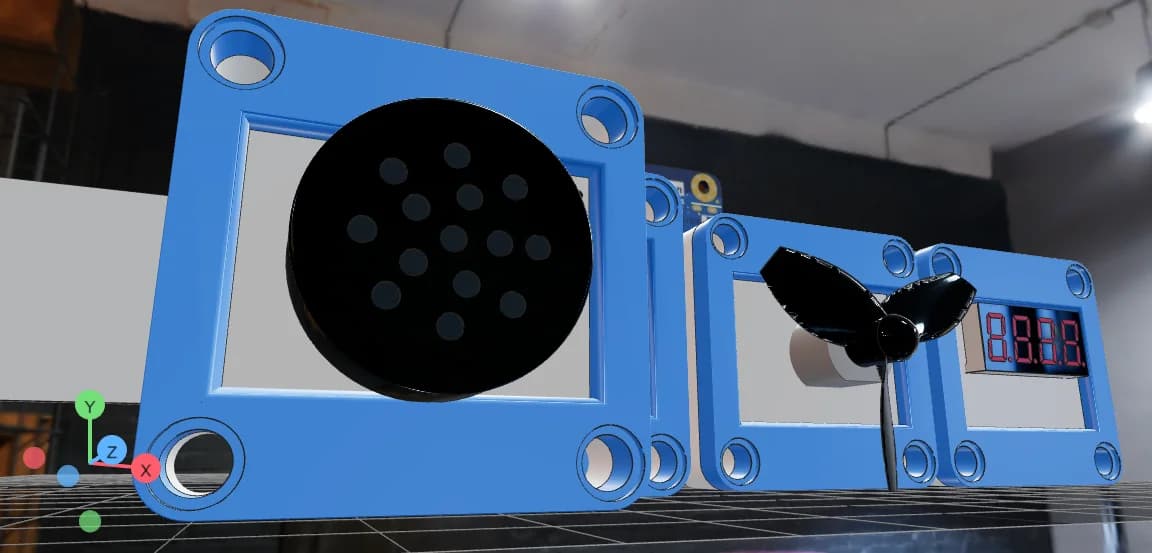
Live Pin, PWM & IRQ Visualization
GPIO state, PWM duty (fan RPM, servo angle, vibration), OLED frame buffer, NeoPixel colors, button presses and touch events all reflect into the 3D scene every frame.
Wires, Motors & Structures
Beyond sensor placement — full electromechanical assembly, the way students actually build robots.
JST PH Cables
4-pin JST cables (VCC / GND / sigA / sigB) render between the board ports and every sensor connector. Live signal mirroring animates the wire from GPIO state to module behavior.
PWM-Driven Motors
Fan motor with realistic DC inertia model, vibration motor, and a GeekServo 180° with slew-rate-capped rotation — everything driven by your real PWM channels.
LEGO Technic Builds
Snap structural parts to the board and to each other via the bond system. Save the full assembly — beams, axles, gears and all — alongside the sensors and code.
Built for South African Classrooms
- Zero hardware required: students can start coding immediately while waiting for kits to arrive — or when they don’t have one at home.
- Low-bandwidth friendly: the editor and simulator run fully in the browser — one page load, then lesson work stays on the device, light enough for Chromebooks or shared lab tablets.
- Hardware-parity by design: same pin map, same module APIs, so simulator-tested code transfers to a sheenbot∞ board without changes.
- Teacher-friendly review: students share a saved scene + code, teachers replay the exact assembly — sensors, cables, structures and HDRI — in their own browser.