
From idea to working program — one question at a time
Say “I want a smart weather station” and sheen walks the project through six stages — Idea → Sense → Do → When → Plan → Build — asking one guiding question per stage. The student makes every decision: which sensor, what threshold, what happens when.
- ·Confirms a plain-language plan before a single block is placed.
- ·The student picks the delivery: Challenge — a scaffold with a few gaps to finish themselves — or the complete program, ready to run.
- ·Voice input and read-aloud throughout — younger learners answer by speaking and tapping big picture choices.
Great idea! First, let’s work out how the program will know it’s hot.
How do you want to sense the temperature?
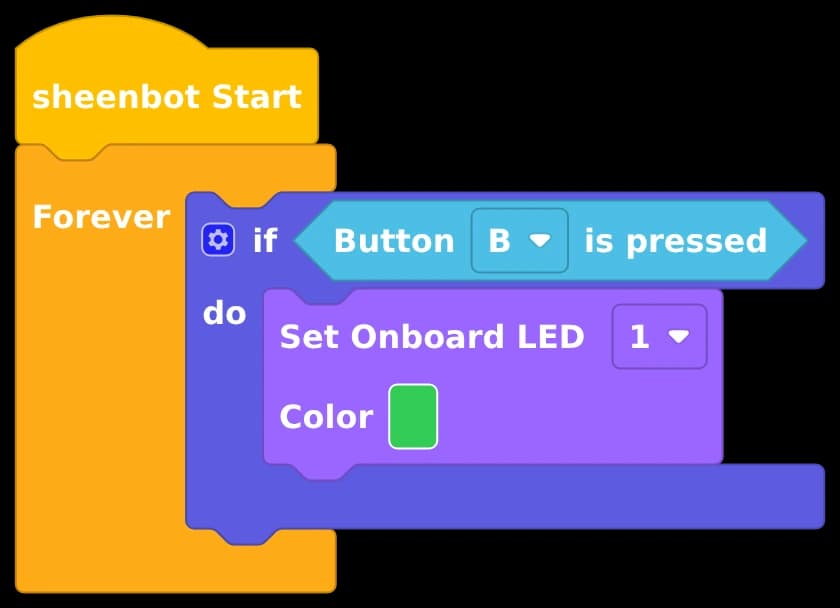
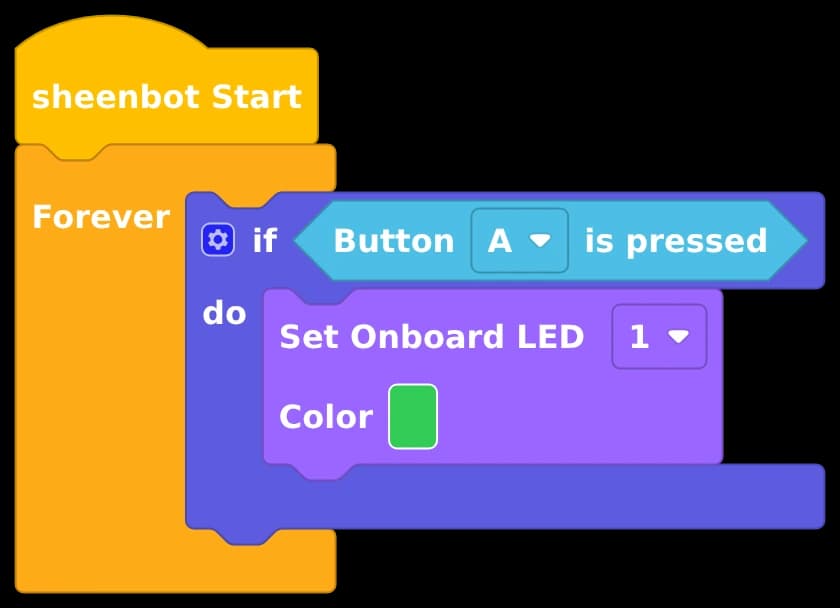
In your own words, what should your program do?
Already have code? Tell sheen what it should do
Open any program — yesterday’s project, a teammate’s remix, a sample from class — describe the scenario it must satisfy, and sheen works out what to adjust and what to fix. Help arrives in layers, never as a spoiler:
- 1.“The problem lives in this area” — the region glows on the canvas.
- 2.“This block looks suspicious, here’s why” — reasoning, not answers.
- 3.Only when truly stuck: the concrete change, applied to the student’s own blocks — opened as a new project, never overwriting their work.
Students who keep engaging — typing or saying where they think the bug is — get sharper nudges instead of the answer. Effort is rewarded with thinking time, not shortcuts.
Every program becomes a readable story
One tap turns the workspace into a step-by-step walkthrough: an overview first, then each step lights up the exact blocks it covers on the canvas while sheen explains what they do — read aloud for younger learners.
It ends with a challenge: two or three questions about their own program — their thresholds, their branches, their variables. A wrong answer doesn’t reveal the right one; it sends them back to their blocks to look again. Then sheen offers one small thing to try next, ready to build.
Where it shines:
- ·Inheriting a project — a new team member reads last term’s robot code in minutes, not lessons.
- ·Learning from examples — open a sample, understand it block by block, then remix it for a new scenario.
- ·Classroom review — teachers project a student’s build and let sheen narrate it for the whole class.
- ·Checking understanding — the closing questions work as an exit ticket: did they understand the program, or just finish it?
- ·Presentations & assessment — students rehearse explaining their own logic before they demo it.
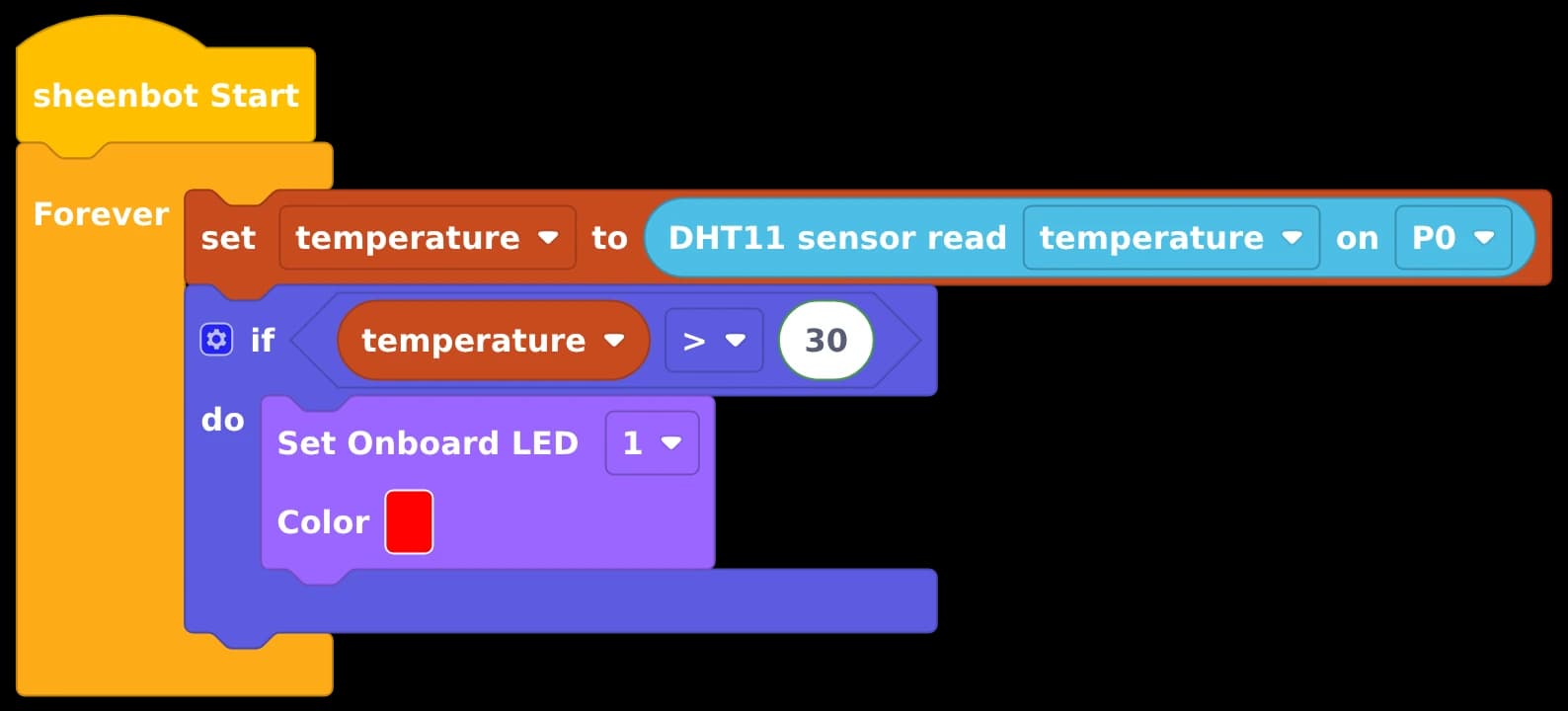
Set things up
The board and the temp & humidity sensor are initialised once, before the loop starts.
show on canvas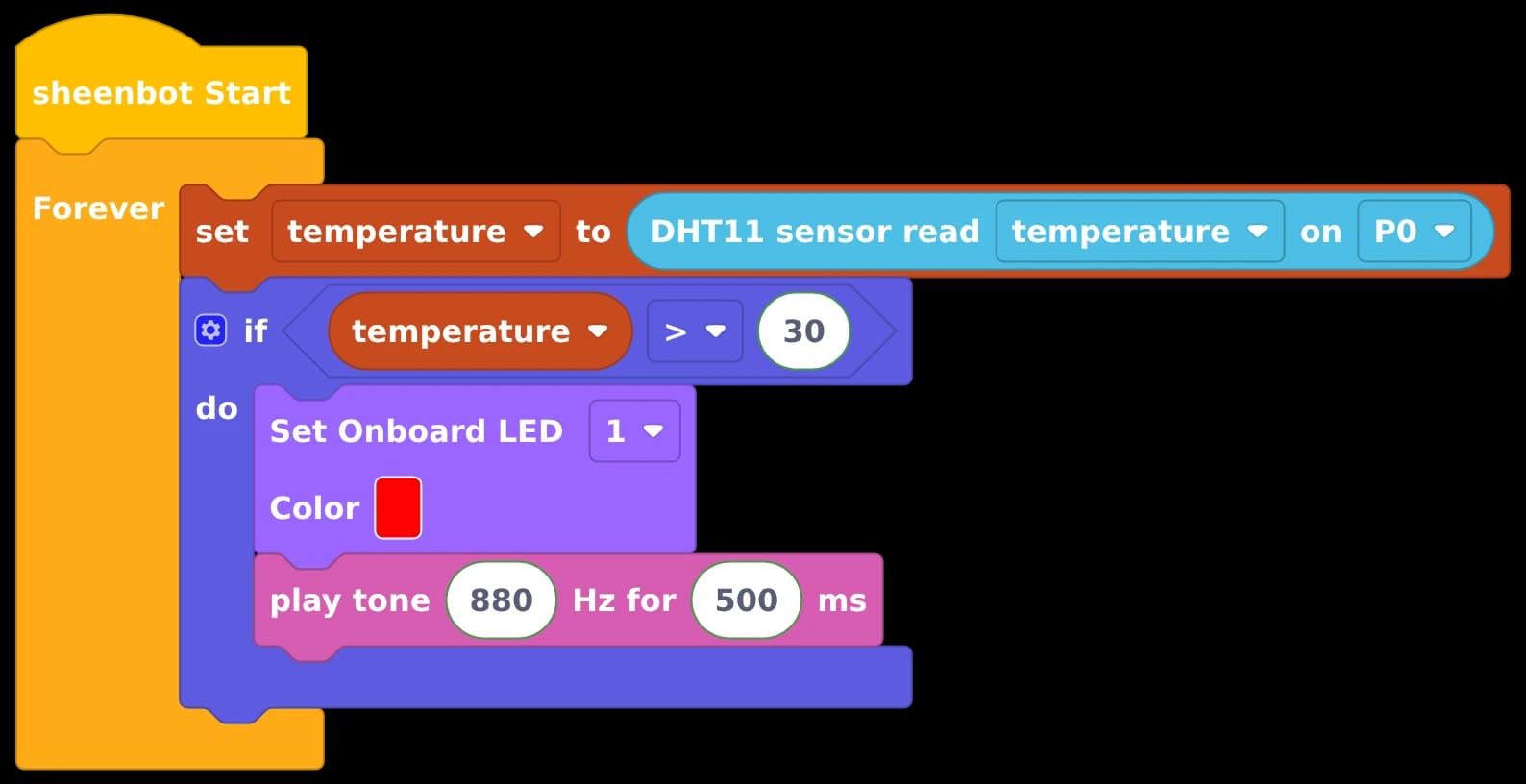
What would you like your project to do next?
Finished building? Keep going — one feature at a time
Open any project — AI-scaffolded or built entirely by hand — and tell sheen what it should do next. The new feature is planned with you, then merged into your program in place: your own blocks stay exactly as you built them.
- ·New blocks land glowing on the canvas, so everyone can see exactly what changed.
- ·One tap undoes the whole addition — and if the blocks were edited afterwards, sheen asks before discarding those changes.
- ·After every build sheen suggests the next ideas — tap a chip and the next feature session starts pre-filled. Projects grow feature by feature.
A tutor, not an answer machine
ask sheen is built on one rule: never think for the student. Every flow is designed to grow computational thinking, not bypass it.
Scaffolds by default
The default build leaves the key values as editable gaps with hints — the student finishes the thinking. The full program is there too, but it’s always the student’s explicit choice.
Age-aware by design
Ages 6–9 get spoken questions and big picture choices; older students get open questions that push them to reason about conditions, loops and sequence. Voice input works for everyone.
Explain it back
Builds end with “explain this back” prompts, and hints ask the student where they think the bug is — understanding is checked, not assumed.
It knows the board, not just the blocks
sheen understands the sheenbot∞ hardware it’s coding for: which modules are built in, which pins they occupy, and which combinations conflict. Suggest a wiring that collides with the on-board voice module or the I²C bus, and it flags the conflict before the student hits run.
Every block it mentions renders as a real block picture in the chat — tap it and the canvas locates the block, or guides you to it in the toolbox.
ask sheen in detail
The full reference for teachers and curious parents — the exact flows, buttons and guardrails behind each mode. Tap a topic to expand it, or open the complete illustrated handbook.
Getting started — the launcher and the two-step entry
ask sheen lives as a round blue button pinned to the canvas’s top-right corner — icon-only at rest, expanding on hover, and pulsing whenever a minimized session is waiting. It works in logged-in projects and on the free no-account canvas alike.
Clicking it opens a two-step entry. Step 1 asks “Who is coding today?” — Younger (voice & pictures) gets questions read aloud with big picture choices; Older (type or talk) gets open questions, typed or spoken. The choice is remembered on the device (a “Change” chip switches it any time — worth remembering on shared tablets).
Step 2 asks “What do you want to do?” and offers the four modes. A mode you have already opened shows “Resumes your current session.” — closing the dialog never loses progress.
Build something new — six stages, then a scaffold
The build flow walks Idea → Sense → Do → When → Plan → Build, asking exactly one guiding question per stage — which sensor, what threshold, what happens when. Every decision is the student’s; answers can be typed, spoken, or tapped as picture choices.
At the Plan stage sheen recaps the whole design in plain language for the student to confirm, and confirming picks the delivery: “Challenge — build a scaffold, I’ll finish it” (the default: gaps with hints and real block pictures), “Build the complete program for me” (always the student’s explicit choice, never volunteered), or “Change something” to keep planning.
Replies start streaming within ~2–5 seconds; the scaffold itself takes 10–20 seconds with staged narration and a live block counter. Every scaffold ships with “Before you build — explain it” prompts, is test-run in the sheenVerse simulator before delivery (a failing build is regenerated once, automatically), and always opens as a new project — it never overwrites the student’s work.
I’m stuck — how the layered hints behave
Debugging opens with “In your own words, what should your program do?” — stating the goal is often half the diagnosis. Help then arrives one layer at a time: Hint 1 — the area (the region glows on the canvas), Hint 2 — the suspect block (named, with the reasoning and a question to chew on), and only then Hint 3 — the fix.
Engagement is rewarded: a student who types or says where they think the bug is gets a sharper hint at the same level — only bare “Show me more” taps move down a layer, and “Just show me the fix” appears only after the first two layers. Every hint offers “Show me on the canvas”, which sets the panel aside and spotlights the blocks in question.
An accepted fix is applied to the student’s own blocks and opened as a new project, keeping the original for a before/after comparison.
Explain my code — walkthroughs tied to the canvas
One tap generates a step-by-step walkthrough of whatever is on the canvas: an overview first, then each step spotlights exactly the blocks it covers while the card explains them — with Prev/Next to move freely and read-aloud on every step (auto-played for younger learners).
The last page is a challenge — two or three multiple-choice questions written from the student’s own program (their threshold, their branches, their variable names), so a question that would also fit someone else’s project doesn’t belong there. A wrong pick greys out that option and asks them to look at their blocks again without revealing the answer; a right one explains why, pointing at the block that proves it. Younger learners hear the question and the options read aloud.
After the last question sheen offers one “now you try” idea built on blocks they already have — one tap opens the “add to my project” conversation with that idea already filled in, so understanding turns straight into the next build.
The walkthrough reflects the canvas at generation time — after editing the program, the refresh button re-fetches it; switching age band or language regenerates it for the new audience. An empty canvas is prompted to add blocks first.
Where it shines: new teammates inheriting a project, studying samples before remixing them, projecting a student’s build for a narrated class review, checking comprehension as an exit ticket, and rehearsing the story before a demo or assessment.
Add to my project — how extend keeps blocks safe
The fourth mode grows an existing project — AI-scaffolded or built entirely by hand. It has two entrances: the “Add to my project” card in the mode chooser, and the “Want to add a feature next?” idea chips sheen offers after every build — tapping a chip starts the next feature session pre-filled, so projects can grow feature by feature.
The flow is Goal → Plan → Build: say what the project should do next (“What would you like your project to do next?”), confirm the plan, and the new feature is merged into the program under a strict preservation contract — the student’s existing blocks, values and wiring are kept exactly as built, and any fill-in gaps land only on the new blocks. If preservation ever slips, an amber notice says so up front and suggests checking the blocks.
Unlike scaffolds (which open as new projects), an accepted feature is applied in place: the new blocks glow on the canvas so the change is visible, and “Undo this change” reverts the whole addition in one tap — if the blocks were edited after the merge, sheen asks before discarding those edits too.
Voice and accessibility
Every question carries a speaker button that reads it aloud (automatic in the younger band), and a mic button that turns speech into a live transcript — typing speed is never the bottleneck. Conversation mode goes fully hands-free: sheen reads the question, auto-opens the mic, and a natural pause submits the answer.
The younger band pairs auto read-aloud with big picture choices and a big mic — six-year-olds who can’t read yet complete the whole flow. Voice needs the browser’s microphone permission; typing keeps working regardless.
Sessions, safety and feedback
Panels minimize to a pulsing pill (conversation intact), closing keeps the session for a later “resume”, and “Start over” is the only way a conversation is cleared. Scaffolds and fixes always open as new projects, so student work is never overwritten.
sheen knows the sheenbot∞ board — built-in modules, pin usage, bus conflicts — and flags a clashing wiring plan before the student hits run. Blocks mentioned in chat render as real block pictures; tapping one locates it on the canvas or guides the student to it in the toolbox.
After any build or debugging session, a Feedback button lets users rate the help and — after fixing the blocks themselves — send the corrected program as a teaching example that improves the tutor for every classroom.