Why won't my ESP32 connect to the school WiFi?
School WiFi blocks ESP32s with WPA2-Enterprise logins, captive portals and device policies, not a faulty board. Ask IT for a PSK IoT SSID, or sidestep WiFi with ESP-NOW mesh, BLE or LoRa.
TL;DR
- Your ESP32 will not connect to school WiFi because school networks demand things a microcontroller cannot provide: a WPA2-Enterprise login (eduroam-style username plus certificate), a captive portal that needs a browser, or MAC registration and two-factor policies. Firmware that only knows SSID + password fails at step one. It is policy and protocol, not a broken board.
- The fastest legitimate fix is to ask the IT department for a PSK guest SSID, an IoT VLAN, or a MAC allowlist entry. The exact wording to use is below.
- Phone hotspots and travel routers get you through a demo, but they route around policy, may breach acceptable-use rules, and die when the phone sleeps.
- The durable answer is architecture: an ESP-NOW mesh with one bridge node, BLE provisioning, LoRa for range, or offline-first logging with later sync. Only one device, or none, ever touches the school network.
- Home and farm variant of the same pain: WPA1/TKIP-only routers also fail with modern ESP32 firmware. The scan sees the access point, but connect returns NO_AP_FOUND. Upgrade the router to WPA2.
The most repeated wall in classroom IoT
Search any maker forum for "ESP32 school WiFi" and you will find the same story on repeat: the project works perfectly at home, then arrives at school and cannot get online. It hits teachers, students and even instructors who run the course:
"I am currently an instructor at a community college and the IT department won't let us use the installed Wi-Fi to teach with Wi-Fi boards (esp32 or others). … Do we have to buy our own Wi-Fi service, or is the IT department just overeacting."
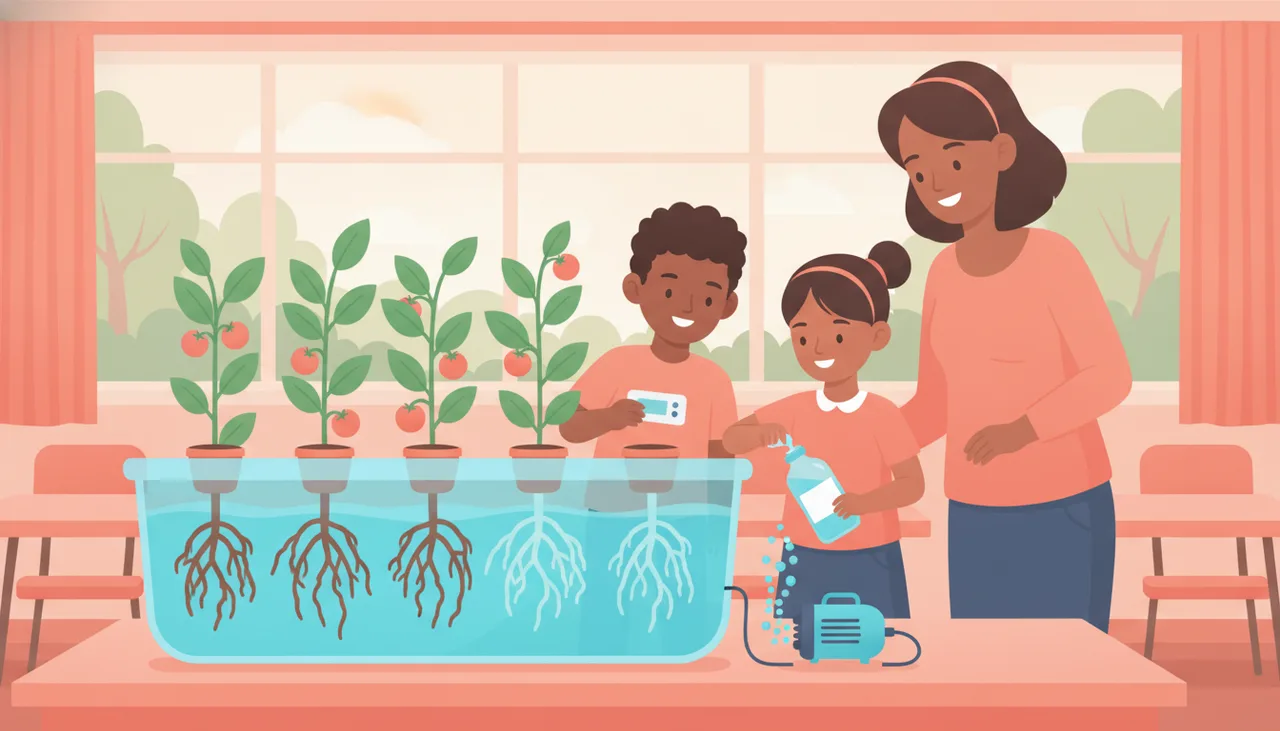
"I'm building a hydroponics controller … working great … connected to a 2.4 GHz secured hotspot. However, the two networks available for long-term deployment are Eduroam and a network secured by a captive portal."
"My schools wifi requires a username, password and a duo factor authentication to be able to connect so I can't use simple wifi(ssid, password). Has anybody ever had a similar issue ?"
Teachers shopping for classroom kit have learned the lesson and now ask for it up front:
"Would love something that has a panel and doesn't rely on connecting to the school's wifi"
— a teacher buying classroom hydroponics, r/Hydroponics, Dec 2023
The standard workaround seen across more than seven r/esp32 threads is the same: buy a personal hotspot or a travel router. In other words, people spend money on extra hardware just to route around the school network. Before you do that, it helps to understand exactly why the board is being rejected.
Why school WiFi rejects your board
1. WPA2-Enterprise wants an identity, not a password
Home WiFi uses WPA2-Personal: one shared password (a "pre-shared key", PSK) for everyone. School and university networks such as eduroam use WPA2-Enterprise: each user authenticates with a username, a password and often a certificate, checked against a central RADIUS server. Most hobby firmware, and most block-coding environments, simply have no user interface for any of that. The board is not failing; it is being asked a question it has no way to answer.
2. Captive portals need a browser your board does not have
Guest networks often look open but redirect the first web request to a login page: accept the terms, enter a voucher code, click a button. That flow assumes a human with a browser and a screen. A headless microcontroller can associate with the access point, but it can never click "accept", so it sits in a walled garden with no real internet access.
3. Device registration, MAC filtering and two-factor policies
Many schools additionally require every device to be registered by its MAC address, or push two-factor prompts to a phone app before granting access. A student board is an unmanaged, unregistered device with no phone attached. Under those rules it is blocked by design, and some boards randomise their MAC address, which breaks allowlists even when IT tries to help.
4. Sometimes it is not technical at all: IT says no
The instructor quoted above was not defeated by a protocol. The IT department refused. That refusal is usually defensible: dozens of unmanaged microcontrollers on a network that carries learner records and exam material is a genuine security and support burden. Treat IT as a stakeholder with legitimate concerns, not as an obstacle, and your odds improve dramatically.
The home and farm variant: WPA1/TKIP-only routers
A related failure hits people far from any school. Older routers running WPA1 with TKIP encryption are rejected by modern ESP32 firmware for security reasons. The symptom is confusing: the network appears in a scan, but every connect attempt fails with NO_AP_FOUND. No code change fixes this. Set the router to WPA2 (or replace it) and the board joins normally. If you are deploying to a farm shed or a granny flat with a decade-old router, check this first.
What actually works
Option 1: Ask IT properly, using their vocabulary
Most requests fail because they sound like "please weaken the security". Ask instead for one of three standard, contained solutions that network admins deploy all the time:
- A separate IoT VLAN: an isolated network segment for lab devices, firewalled off from admin and learner systems.
- A WPA2-PSK SSID: a simple password-protected network, ideally hidden or low-power, that only covers the robotics room.
- A MAC allowlist: you supply the fixed MAC addresses of the class set; IT admits only those devices.
A request worth copying: "Could we have a WPA2-PSK SSID on an isolated VLAN for the robotics lab, internet-only, no access to internal systems, limited to N known MAC addresses which I will supply? Happy to have it rate-limited and switched off outside lesson times." That one sentence shows you understand their concerns, and it turns a policy argument into a routine change ticket.
Option 2: Phone hotspot or travel router, with eyes open
A hotspot works because it is a plain WPA2-PSK network you control, and ESP32-class boards speak 2.4 GHz WiFi happily. For a one-off demo it is fine. As a term-long plan it has real problems: the phone sleeps or leaves the room and the whole project drops offline; mobile data costs add up, which stings in South Africa; and on many campuses a private access point violates the acceptable-use policy, so clear it with IT rather than hiding it. A travel router on the classroom's wired port is more stable, but it needs IT's blessing anyway, at which point Option 1 is usually the better ask.
Option 3: Design so the school network stops mattering
The strongest position is an architecture where student devices never need infrastructure WiFi at all:
- ESP-NOW mesh with one bridge: ESP-NOW is a peer-to-peer radio protocol between ESP32-class boards that needs no router and no password. Student boards talk to each other directly; a single bridge node holds the one internet connection (a hotspot, a staffroom LAN port, or the one MAC address IT agreed to allowlist). One device to secure instead of thirty.
- BLE for setup and control: Bluetooth Low Energy pairs a board with a phone or laptop for provisioning and dashboards without any network in the loop.
- LoRa where distance rules WiFi out: for school gardens, weather stations and farm plots, LoRa carries small sensor packets over kilometres, no WiFi anywhere.
- Offline-first logging: log to flash or an SD card during the lesson, sync later from a network you control. Load shedding makes this a good habit in South African schools regardless of WiFi policy.
How sheen designs around this
This wall shaped our hardware choices. The sheenbot∞ board carries WiFi, BLE and ESP-NOW radio on board and works fully offline, with no account, subscription or cloud dependency. In classroom deployments, boards form a router-free ESP-NOW mesh with a single bridge node holding the only network connection, the same architecture our retrofit smart-home nodes use behind one mainboard bridge. sheenIoT adds BLE-assisted pairing so devices join a fleet without touching school WiFi, and our off-grid smart farming systems use solar LoRa field nodes with kilometre range where WiFi was never an option. For pure coding lessons, the sheen canvas and sheen verse simulators run real MicroPython in the teacher's browser, so students can write and test IoT logic with zero devices on the network. One honest limitation: like other ESP32-class boards, joining WPA2-Enterprise or eduroam is not a supported classroom path. We design around it rather than fighting it.
Connectivity options compared
| Option | Setup difficulty | IT approval needed | Range | Classroom fit and main drawback |
|---|---|---|---|---|
| School WiFi (IoT VLAN / PSK SSID) | Low for you, a change ticket for IT | Yes, essential | Whole campus | Best long-term if granted; approval can take weeks or be refused outright |
| Phone hotspot | Very low | Formally yes, often skipped | One room | Great for demos; drops when the phone sleeps, mobile data costs, may breach policy |
| Travel router | Low to medium | Yes, it plugs into their network | One or two rooms | Stable and cheap; still needs the same IT conversation, so often redundant |
| ESP-NOW mesh + one bridge node | Medium (needs boards with ESP-NOW, e.g. sheenbot∞) | Only for the single bridge, or none if the bridge uses a hotspot | Room to building, mesh extends it | Strongest classroom fit; internet access still depends on the one bridge link |
| LoRa nodes | Medium to high | No | Kilometres | Ideal for gardens, farms, weather stations; low bandwidth, sensor data only, extra radio hardware |
FAQ
Can an ESP32 connect to eduroam or other WPA2-Enterprise WiFi?
Not as a practical classroom path. WPA2-Enterprise needs a per-user identity checked against a RADIUS server, and hobby firmware and block-coding environments have no supported flow for it. A handful of advanced firmware builds attempt it, but results are fragile and per-network. Plan an architecture that does not depend on it.
Can an ESP32 get past a captive portal?
No. A captive portal expects a human in a browser to accept terms or enter a code. A headless board can associate with the access point but never completes the login, so it stays in the walled garden. Ask IT for a PSK network instead, or use a bridge device that holds the connection.
Why does my ESP32 see my WiFi in a scan but fail to connect with NO_AP_FOUND?
If this happens at home or on a farm, the router is likely WPA1/TKIP-only. Modern ESP32 firmware refuses those networks for security reasons, even though the scan still lists them. Change the router's security mode to WPA2 (or replace the router) and the board will connect.
What exactly should I ask the school IT department for?
Ask for a WPA2-PSK SSID on an isolated IoT VLAN, internet-only, restricted to a MAC allowlist you supply, rate-limited and active only during lessons. Those words show you are asking for a contained, standard configuration rather than an exception to security policy, and they map directly onto tools IT already has.
Can students learn IoT with no WiFi at all?
Yes. Boards can exchange live sensor data over an ESP-NOW mesh with no router, log offline for later sync, or pair over BLE. And browser simulators like sheen verse run real MicroPython, so a whole class can build and test IoT logic before a single device needs a network.
Is a phone hotspot allowed for classroom IoT?
Technically it almost always works, since it is a plain 2.4 GHz WPA2-PSK network. Whether it is allowed depends on your school's acceptable-use policy; many campuses prohibit private access points. Ask first. If IT is comfortable with a hotspot, they will usually be comfortable giving you a proper PSK SSID, which is better.