Why Micro:bit Radio Messages Stop Arriving When the Whole Class Tests at Once
When twenty micro:bits broadcast on the default radio group in a classroom, packet collisions and receive-buffer flooding silence your project. Here is how to structure groups, transmit intervals, and payloads for rock-solid testing.
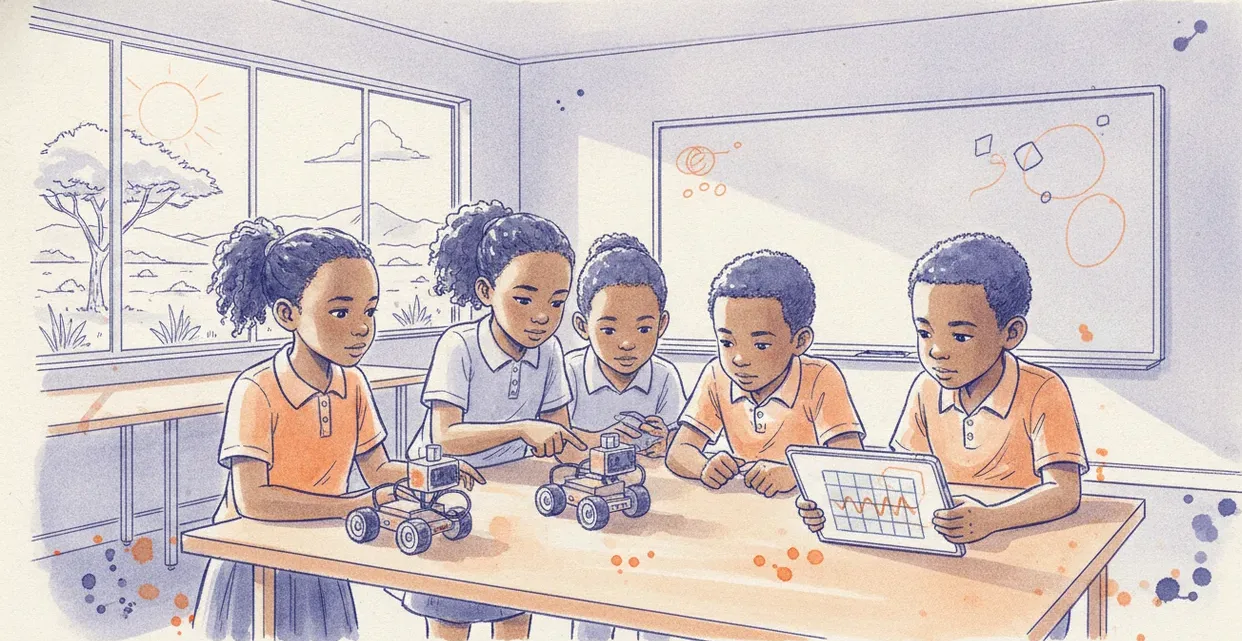
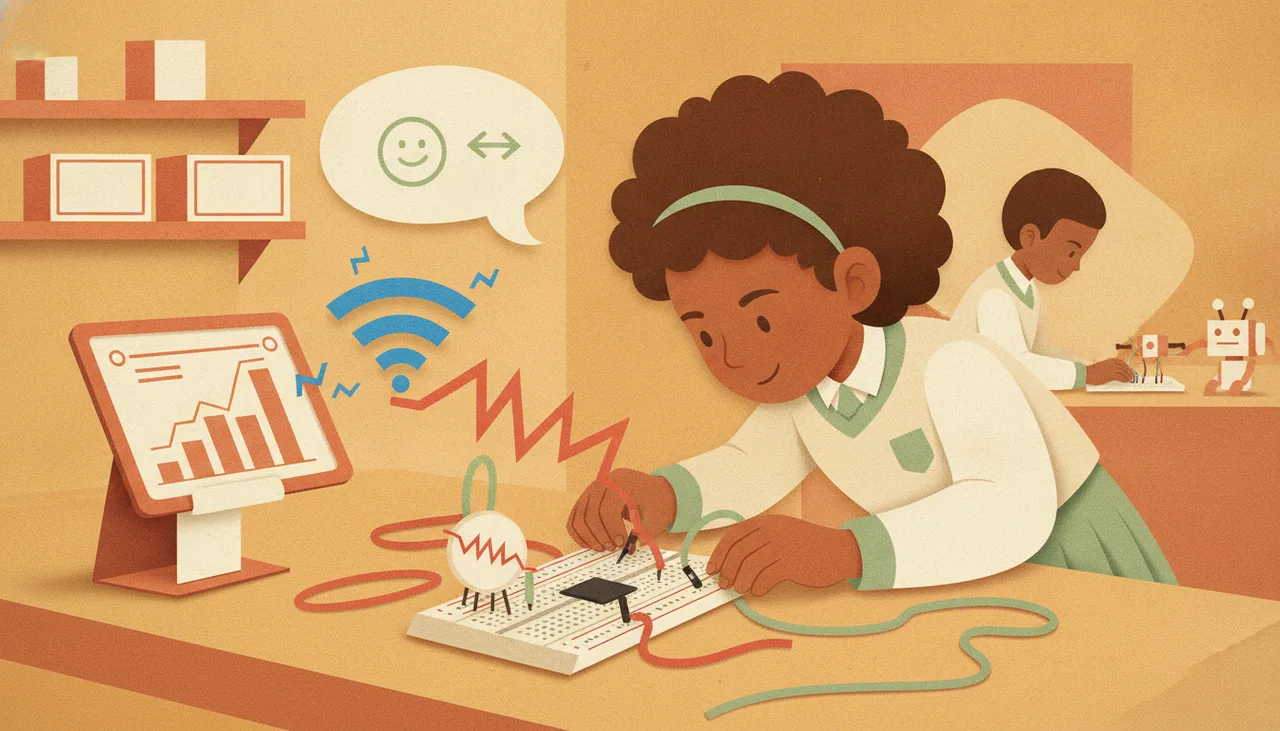
When a student pair tests a micro:bit radio script alone at a desk, it almost always works. When twenty pairs test the same script simultaneously, the network collapses: messages arrive seconds late, arrive intermittently, or vanish entirely. The hardware has not broken, and the school WiFi is not interfering. Your classroom has run directly into two fundamental networking bottlenecks: unthrottled physical packet collisions and receive-buffer flooding.
The Two Invisible Choke Points
To fix the issue, you have to understand what the BBC micro:bit is actually doing when it runs the MakeCode radio blocks. The micro:bit uses a Nordic Semiconductor transceiver (the nRF51 on v1, or nRF52 on v2) operating on the 2.4 GHz spectrum. By default, it operates without a carrier-sensing handshake or an automatic retry protocol.
When a lesson script instructs a micro:bit to send a signal, it creates two distinct problems at scale:
- Airtime Collisions: If two micro:bits transmit on the same frequency band at the exact same instant, their radio signals overlap in the air. The receiving antenna picks up a garbled mix of both transmissions. The micro:bit checks the packet's Cyclic Redundancy Check (CRC), discovers the corruption, and discards the packet silently. No error is thrown; the data simply vanishes.
- RX Buffer Exhaustion: The micro:bit software runtime (CODAL / DAL) stores incoming radio packets in a small hardware-backed receive buffer, typically holding just four packets before passing them to your user code. If four micro:bits send messages while the receiver is updating its 5×5 LED display or waiting inside a pause block, that buffer fills immediately. Every subsequent message arriving during that window is dropped.
The Real Problem: The "Forever" Loop Firehose
In almost every failing classroom, the culprit is a beginner coding pattern that looks like this:
basic.forever(function () {
    radio.sendNumber(input.acceleration(Dimension.X))
})
Inside a standard forever loop with no explicit delay, a micro:bit will broadcast between 30 and 50 packets every single second. One student pair generating 40 packets per second uses a modest sliver of local airtime. Multiply that by fifteen pairs working simultaneously in a single classroom, and the room is suddenly flooded with 600 packets per second.
Because basic radio code transmits blind—meaning the micro:bit does not wait for a clear channel before sending, nor does it ask for an acknowledgement—broadcasting at high frequency virtually guarantees that every transmission will collide with another device's packet mid-air.
How to Structure Reliable Classroom Radio
Fixing radio unreliability does not require advanced networking protocols. It requires four basic classroom coding disciplines.
1. Never Use the Default Radio Group
Tutorials frequently tell learners to write radio.setGroup(1). If the entire class uses group 1, every receiver processes every transmitter's packets, even if you filter them later in software. MakeCode supports groups from 0 to 255. At the start of term, assign each desk or pair their own permanent group number:
- Pair 1 uses
radio.setGroup(10) - Pair 2 uses
radio.setGroup(20) - Pair 3 uses
radio.setGroup(30)
Group IDs change the network address configuration on the chip. While groups close together still share the same general 2.4 GHz channel space, filtering at the hardware address level prevents foreign packets from flooding a neighbouring pair's receive queue.
2. Ban Unthrottled Loops
Except for rare high-frequency physics telemetry, there is almost no school project that requires 50 updates per second. A remote-control buggy or tilt-controller responds smoothly at 5 to 10 updates per second. Enforce an explicit pause inside every continuous transmission loop:
basic.forever(function () {
    radio.sendValue("speed", currentSpeed)
    basic.pause(100) // 10 packets per second maximum
})
Better still, move from polling to event-driven transmission. A controller should only broadcast when the user presses a button, tilts past a significant threshold, or detects an obstacle. If nothing has changed, the radio should stay silent.
3. Introduce Timing Jitter
If every micro:bit in a room broadcasts strictly every 100 milliseconds, their clocks eventually synchronize in lockstep—meaning two devices will collide repeatedly on every cycle. You can eliminate rhythmic collisions by adding pseudo-random "jitter" to the loop delay:
basic.pause(100 + Math.randomRange(0, 30))This slight 0–30 millisecond randomization ensures that even if two devices collide on one frame, their next transmissions will fall out of phase, allowing the packets to get through cleanly.
4. Strip Your Payloads Down
Radio transmission takes physical time; the longer the packet, the wider the collision window. MakeCode allows you to send long strings with radio.sendString("FORWARD_LEFT"), but strings consume dozens of bytes. Instead, use single integers or single-character value pairs:
| Intended Action | Poor Payload (High Airtime) | Disciplined Payload (Low Airtime) |
|---|---|---|
| Steering command | radio.sendString("DRIVE_LEFT") | radio.sendNumber(1) |
| Telemetry read | radio.sendValue("temperature_c", 24) | radio.sendValue("T", 24) |
| Stop signal | radio.sendString("EMERGENCY_STOP") | radio.sendNumber(0) |
What to Do When the Whole Class Must Talk to One Receiver
In group voting activities or weather-station logging, fifteen student micro:bits must send data to a single hub micro:bit. This architecture is particularly prone to buffer collapse.
To make this work without dropped data, invert the communication flow: implement a polling architecture instead of a free-for-all broadcast. The central hub micro:bit broadcasts a request for a specific ID (for example, sending the number 1). Only the student device configured as device 1 transmits its payload. Once received, the hub calls for device 2. This round-robin structure completely eliminates collision risk and guarantees that the receiving micro:bit never has more than one packet waiting in its buffer at a time.
For structured programmes managing dozens of learners building networked hardware projects, Sheen Robotics outlines modular curriculum and classroom configurations through Infinity for Schools to help keep hardware practicals running predictably rather than troubleshooting invisible spectrum collisions.