Why Classroom Bluetooth Drops (and How to Fix It)

Bluetooth drops in full classrooms due to 2.4 GHz RF congestion and BLE advertising packet collisions across 20+ simultaneous devices. Here is the classroom protocol to fix it.
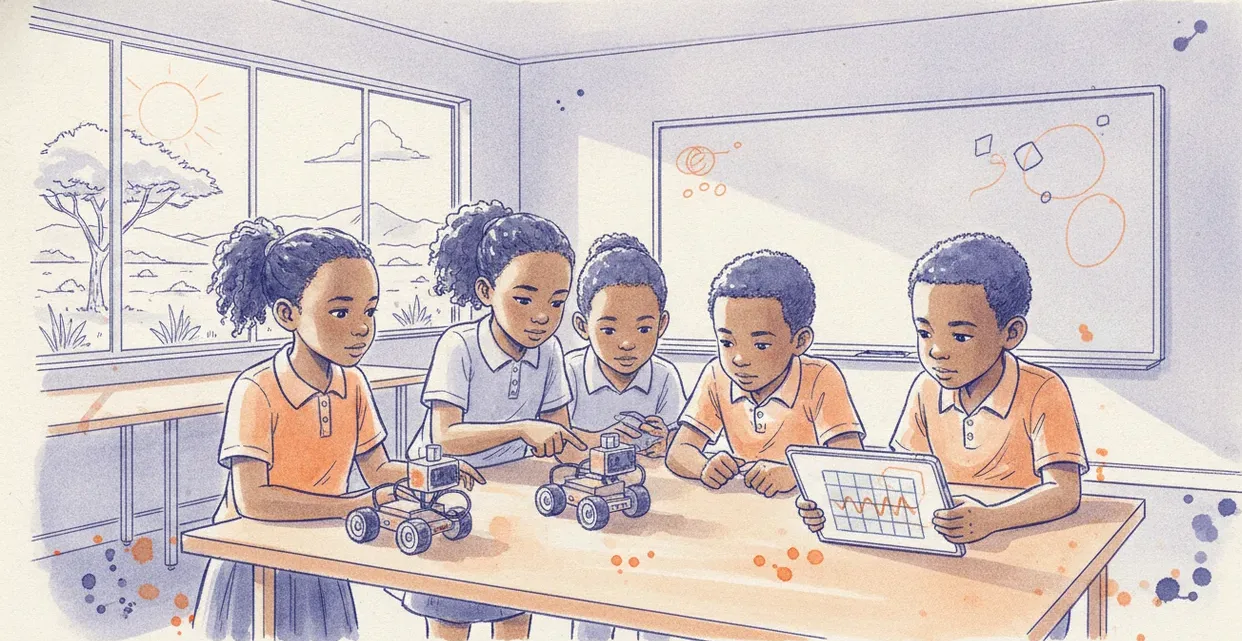
When a single robotics kit sits on a teacher's test bench, Bluetooth Low Energy (BLE) works flawlessly. Put thirty of those same kits into a standard classroom alongside thirty tablets, an enterprise Wi-Fi access point, and forty mobile phones, and connections begin dropping within five minutes. The hardware is rarely faulty; the problem is radio frequency congestion in the unlicensed 2.4 GHz band and unmanaged BLE advertising packet collisions.
The Physics: Why 2.4 GHz Collapses at 09:00
Bluetooth Classic and BLE operate within the 2.4 GHz industrial, scientific, and medical (ISM) radio band, spanning 2.400 GHz to 2.4835 GHz. This tiny slice of electromagnetic spectrum is shared simultaneously by:
- School Wi-Fi access points (often running 20 MHz or 40 MHz wide channels on Wi-Fi channels 1, 6, and 11).
- Learner tablets and laptops transmitting Wi-Fi traffic.
- Learner smartphones searching for networks and Bluetooth peripherals.
- Microcontroller development boards (micro:bit, ESP32, Raspberry Pi Pico W, Arduino) broadcasting BLE advertising packets.
- Human bodies, which consist largely of water and actively absorb 2.4 GHz signals.
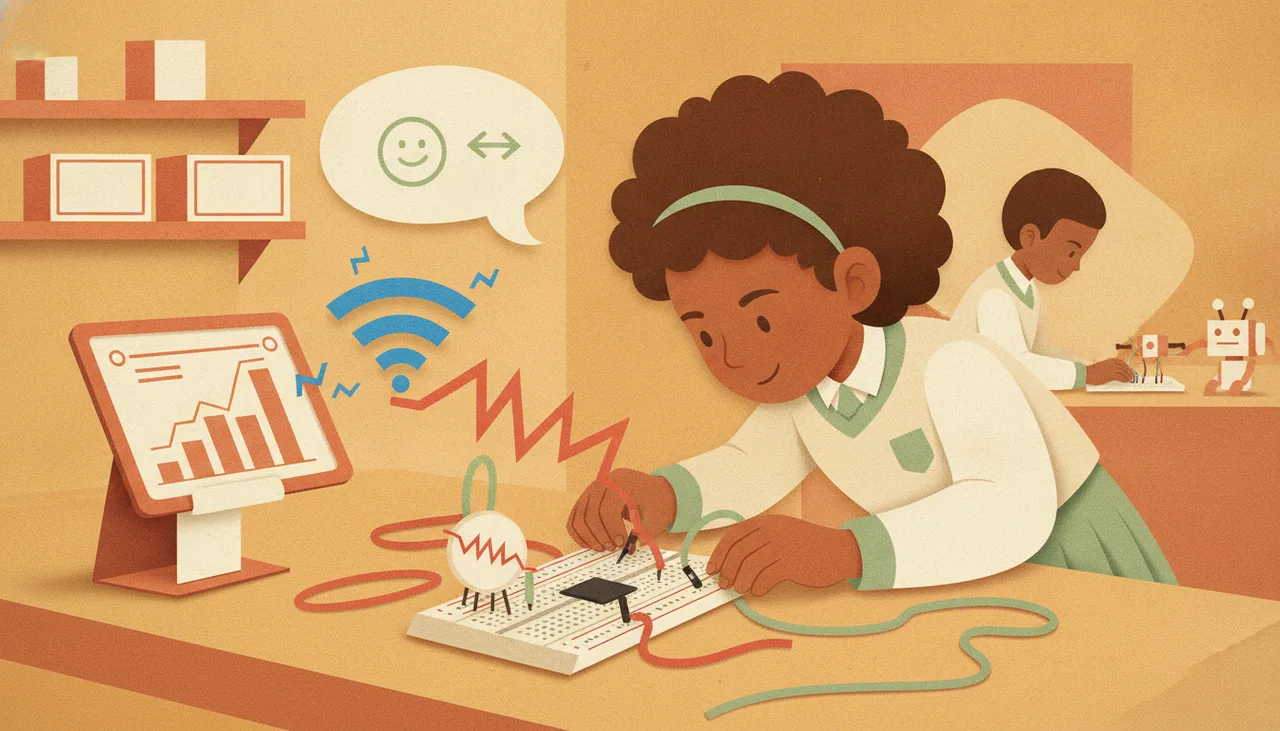
Before a BLE device connects, it must advertise its presence. BLE allocates exactly three dedicated radio channels for discovery and connection initiation: Channel 37 (2.402 GHz), Channel 38 (2.426 GHz), and Channel 39 (2.480 GHz). These channels were positioned deliberately to fit in the gaps between standard non-overlapping Wi-Fi channels 1, 6, and 11.
However, when twenty-five microcontrollers broadcast advertisements on these three channels every 100 milliseconds, and twenty-five tablets actively scan those same three channels while maintaining high-throughput Wi-Fi connections to the school network, RF collision becomes inevitable. Packets collide in the air, the Cyclic Redundancy Check (CRC) fails, packets are discarded, and the BLE connection handshake times out.
The Human Factor: Cross-Pairing and Search Storms
RF physics accounts for dropped packets, but classroom human dynamics compound the problem. In a typical robotics lesson, chaos usually follows an identifiable pattern:
The teacher announces: 'Open your browser and connect your robot.' Thirty learners click 'Scan' within the same five-second window. Thirty tablets flood the 2.4 GHz band with scan requests, while thirty robots flood the band with advertising responses.
In this 'search storm', tablets struggle to resolve device names. If every board is named BBC micro:bit or ESP32_BLE, learners inevitably connect to their neighbour's robot two desks away. The moment Learner A uploads code to Learner B's robot, Learner B assumes their connection has dropped and hits 'Scan' again, triggering another round of RF noise.
The Classroom Pairing Protocol
You do not need to replace your hardware to get reliable wireless connectivity. You need an operational protocol that manages RF noise and human error.
| Layer | Intervention | Technical Reason |
|---|---|---|
| Naming | Permanent alphanumeric IDs (e.g., BOT-A01 to BOT-A15) matching physical desk labels. | Eliminates scanning ambiguity and prevents cross-room pairing. |
| Proximity | Touch-pairing (tablets held within 10 cm of the board during handshake). | Maximises signal-to-noise ratio during the critical initial key exchange. |
| Sequencing | Staggered connection by desk clusters (3–4 pairs at a time). | Prevents 30-device BLE advertising storms across Channels 37, 38, and 39. |
| Software | RSSI filtering (rejecting signals weaker than -60 dBm). | Forces the tablet to ignore every board except the one right in front of it. |
1. Enforce Strict Physical and Logical Naming
Never leave robotics boards with default factory names. Label each microcontroller physically with high-contrast vinyl tape (e.g., LAB-01 through LAB-20). Flash firmware onto the boards that sets the BLE advertised local name to match that exact label. Pair desk positions directly to device names: the learner seated at Desk 04 only ever attempts to connect to LAB-04.
2. Implement RSSI Thresholding
Received Signal Strength Indicator (RSSI) measures signal power in decibels relative to one milliwatt (dBm). Typical values range from -30 dBm (device resting directly on the tablet) to -90 dBm (device across the room through two concrete pillars).
If you use Web Bluetooth or custom coding environments, configure your connection filters to enforce an RSSI threshold of -60 dBm or stronger. This ensures that when Learner 04 scans, the tablet physically refuses to list boards sitting across the classroom, instantly eliminating 90% of cross-pairing errors.
3. The 'Row-by-Row' Pairing Routine
Establish pairing as a structured classroom procedure rather than an uncontrolled free-for-all. Have Row 1 connect their devices while Rows 2, 3, and 4 wait with their microcontrollers powered off. Once a BLE device completes its handshake, it moves from the congested advertising channels (37, 38, 39) to standard data channels (0–36) using adaptive frequency hopping, which dramatically reduces background interference for the next group.
When to Fall Back to WebUSB
Wireless programming is convenient for wheeled rovers driving across the floor, but it is the wrong choice for benchtop electronics, sensor calibration, and high-frequency serial telemetry. If your lesson involves rapid iterative debugging—where learners flash new code every forty seconds—tether the boards using physical USB cables.
Modern browser-based environments supporting WebUSB eliminate driver installations and bypass 2.4 GHz RF congestion entirely. Platforms like Sheen Canvas provide direct WebUSB and Web Serial flashing capabilities alongside Web Bluetooth, allowing teachers to reserve wireless operation for final deployment while keeping coding and debugging fast, deterministic, and frustration-free.
For schools designing dedicated robotics laboratories or scaling up to multi-class rollouts, our team helps set up hardware workflows and classroom management protocols through our school support services.