Why Your Classroom 3D Printer Nozzle Keeps Clogging Between Periods
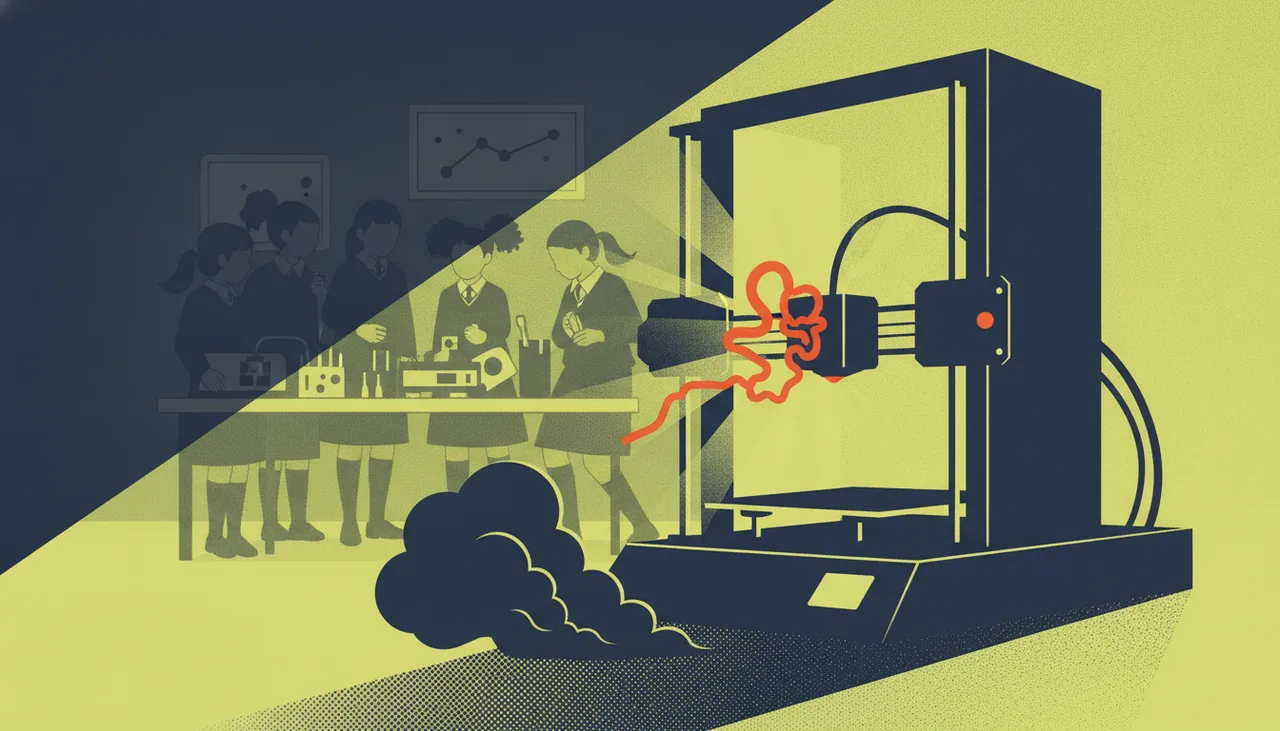
Classroom 3D printer clogs between periods are rarely caused by bad filament. They stem from heat creep after abrupt power-offs, baked PTFE liners, and workshop dust.
When a classroom 3D printer finishes a print cleanly during Period 3 but is jammed solid by the time Period 4 sits down, the filament is almost never at fault. The clog did not happen during printing; it happened during the transition. The culprit is almost always heat creep caused by switching the machine off too soon, combined with baked PTFE liners and ambient dust settling on unsealed spools.
1. The Bell-Rings Shutdown and Heat Creep
The most common cause of between-period clogs is human habit at the end of a lesson. When the bell rings, learners pack up, and the teacher flips the main power rocker on the printer or turns off the master wall socket. At that moment, the nozzle heater turns off, but so does the 30mm or 40mm cooling fan directed at the heatsink above the heater block.
A 3D printer hotend relies on a steep thermal boundary known as the transition zone. Below the heat break, the heater block stays at roughly 200°C to 215°C to melt PLA. Above the heat break, the heatsink must remain cool—ideally below 45°C—so the solid filament acts as a rigid piston pushing the molten plastic out through the 0.4mm nozzle. When you kill mains power while the block is still at 200°C, forced airflow stops instantly. Heat radiates upward through the metal throat into the cold zone. The filament resting in the heat break absorbs this thermal energy, softens past its glass transition temperature (around 55°C to 60°C for PLA), expands laterally, and wedges itself against the internal walls of the throat. When the next class powers the machine up, the extruder motor skips and clicks because it is trying to push a solid, bulbous plug through a narrow metal tube.
In South African schools, this is compounded by climate and infrastructure. In a school technology room, an uninsulated prefab classroom, or a lab under an unceilinged corrugated iron roof, ambient temperatures often exceed 32°C in summer. Under those conditions, small cooling fans already struggle to maintain an adequate thermal gradient. Add a sudden power-down—or an unannounced load-shedding trip—and heat creep is guaranteed.
2. Workshop Grit and the Unsealed Spool
Most school 3D printers do not live in cleanrooms. They share space with woodwork benches, robotics assembly tables, chalkboards, or open windows facing school fields. A spool of filament mounted on top of a printer serves as an efficient static dust collector.
The standard nozzle orifice is 0.4 millimetres in diameter. Workshop dust contains sawdust, silica particles from chalk or drywall, and clothing lint. As the extruder pulls bare filament into the hotend, it drags that particulate matter straight into the melt zone. Plastic melts and exits; mineral grit, carbonised lint, and sawdust do not. Over several days, these particles gather just behind the internal taper of the nozzle tip. While the printer runs continuously, the molten stream can sometimes force small debris through. But once the machine sits idle between periods, the pool stagnates, the debris settles into the bottom of the nozzle cup, and the next print starts with a partial or total blockage.
3. The Cooked PTFE Liner
Many reliable, entry-level classroom workhorses use a PTFE-lined hotend, where the Bowden tube passes directly through the heat sink and seats against the rear face of the brass nozzle. PTFE is slick, forgiving, and inexpensive, but it degrades under heat.
Over weeks of classroom use—especially when printers are left idling at 210°C while teachers troubleshoot learner CAD files or wait for an introduction to finish—the bottom 5mm of the PTFE tube slowly cooks. It loses lubricity, turns brown, shrinks, and deforms. Once the tube pulls back even 0.5mm from the nozzle face, a microscopic chamber opens up between the tube and the nozzle. Molten plastic pools in this gap, chars, and forms an intermittent barrier. Every time the printer cools down between classes, that ring of charred plastic sets hard, seizing the filament strand firmly inside the throat.
Clear the Jam Without Tearing Down the Hotend
When faced with a jam, the immediate impulse in many school labs is to grab wrenches, strip the fan shroud, and unscrew the nozzle. In a classroom context, this frequently ends in stripped aluminium heater block threads, damaged thermistor wires, or burned fingers. In nine out of ten cases, a cold pull (or atomic pull) will clear the blockage in five minutes flat.
- Step 1: Heat the nozzle to 220°C to ensure the plastic in the melt zone is liquefied.
- Step 2: Push a length of standard PLA (or cleaning filament, or unreinforced nylon) manually through the extruder until a small bead extrudes from the tip.
- Step 3: Turn off the heater and allow the hotend to drop to around 85°C to 90°C (for PLA). The plastic is now semi-solid: cooled enough to hold together as a single mass, but warm enough to release from the internal brass and stainless steel surfaces.
- Step 4: Disengage the extruder tension arm and pull the filament firmly and steadily upward out of the hotend.
If done at the correct temperature, you will hear a distinct pop, and the pulled filament tip will be an exact negative mould of the interior of your nozzle, complete with the specks of carbonised residue and workshop dust that caused the clog. Repeat this until the pulled tip comes out pristine.
Three Classroom Operating Rules to Prevent Clogs
You can eliminate between-period hotend failures almost entirely by introducing three simple operational rules into your lab workflow:
| Failure Mechanism | Root Cause | Classroom Solution |
|---|---|---|
| Cold-zone heat swell | Power switched off immediately after print ends | Enforce the 50°C rule: never cut mains power until the hotend cooling fan brings the nozzle below 50°C. |
| Nozzle grit blockage | Airborne dust on exposed filament spools | Clip a small binder clip holding a piece of foam or kitchen sponge onto the filament line right before it enters the extruder runout sensor. |
| Burned plastic collar | PTFE tube degradation or poor seating against nozzle | Inspect Bowden ends monthly; trim 5mm off the bottom with a dedicated square tube cutter, or replace with an all-metal heat break. |
A simple laminated sign on the printer base stating "Do not turn off at the wall until nozzle temperature is below 50°C" solves the single largest source of maintenance tickets in school maker spaces. If you are fitting out a busy lab or replacing fragile parts with hardened hardware built for heavy student rotations, our hardware advisers at Sheen Robotics Lab Sourcing help schools choose and configure printers that tolerate dusty, high-ambient workshop conditions.