Traffic light logic: teaching state machines to 10-year-olds
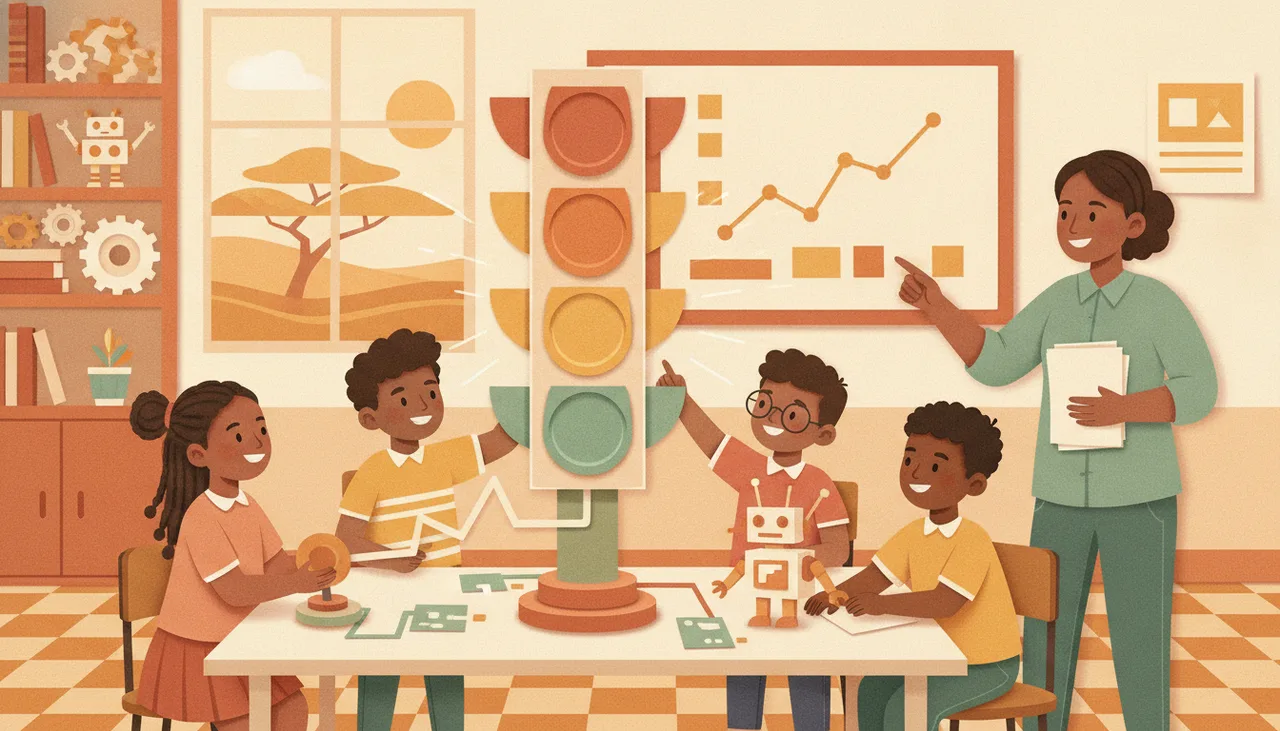
A traffic light is the perfect first state machine: each colour is a state, each change a transition, and timing decides when to move. Build the fixed cycle, then add a button.
A traffic light is the best first state machine a child can build, because a ten-year-old already knows every rule by heart. Each colour is a state, each change is a transition, and the timing is just how long the machine waits before it moves on. Name those three parts out loud and most of the code writes itself.
The three words that unlock it
A state machine is a way of describing something that can only be in one situation at a time. A traffic light is either red, or green, or amber. It is never two at once, and it always follows the same path. That single rule is what makes it such a clean teaching tool.
Draw it on the board as three circles with arrows between them. The circles are the states. The arrows are the transitions. Ask the class when each arrow should fire, and you have already described the whole program before writing a single line.
Build the fixed cycle first
Start with the simplest version: red for five seconds, green for five seconds, amber for two, then back to red, forever. Only one light is on at any moment. That constraint is the lesson. If two lights come on together, the machine is in an impossible state, and children spot that mistake fast.
You can build this with three LEDs on a breadboard, with the onboard lights of the sheenbot∞ board, or entirely in the browser with the block editor when there is no hardware in the room. The wiring changes; the state diagram does not.
Add the pedestrian button
Now make it interesting. A pedestrian button is an event, and events are the reason state machines beat a simple timed loop. When someone presses the button during green, the light should not snap to red. It should finish its turn, move to amber, then red, and hold a little longer so a person can cross.
This teaches two ideas at once. First, a transition can be triggered by an event as well as by a timer. Second, some transitions are guarded: the press only matters while the light is green. A state machine for kids built around a traffic light is really a lesson in when a rule applies, not just what the rule is.
Why this pattern is everywhere
Once a child can see states and transitions in a traffic light, they start finding them everywhere. A microwave is idle, cooking, or paused. A game character is standing, running, or jumping, and cannot do two at once. Vending machines, lift doors and the messages devices send each other all run on the same shape. It is one of the few ideas in computing that a ten-year-old and a working engineer draw in exactly the same way.
A 40-minute lesson plan
- Draw the three-state diagram together before touching any code, about five minutes.
- Code the fixed red-green-amber cycle and run it until the timing feels right.
- Deliberately turn two lights on at once so the class sees an impossible state.
- Add the pedestrian button and decide, as a group, exactly when the press should matter.
- Finish by naming three machines at home that work the same way.
The whole project fits inside one session and needs almost no new vocabulary. If you want a ready-made version with worksheets, it sits inside our robotics curriculum, and you can try a class first through a free trial lesson.