Scratch or Microsoft MakeCode: Which Should South African Primary Schools Teach First?
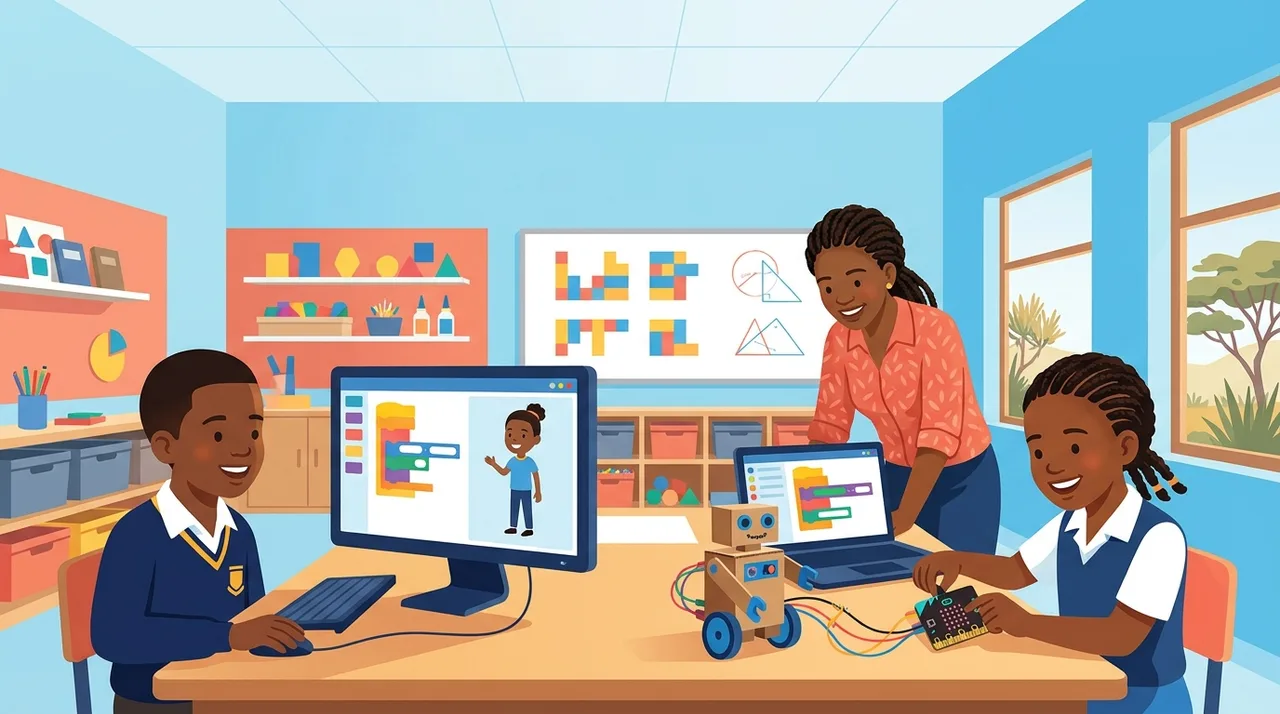
South African primary schools should start with Microsoft MakeCode if they plan to teach CAPS Coding and Robotics with physical hardware, while Scratch remains superior for pure on-screen digital storytelling.
If your primary school intends to teach the gazetted Coding and Robotics curriculum using physical microcontrollers like the BBC micro:bit, start with Microsoft MakeCode. If your computer lab has no hardware budget, unreliable USB connectivity, or focuses strictly on multimedia storytelling and animation, start with Scratch.
For most South African primary schools balancing shared computer labs, tight timetables, and the practical demands of the Department of Basic Education’s Curriculum and Assessment Policy Statement (CAPS), MakeCode is the more pragmatic first choice. It teaches standard block-based programming concepts through on-screen simulation while removing the friction of transitioning to physical electronics later on.
The Core Pedagogical Split: Sprites vs Events and Pins
Scratch, developed by the MIT Media Lab, was built around computational media. Its primary mental model is theatrical: a stage, coordinates ($x$ and $y$), backdrops, and sprites that communicate via message broadcasts. Learners grasp loops and conditionals by making a cat walk across a canvas, bounce off an edge, or say ‘Hello!’ in a speech bubble.
This mental model works brilliantly for digital literacy and creative computing. However, it does not mirror how embedded systems or robotics operate. In Scratch, ‘movement’ means translating pixels across an arbitrary Cartesian coordinate system on a screen.
Microsoft MakeCode—specifically the micro:bit target—organises code around hardware primitives from day one:
- Execution model: Code runs inside explicit blocks like
on startandforever, matching the standard setup-and-loop structure of microcontrollers. - Input/Output orientation: Instead of clicking a cartoon sprite on a canvas, learners trigger code with physical inputs: button presses, tilt gestures, compass headings, light sensor readings, or electrical signals across edge pins.
- Display constraints: The output is not an infinite-resolution 2D graphic, but a 5×5 LED matrix. This forces learners early on to think about data representation, basic arrays, and simple state rather than getting lost in costume design.
When a Grade 4 learner spends forty minutes choosing sound effects and painting character costumes in Scratch, they are engaging with digital art, not computing logic. MakeCode’s visual constraints keep lesson time focused squarely on algorithms and logical structure.
The CAPS Alignment Reality
South Africa’s Coding and Robotics curriculum was formally gazetted in June 2024 (Government Notice 4946) for Grades R to 9. While the curriculum is not compulsory for every school and is being phased in where capacity exists, its pedagogical trajectory is clear:
- Foundation Phase (Grades R–3): Primarily unplugged computational thinking, spatial orientation, and simple sequencing. Digital devices are explicitly marked as optional.
- Intermediate Phase (Grades 4–6): A computing device is assumed. Learners are expected to write block-based code that controls automated systems and reads environmental variables.
- Senior Phase (Grades 7–9): Remains strictly block-based and prescribes no specific text-based language (Python is not mandated in the gazetted CAPS document).
MakeCode bridges this continuum far better than Scratch. In Scratch, connecting a physical microcontroller requires either unofficial third-party extensions, Scratch Link software, or Bluetooth pairing that frequently fails on managed school laptops. In MakeCode, the exact same environment runs an interactive on-screen software simulator and flashes to physical micro:bits via WebUSB with a single click.
Logistical Constraints in South African Classrooms
Classroom software decisions cannot be made in an abstract technical vacuum. South African schools face operational realities that quickly derail complicated tech setups.
| Operational Factor | Scratch 3.0 | Microsoft MakeCode (micro:bit) |
|---|---|---|
| Offline Capability | Standalone desktop app available for Windows and macOS. Requires installation permissions. | Runs as an installed Progressive Web App (PWA) or offline app. Caches fully in standard Chromium browsers. |
| Hardware Integration | Complex. Scratch Link or Scratch Device Manager often blocked by school firewalls or user rights. | Direct WebUSB flashing from Chrome or Edge. No background service needed. |
| Hardware Simulator | None. Purely on-screen sprite stage; cannot simulate sensors or pins. | Built-in, fully interactive micro:bit simulator (sensors, buttons, pins, audio). |
| Transition to Text | No built-in dual-view. Learners cannot view equivalent text code. | One-click toggle between Blocks, JavaScript, and static Python. |
Consider the common scenario of a shared laptop trolley serving forty learners in a forty-five-minute period. If hardware requires driver installation, admin rights, or unstable local Bluetooth links, half the lesson is lost to basic IT troubleshooting. With MakeCode, if the physical hardware is locked away, flat, or absent, the class continues using the built-in virtual simulator without altering a single lesson plan.
Furthermore, MakeCode allows learners to peek behind the blocks into Python or JavaScript with a single toggle. While CAPS does not require text coding in Grades 7 to 9, having that bridge available without switching platforms prevents older primary learners from hitting an arbitrary ceiling.
When Scratch Is Still the Right Choice
To be clear, Scratch is not obsolete. It remains the gold standard for specific curricular goals:
- Cross-curricular storytelling: Creating interactive book reports, history quizzes, or animated dialogues in English or Afrikaans language classes.
- Game mechanics: Teaching coordinate geometry, platformer physics, and hit-box detection.
- Schools without hardware plans: If a school knows with certainty that it will not invest in microcontrollers, robotics kits, or electronic sensors through Grade 7, Scratch provides a richer visual sandbox for pure software creativity.
If your school wants to introduce coding as an expressive digital literacy tool alongside art and music, Scratch is unsurpassed. But if the goal is to satisfy the technical logic of CAPS Coding and Robotics—preparing learners to understand automated irrigation, intruder alarms, temperature logging, and motorized chassis—MakeCode is the more disciplined foundation.
A Recommended Sequencing Path
Rather than treating this as an absolute either/or choice, primary schools can structure their implementation logically across phases:
- Grade 3 / Early Grade 4: Introduce block logic through Scratch. Let learners explore sequence, loops, and conditional branches through simple animated stories. The immediate visual feedback builds confidence without cognitive overload.
- Mid-Grade 4 to Grade 7: Shift entirely to Microsoft MakeCode. Start on the MakeCode simulator to teach inputs, outputs, variables, and logic gates. When budgets or lesson plans allow, introduce physical micro:bit boards. Learners plug in the board, flash their existing code, and immediately see their logic function in the physical world.
For schools designing their multi-year digital curriculum or upskilling non-specialist teachers to run these environments, Sheen Robotics provides structured teacher training and implementation frameworks through our school curriculum services and educator courses at the Sheen Academy.
By treating MakeCode as your primary engine for robotics and sensor logic, you equip learners with concepts that translate directly from on-screen blocks to real-world embedded hardware.