How to Teach Robotics in a 45-Minute School Period
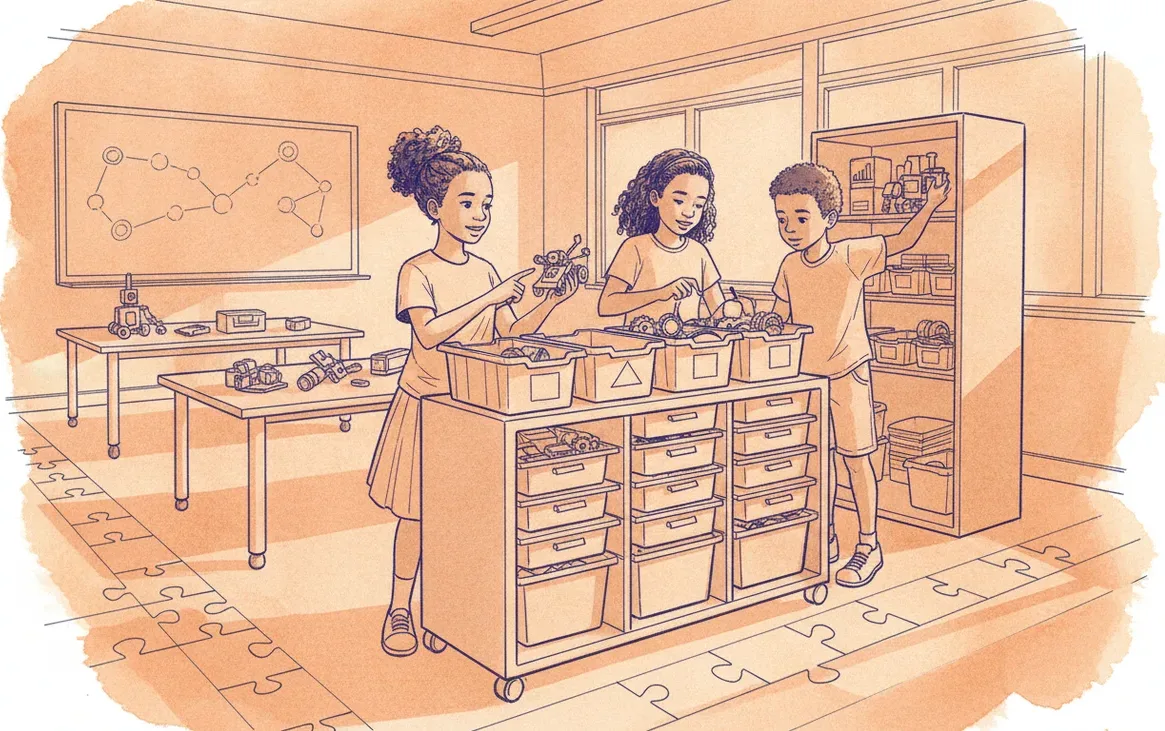
Running a robotics class in a short timetable is impossible if you try to build and code in every lesson. The solution lies in separating build and code days, assigning strict team roles, and optimising physical storage.
If you try to open a box of loose robotics components, build a chassis, write a programme, test it on the floor, and pack everything away in a single 45-minute school period, you will fail. Your learners will spend 15 minutes hunting for missing axles, 20 minutes building, 5 minutes fighting with Bluetooth connections, and the final 5 minutes leaving a trail of plastic parts on your classroom floor.
To make robotics work on a tight South African school timetable, you have to run your classroom like a lean manufacturing facility. This means changing how you structure your curriculum, how you store your hardware, and how your learners work together. Here is a practical, field-tested blueprint for reclaiming your classroom sanity and teaching real engineering in 45 minutes.
Decouple the Cycle: Build Days vs. Code Days
The biggest mistake schools make is trying to run the entire design-build-code-test cycle in every single lesson. In a 45-minute period, this is mathematically impossible. Instead, you must decouple building from coding. Split your curriculum into distinct, single-focus lessons.
- Build Days: The focus is purely mechanical. Laptops and tablets remain closed. Learners follow structural instructions to assemble a chassis, gear train, or sensor mount. At the 35-minute mark, building stops. The semi-completed or completed robot is placed, intact, into the team’s dedicated storage bin.
- Code Days: The focus is purely algorithmic. Robots are retrieved fully assembled. Laptops are opened immediately. The entire 30-minute active window is spent writing code, downloading programmes, testing on the floor mats, and debugging. No mechanical modifications are allowed on these days.
By separating these cognitive tasks, you eliminate the friction of switching context. Learners know exactly what their goal is the moment they walk through the door.
The Five-Minute Pack-Up: Colour-Coded Tray Logistics
Standard retail packaging for robotics kits is designed for home use, not for a rotating classroom of 40 learners. If your kits contain hundreds of tiny pins and bush connectors loose in a deep cardboard box, pack-up will always take 15 minutes.
To fix this, invest in shallow, heavy-duty plastic storage bins with internal compartment trays. Colour-code these trays by component type (for example, red for structural beams, yellow for connectors, blue for sensors and motors).
Implement the "Inventory Lid" rule: tape a laminated photo of a perfectly packed tray to the inside lid of every bin. At the end of the lesson, the team must lay out their components to match the photo. The teacher or a designated student inspector must sign off on the visual match before the team is allowed to leave the room. If a grey peg is missing, the team does not leave until it is found. This discipline takes exactly three lessons to establish, after which pack-up naturally shrinks to under five minutes.
The Assembly Line: Strict Team Roles
Chaos in the robotics lab usually happens because roles are poorly defined. Typically, one dominant learner hogs the computer, another builds the entire robot, and the remaining two learners disengage or cause disruptions.
To prevent this, every team of three or four learners must be assigned strict, rotating roles. These roles must be clearly printed on lanyards or cards kept in their team bin:
| Role | Primary Responsibility | Pack-Up Duty |
|---|---|---|
| Hardware Engineer | Assembles the physical robot; handles all mechanical parts. | Returns all unused parts to the correct colour-coded compartments. |
| Systems Architect | Operates the laptop or tablet; writes and debugs the code. | Saves the code file, closes the software, and shuts down the device. |
| Quality Assurance (QA) | Reads the instructions, checks structural integrity, and measures distances on the test mat. | Wipes down the workspace and ensures no loose parts are left on the floor. |
| Logistics Manager | Manages the battery levels, plugs in chargers, and acts as the sole team spokesperson to ask the teacher questions. | Carries the completed robot or bin to the central storage shelf. |
By giving every learner a specific job, you eliminate the "scrum" effect around the robot and keep everyone productive within the short time window.
A Realistic 45-Minute Lesson Timeline
Every minute of a 45-minute period must be accounted for. Here is how you should structure the time for both lesson types:
| Time Elasped | Build Day Schedule | Code Day Schedule |
|---|---|---|
| 00:00 – 00:05 | Retrieval: Logistics Managers collect bins. Hardware Engineers lay out tools. | Retrieval: Systems Architects boot up devices. Logistics Managers collect robots. |
| 00:05 – 00:10 | Briefing: Teacher explains the mechanical challenge or structural concept. | Briefing: Teacher explains the programming logic (e.g., loops or sensor inputs). |
| 00:10 – 00:35 | Active Build: Mechanical assembly. QA checks alignment. | Active Coding: Programming, testing on floor mats, and debugging. |
| 00:35 – 00:45 | Pack-up: Visual inventory check. Bins returned to shelves. | Pack-up: Code saved. Robots stored. Devices returned to charging trolley. |
Adapting to South African Infrastructure Realities
In South Africa, short lessons are often further complicated by local infrastructure challenges. Load-shedding can cut power to desktop computers mid-lesson, and school Wi-Fi networks can take ten minutes to authenticate forty devices simultaneously.
To mitigate this, ensure your coding environment is offline-capable. Avoid web-based coding platforms that require a constant internet connection to save work. Instead, use native, locally installed apps that save files directly to the device or to a local network drive. If you are using tablets or laptops, the Logistics Manager must ensure devices are plugged into a central charging trolley at the end of every lesson so they are ready for the next class, regardless of the load-shedding schedule.
If managing these logistics alongside curriculum delivery feels overwhelming, Sheen Robotics offers structured school implementation services to help schools design timetables, configure storage systems, and train teachers in rapid classroom management techniques that turn short periods into highly productive engineering sessions.