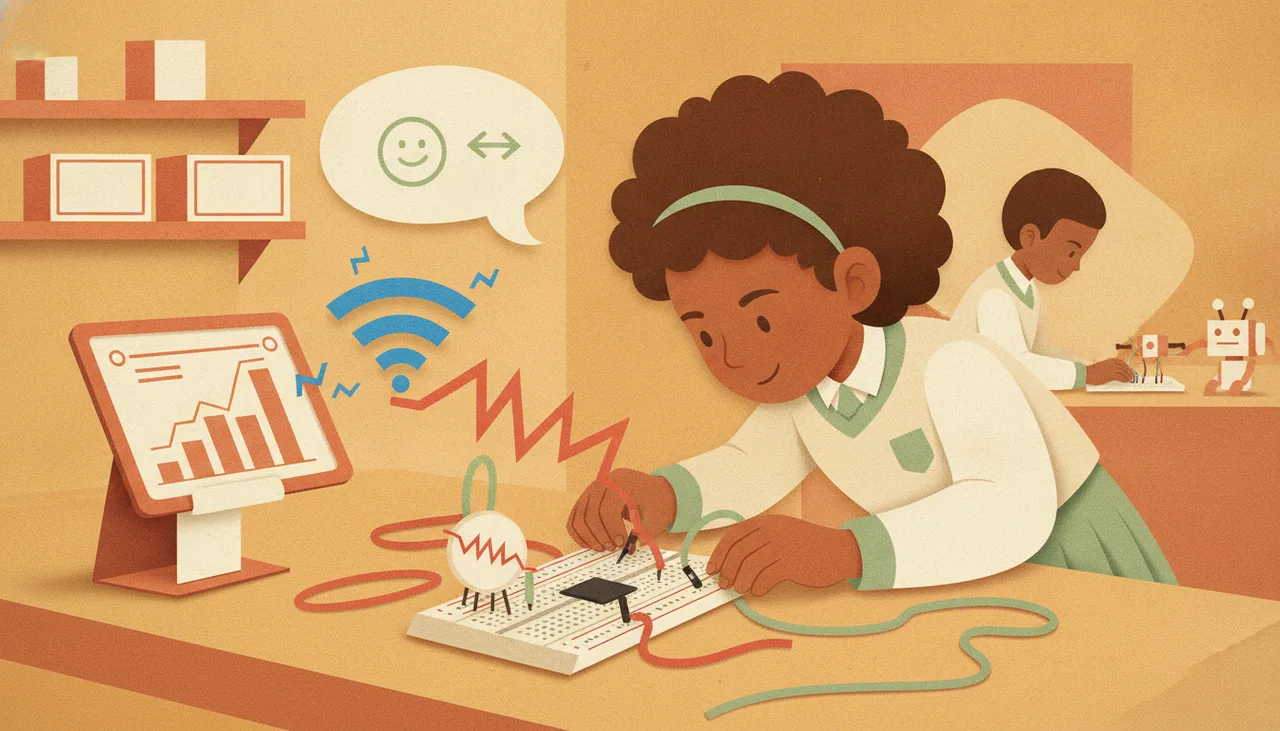
Can an Old School Chromebook Actually Program an ESP32 or Arduino?
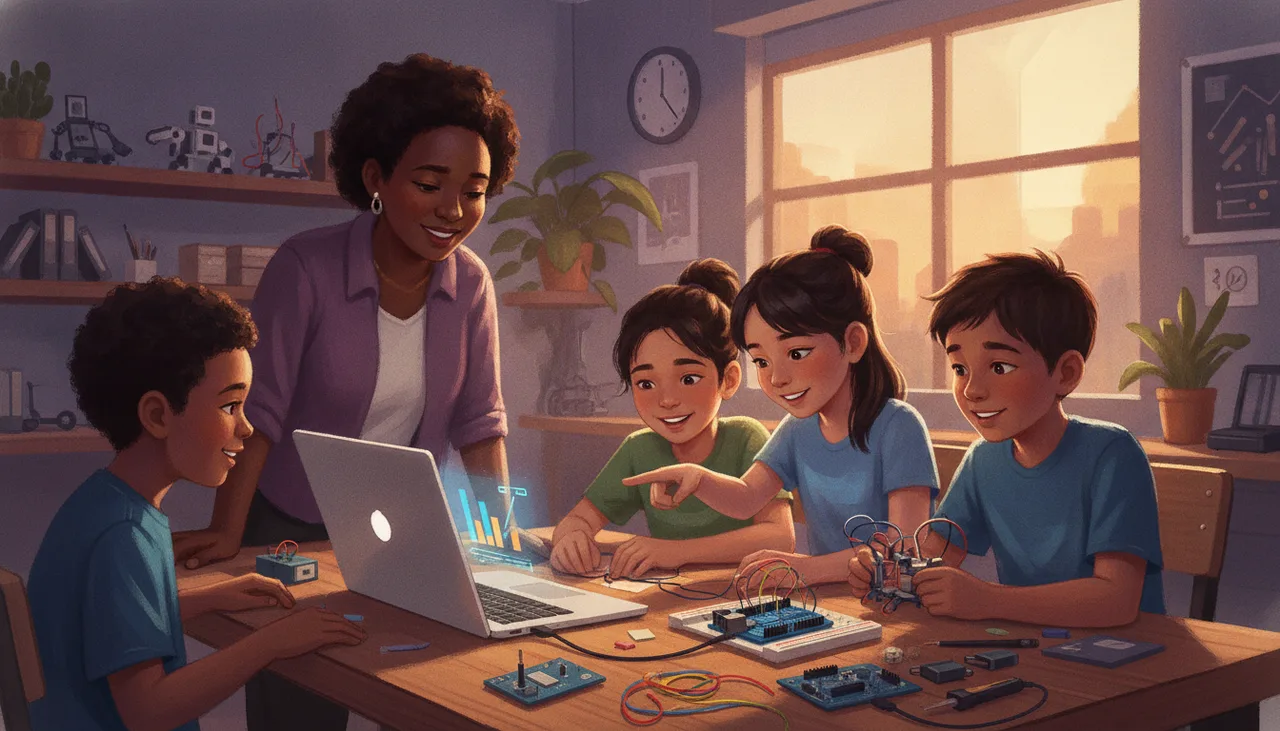
Yes. Browser-based toolchains using the WebSerial API allow locked-down Chromebooks to flash and program microcontrollers directly, without Linux mode, admin rights, or local drivers.
Yes. If your Chromebook can run a modern version of Chrome (version 89 or newer, released in 2021), it can flash and program an Arduino Uno, ESP8266, or ESP32. You do not need to enable Developer Mode, you do not need administrative root access, and you do not need the Linux container (Crostini) enabled by your school district's IT administrator.
For South African schools sitting on fleets of aging, locked-down Chromebooks, this removes the single biggest hardware barrier to teaching physical computing and the CAPS coding curriculum.
The Old Wall: Why Chromebooks Failed in the Robotics Lab
Historically, programming microcontrollers required native operating system access. To flash an Arduino or ESP32, the machine needed three things:
- A kernel-level USB-to-UART bridge driver (such as drivers for the CP2102 or CH340 chips).
- A local compilation toolchain (like
avr-gccor theesptool.pyPython environment). - Direct, uninhibited write permissions to the physical serial port (
/dev/ttyUSB0orCOM3).
On a locked-down school Chromebook managed via the Google Admin Console, students have none of these. ChromeOS prevents users from installing local drivers or running standalone native binaries. While Google later introduced Crostini (the Linux virtualization environment), many low-end educational devices with 2GB or 4GB of RAM struggle under the virtualization overhead, and IT departments routinely disable Linux containers campus-wide for security reasons.
How WebSerial Bypassed the Operating System
The breakthrough came with the standardisation of the WebSerial API. WebSerial allows web pages running inside the browser to read from and write to serial devices over USB, provided the user explicitly grants permission through a browser prompt.
Because the browser handles the bridge between the USB device and the web application, the operating system no longer needs a custom desktop IDE installed. The compilation happens either entirely in the cloud or via WebAssembly inside the browser tab, and the resulting binary is flashed directly across the USB cable by the browser itself.
The Practical Toolchains: What Works Right Now
Depending on what language and board you are teaching, you have several mature, zero-install web options:
| Board / Target | Recommended Tool | Language | How Compilation/Flashing Works |
|---|---|---|---|
| Arduino Uno / Nano (AVR) | Arduino Cloud Editor or Web-based Block IDEs | C++ / Blocks | Cloud compiles binary; flashed via WebSerial / Cloud Agent. |
| ESP32 / ESP8266 | ESP Web Tools (Adafruit / Espressif) | Firmware / C++ | Flashes precompiled binaries directly from Chrome. |
| ESP32 (MicroPython) | ViperIDE / MicroPython Web REPL | MicroPython | Browser connects directly to the Python REPL over serial; no compilation step. |
| BBC micro:bit / Raspberry Pi Pico | MakeCode / Web MicroPython Editors | Blocks / Python | Direct WebUSB/WebSerial flashing or drag-and-drop mass storage. |
1. MicroPython on the ESP32 (The Most Resilient Setup)
For secondary school robotics, flashing MicroPython to an ESP32 via a browser flasher (like Adafruit's WebSerial ESPTool) is a one-time operation. Once MicroPython is installed on the board, students can use web-based editors like ViperIDE to write scripts, test sensor inputs in a live interactive shell (REPL), and save files directly to the microcontroller's flash memory—all without sending a single byte of code to an external cloud server.
2. Arduino C++
The official Arduino Web Editor compiles standard C++ code in the cloud and sends the binary down to the board. This works reliably on Chromebooks, but it introduces a strict dependency on an uninterrupted internet connection, as every verification requires an API call to Arduino's build servers.
The Real Failure Modes to Plan For
While the software side is solved, running hardware labs on old Chromebooks surfaces specific edge cases that teachers must anticipate:
- Faulty or "Charge-Only" USB Cables: The number one support ticket in any school lab. Cheap micro-USB and USB-C cables often omit data lines. If the browser popup does not list a serial port when the board is plugged in, the cable is almost always the culprit.
- USB-C Dongle Degradation: Many newer Chromebooks only have USB-C ports, requiring passive USB-A adapters for standard Arduino boards. Poorly seated dongles cause frequent disconnects mid-flash.
- Aggressive Admin Whitelists: While Chrome supports WebSerial natively, IT administrators can disable the WebSerial API globally via Google Workspace policies. Before buying hardware, verify that your school's student policy allows WebSerial on trusted domains.
- Wi-Fi Drops and Cloud IDEs: In schools affected by intermittent internet or load-shedding where backup routers are not in place, cloud-compilation tools (like Arduino Cloud) will fail. If local reliability is low, prioritize MicroPython toolchains that run entirely locally in the browser tab once the page has loaded.
Making Old Gear Useful Again
You do not need a high-spec Windows laptop cart to run an effective robotics or IoT program. If your school has existing Chromebooks, standardising on ESP32 or modern Arduino boards with WebSerial interfaces delivers a fast, low-friction setup that requires zero maintenance from your IT department.
If you are planning a school robotics deployment and want advice on selecting durable, classroom-tested hardware compatible with existing school infrastructure, explore our Sheen Robotics school services.