Can You Run an ESP32 as a Standalone Access Point for Classroom Projects?
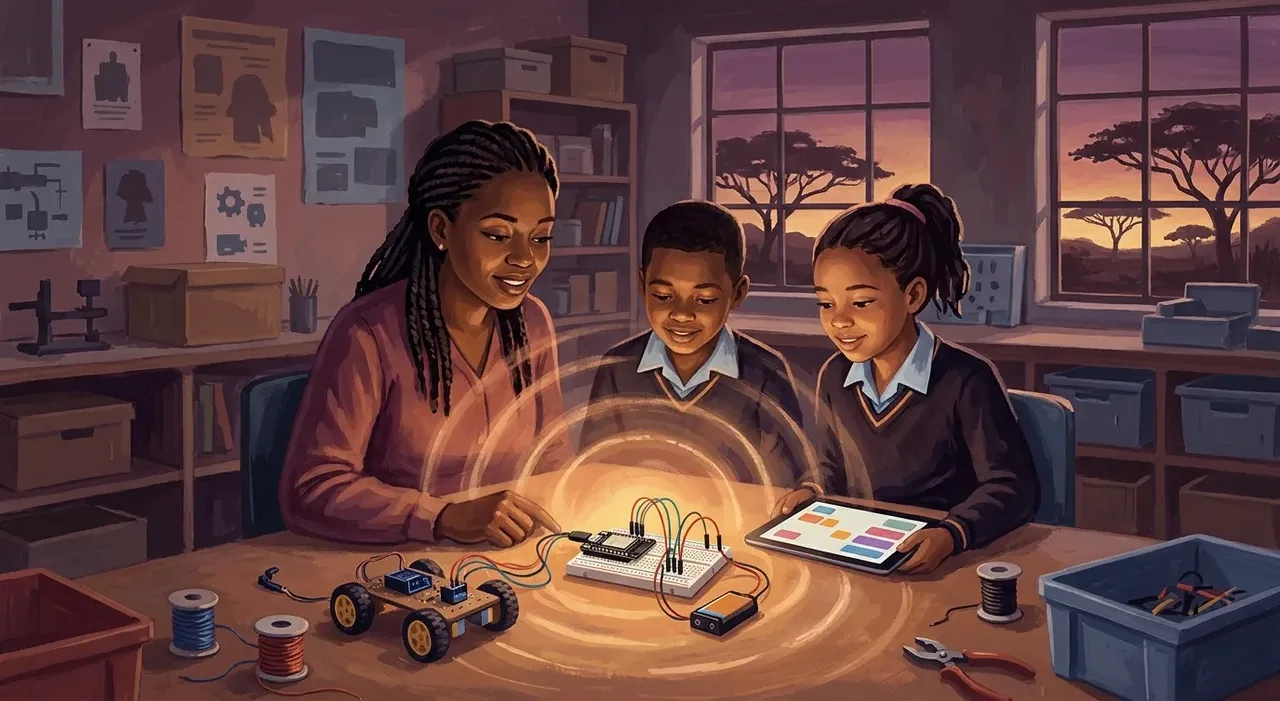
Yes. Configuring an ESP32 in SoftAP mode creates a direct, isolated local network that bypasses enterprise school Wi-Fi, captive portals, and IT firewalls entirely.
Yes. You can configure an ESP32 microcontroller to broadcast its own independent Wi-Fi network using SoftAP (Software Access Point) mode. In this mode, the board acts as its own local router and runs an onboard HTTP web server. A learner connects a laptop, tablet, or smartphone directly to the ESP32's wireless network, opens a web browser, and interacts with real-time sensor dashboards or physical outputs using an address like 192.168.4.1. The entire project runs without touching the school's central network infrastructure.
The School Network Problem: Why Classrooms Get Blocked
Most school IT networks are hostile environments for IoT education. This is not because IT directors are obstructive; it is because their security architecture is designed to protect institutional data, prevent malware propagation, and enforce child safety protocols. Attempting to connect student-coded microcontrollers to a standard school network routinely fails for three specific technical reasons:
- WPA2/WPA3-Enterprise (802.1X): Most school campuses do not use a standard home Wi-Fi password (WPA2-PSK). They use enterprise authentication requiring a per-user username, password, and security certificate validated against an active directory. While the ESP32's underlying network stack can technically authenticate with enterprise networks, the code overhead is high, consumes significant RAM, and requires deploying sensitive network credentials or internal root certificates into learner-accessible code. No responsible IT administrator will permit that.
- Client Isolation: On guest or student Wi-Fi networks where a shared passphrase is provided, network administrators almost universally enable client isolation (also called station isolation). This security policy prevents two devices on the same Wi-Fi network from communicating with one another. If a learner's ESP32 is on IP
10.0.4.15and their laptop is on IP10.0.4.82, the router drops any packet sent between them. The learner cannot access the web dashboard they just programmed. - Captive Portals: Guest networks routinely require users to open a browser window, accept terms and conditions, or enter a one-time SMS PIN. A microcontroller without a full browser engine cannot navigate a captive portal.
When teachers run into these roadblocks, classroom coding stops, and days are lost waiting for network change requests that rarely get approved.
How SoftAP Mode Works
The ESP32 features a dual-mode wireless chip capable of operating as a station (connecting to an existing router), an access point, or both simultaneously. In Access Point (SoftAP) mode, the board handles DHCP provisioning directly, assigning local IP addresses to any device that connects to it.
By pairing the SoftAP library with an asynchronous web server library (such as ESPAsyncWebServer in C++ or the built-in socket library in MicroPython), the microcontroller serves standard HTML, CSS, and JavaScript stored directly inside its flash memory. The user's device requests a webpage, the ESP32 serves it over the local radio link, and asynchronous background requests (via AJAX or WebSockets) stream sensor telemetry—like temperature, soil moisture, or ultrasonic distance—back to the screen.
| Feature | Station Mode (School Wi-Fi) | SoftAP Mode (Standalone) |
|---|---|---|
| IT Approval Required | Yes (firewall exceptions, VLAN setup) | None |
| Enterprise Network Support | Fragile; requires certs/identity | Not applicable (independent network) |
| Client Isolation Blocked | Yes (cannot view dashboard) | No (direct peer-to-peer connection) |
| External Internet Access | Yes | No (local communications only) |
| Classroom Mobility | Fixed to school coverage zones | Works anywhere (bus, field, home) |
Managing a 30-Learner Classroom
Running a single ESP32 as an access point is straightforward. Running fifteen or twenty boards simultaneously in one physical room requires deliberate operational hygiene. If every board in the class broadcasts an SSID named ESP32_Device with the default IP address, chaos follows within five minutes.
To run a stable multi-group session, establish three rules in the project code:
- Dynamic or Team-Specific SSIDs: Program the SSID string to append the group number or the board's unique MAC address (for example,
SheenLab_Station_04). Learners must know precisely which broadcast belongs to their bench. - Set Strong Passphrases: While an open (unsecured) network is faster to configure, adjacent groups will inevitably connect to the wrong bench's robot. Protect each board with an 8-character password shared only within the team.
- Understand Client Limits: The ESP32's SoftAP implementation can comfortably support 4 to 8 connected client devices depending on memory allocation. It cannot act as an access point for thirty simultaneous tablets. In a collaborative project, one team laptop and one team mobile device should connect to the board at a time.
The Inconveniences You Must Plan For
SoftAP mode is the most reliable way to teach web-based IoT in school settings, but it introduces trade-offs you must manage actively with learners.
First, mobile operating systems and modern laptops expect every Wi-Fi connection to provide access to the broader internet. When a learner connects an Android tablet or an iPad to an ESP32 SoftAP, the device will flag a warning: "Wi-Fi has no internet access." In some operating systems, the device will silently drop the connection and fall back to cellular data or search for an alternate known Wi-Fi network. Learners must be taught to acknowledge the prompt and select "Keep connection" or "Stay connected without internet."
Second, this approach means the project cannot communicate with cloud broker services (such as AWS IoT, Adafruit IO, or generic MQTT brokers) or sync its clock using an NTP internet server. For teaching core computing—HTTP methods, REST endpoints, HTML document structure, input handling, and hardware interrupts—this constraint is an advantage: it forces learners to understand the direct client-server model rather than treating external cloud APIs as black boxes.
Finally, power stability matters. An ESP32 broadcasting its radio and listening on an active web server draws between 120mA and 240mA during active transmission bursts. Powering the board from an unpowered, aging USB hub or through a degraded micro-USB cable often leads to sudden brownout resets the moment the Wi-Fi stack initializes. Use reliable cables directly into laptop ports or powered breadboard supplies.
The Operational Payoff
In South African schools, where connectivity is often limited, metered, or interrupted by load-shedding, tying physical computing lessons to an active internet gateway introduces unnecessary fragility. If the fibre link drops, your robotics lesson should not drop with it.
Configuring microcontrollers as self-contained access points decouples your curriculum from campus infrastructure. Teams can take their environmental monitoring station out to a sports field, run it off a small battery bank, and read live data on a tablet with zero external connectivity. If your school is structuring a sustained coding and electronics programme and needs hardware configurations that fit realistic classroom networks, exploring structured curriculum support via Sheen Robotics school services provides templates and hardware setups that bypass local network headaches entirely.
Standalone SoftAP is not an emergency workaround; it is sound engineering practice for isolated physical computing systems.