Can Learners Code Robotics on iPads, or Do You Need Laptops?
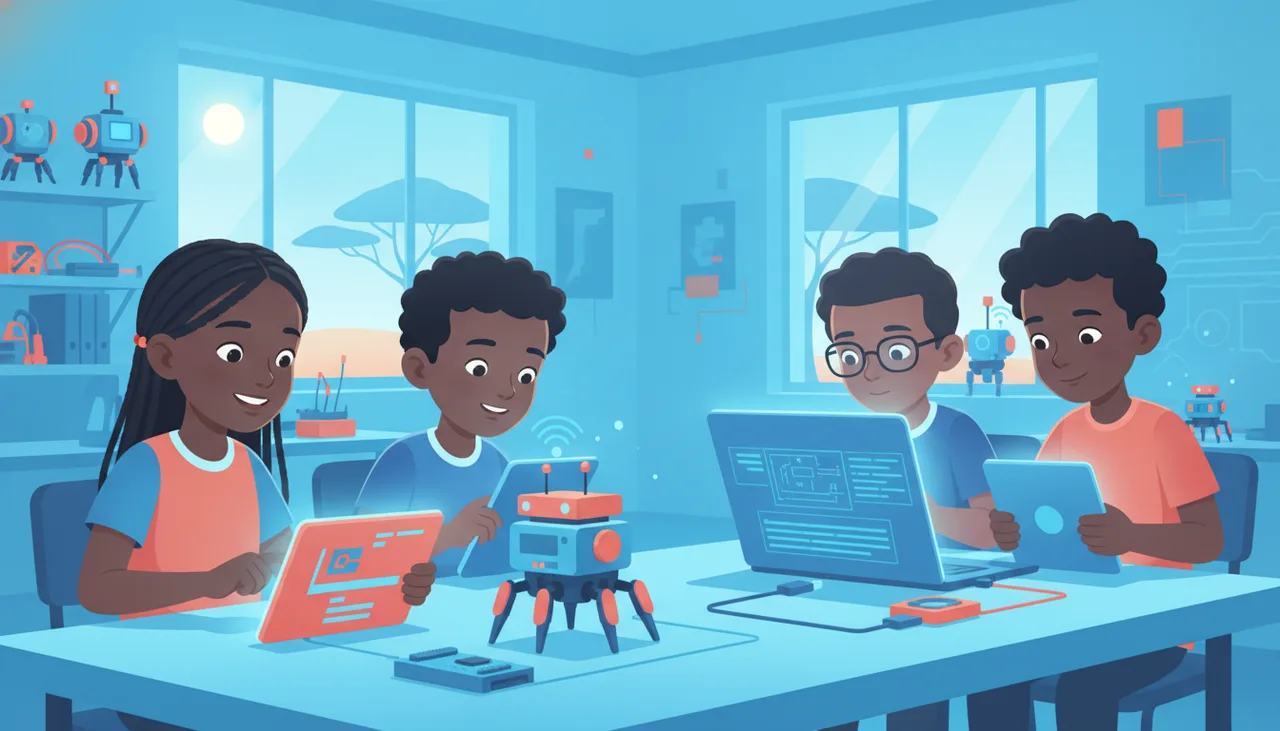
iPads manage Bluetooth-paired educational hubs cleanly, but iPadOS sandboxing prevents direct USB serial flashing for standard microcontrollers. Here is where tablets work and where laptops remain essential.
You can teach robotics on iPads only if your hardware communicates entirely over Bluetooth Low Energy (BLE) or proprietary companion apps. The moment your curriculum moves to standard microcontrollers—such as Arduino, ESP32, or raw Raspberry Pi Pico boards—iPads fail. This is not a processing limitation; it is an architectural restriction of iPadOS.
If your school already owns an iPad trolley, you do not necessarily need to scrap it. However, before purchasing robotics kits or structuring a multi-year coding syllabus, you need to know exactly where the iPad workflow succeeds and where physical laptops become mandatory.
The Core Technical Barrier: iPadOS Driver Sandboxing
When you program a typical microcontroller on a computer, your machine establishes a serial connection over USB. The computer uses a USB-to-UART bridge chip (such as the CH340, CP2102, or FTDI chip found on most development boards) to mount a Virtual COM Port. Toolchains like the Arduino IDE, Thonny, or command-line flashers use this serial port to transmit compiled binary instructions to the board's bootloader.
On iPadOS, this pipeline does not exist for educational tools:
- No arbitrary serial drivers: Apple restricts direct access to low-level USB serial communication. Even on modern iPads equipped with USB-C ports, plugging in a standard Arduino Uno or ESP32 will not create an addressable COM port for web or local development environments.
- No Web Serial in WebKit: On desktop Chrome, ChromeOS, and Edge, web-based IDEs can communicate directly with plugged-in hardware using the Web Serial and WebUSB APIs. On iPadOS, all third-party browsers (including Chrome for iOS) are required to use Apple's WebKit engine under the hood. Apple has deliberately not enabled Web Serial in WebKit due to security and fingerprinting concerns. As a result, browser-based flashing tools that work on a cheap Chromebook or refurbished laptop do not work on an iPad.
- Sandboxed file systems: Microcontroller boards that present themselves as USB Mass Storage devices (such as CircuitPython or UF2 bootloaders on the RP2040) require smooth, direct file transfers. Dragging compiled binaries to external drives inside iPadOS Files is clumsy, prone to caching bugs, and cannot provide the serial REPL terminal required for debugging code in real time.
What Actually Works on an iPad
iPads are capable robotics controllers under one specific condition: the hardware must be designed to be flashed or commanded wirelessly via Bluetooth Low Energy (BLE) or a dedicated native iOS app.
Workflows that function reliably on iPads include:
- Dedicated educational ecosystems: LEGO Education hardware (SPIKE Prime, SPIKE Essential, and LEGO Education Computer Science & AI) communicates with iPads via native apps using Bluetooth. The app compiles instructions and pushes them wirelessly to the hub.
- BBC micro:bit via BLE: Learners can write code in Microsoft MakeCode inside a browser or the micro:bit app, then pair the board over Bluetooth to flash code wirelessly.
- Live Bluetooth controllers: Robots that stream telemetry or receive motor commands over BLE (such as an mBot running default firmware receiving directional commands from an iPad app) operate smoothly.
Where Laptops Are Strictly Required
Laptops or traditional desktop computers become non-negotiable as soon as learners encounter real-world electronics, open-hardware robotics, or standard text-based toolchains.
| Hardware / Platform | iPad Support | Laptop Support | Connection Method |
|---|---|---|---|
| LEGO SPIKE / CS&AI | Full | Full | Bluetooth (App) / USB |
| BBC micro:bit | Supported (BLE) | Full | BLE or direct USB drag-and-drop |
| Arduino (Uno, Nano, Mega) | Unsupported | Full | USB Serial / Virtual COM Port |
| ESP32 / ESP8266 | Unsupported | Full | USB-to-UART bridge |
| Raspberry Pi Pico (MicroPython) | Unsupported | Full | USB Serial REPL + Mass Storage |
| WRO RoboMission Open Controllers | Very Limited | Full | Direct compilation via USB / native IDE |
Physical laptops are essential in three specific school environments:
1. Senior Phase and Secondary Text-Based Coding
While South Africa's gazetted Coding and Robotics curriculum for Grades R–9 emphasizes block-based coding, senior competition teams and high school learners transitioning into Python or C++ require interactive debugging tools. Using an interactive REPL (Read-Eval-Print Loop) in Thonny or reading real-time sensor output through a serial monitor requires an open serial connection that iPadOS simply does not permit.
2. Open-Hardware Robotics Competitions
In competitions like World Robot Olympiad (WRO) RoboMission, teams are not restricted to proprietary vendor kits; open microcontrollers and custom sensors are fully permitted. Building and tuning an open-hardware robot using motor driver shields, custom PID loops, and third-party sensors requires local compilation and rapid USB flashing that only a desktop OS (Windows, macOS, or Linux) can deliver.
3. High-Density Classroom Management and Connectivity
In a classroom of 30 to 40 learners, relying entirely on Bluetooth pairing introduces severe friction. When 35 micro:bit boards or robotics hubs broadcast BLE advertisement packets simultaneously in one room, pairing collisions and dropped connections are common. A physical USB cable provides an unambiguous, instant connection: learners plug their board into a laptop, click download, and the code runs immediately.
Furthermore, web-based compilation for tablets requires continuous internet access. During load-shedding or when school Wi-Fi drops, a laptop running local software (like the offline Arduino IDE or local MakeCode apps) continues to function entirely offline, while cloud-reliant iPad workflows often stall.
How to Decide for Your School
If your school's robotics programme is focused on Foundation and Intermediate Phase learners using proprietary kits (like LEGO Education or micro:bit) where visual block editors and BLE pairing are the norm, iPads are adequate. They eliminate keyboard clutter and let younger learners build and test on open floor space.
However, if your mandate spans the Senior Phase, prepares learners for open-platform robotics, or aims to teach foundational electronics using standard microcontrollers, you cannot rely on iPads. A trolley of basic Windows laptops or Chromebooks with full USB and Web Serial support will give you complete hardware flexibility without running into the sandbox walls of tablet operating systems.
If you are planning hardware investments or balancing fleet requirements for your labs, exploring our lab sourcing options can help ensure your physical infrastructure matches your curriculum goals before you commit your budget.