Keyestudio LCD1602 Display 3D Module With SD Card Slot + 30cm Cable For Arduino / 3D Printer
- Delivery nationwide via The Courier Guy — R150 flat, free over R2,000
- Free collection from our warehouse — address at checkout
- Secure checkout — PayFast card payment or EFT
- Questions? WhatsApp us on +1 555 318 8599
Description
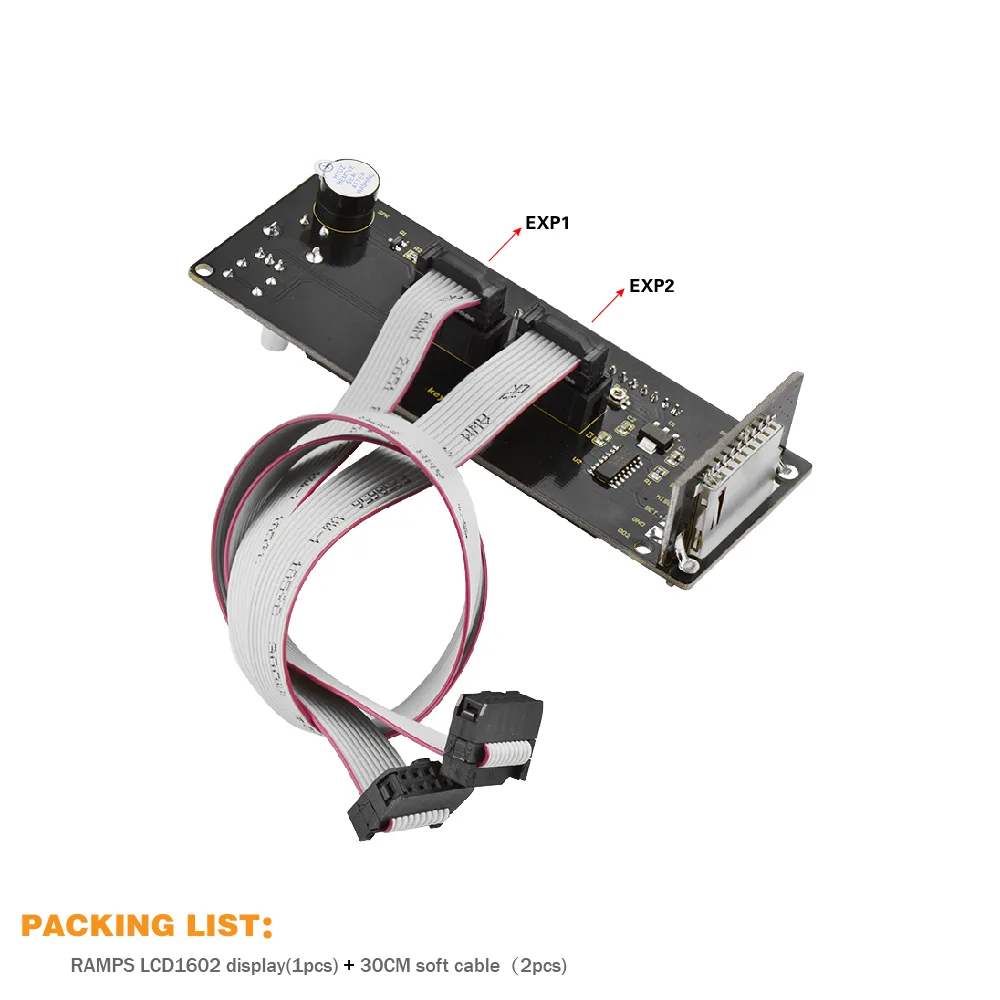
The Keyestudio LCD1602 Display 3D Module is an all-in-one control panel designed for Arduino projects and 3D printers. Featuring an integrated SD card reader, a rotary encoder, and a 16x2 character LCD, it is ideal for makers and educators looking to enable standalone printing.
Integrated user interface components
This module combines a 16-character by 2-line LCD, a rotary encoder, and an onboard SD card reader. It provides a complete physical interface for navigating menus and controlling your hardware.
RAMPS compatibility and expansion
Designed as an extension accessory for RAMPS, this display module integrates easily with popular 3D printer control electronics. It allows for straightforward hardware expansion without complex wiring.
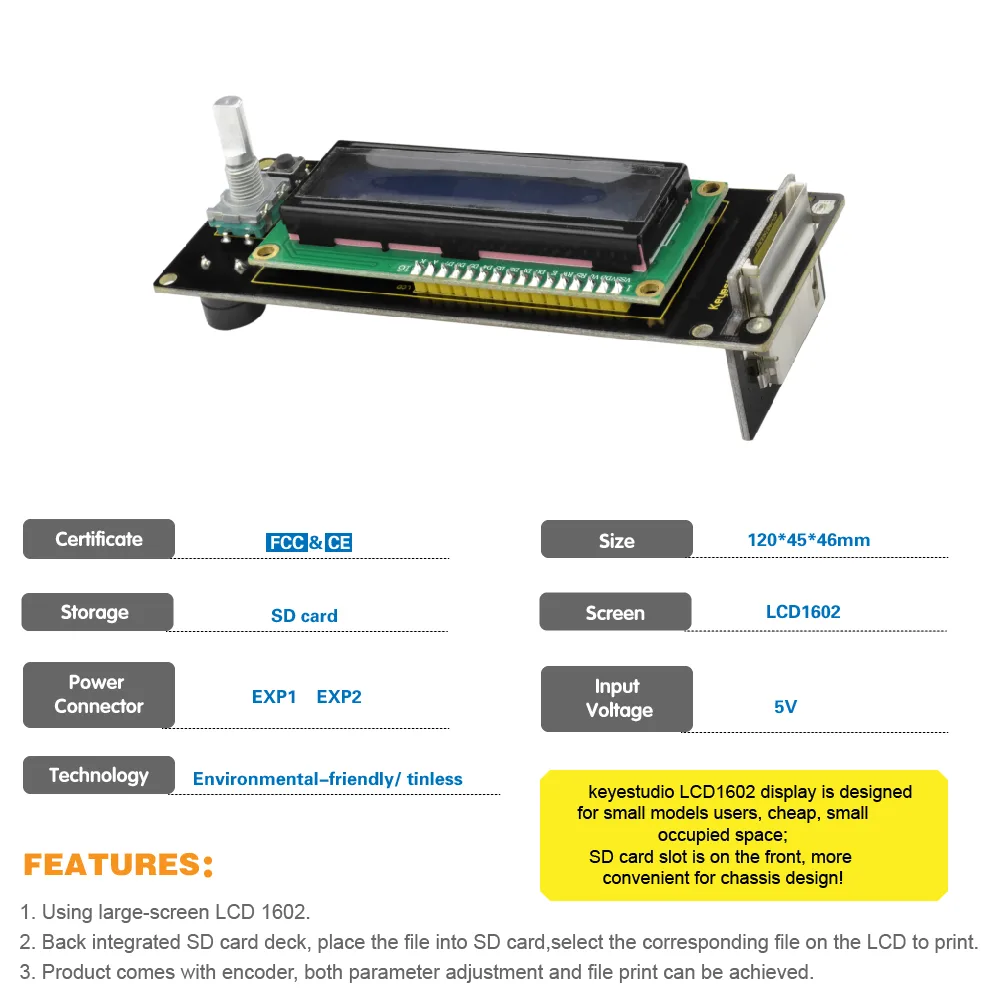
Standalone offline printing
By storing G-code files on an SD card, you can run your 3D printer independently without a dedicated computer connection. The LCD panel and rotary encoder allow you to select and start prints directly.
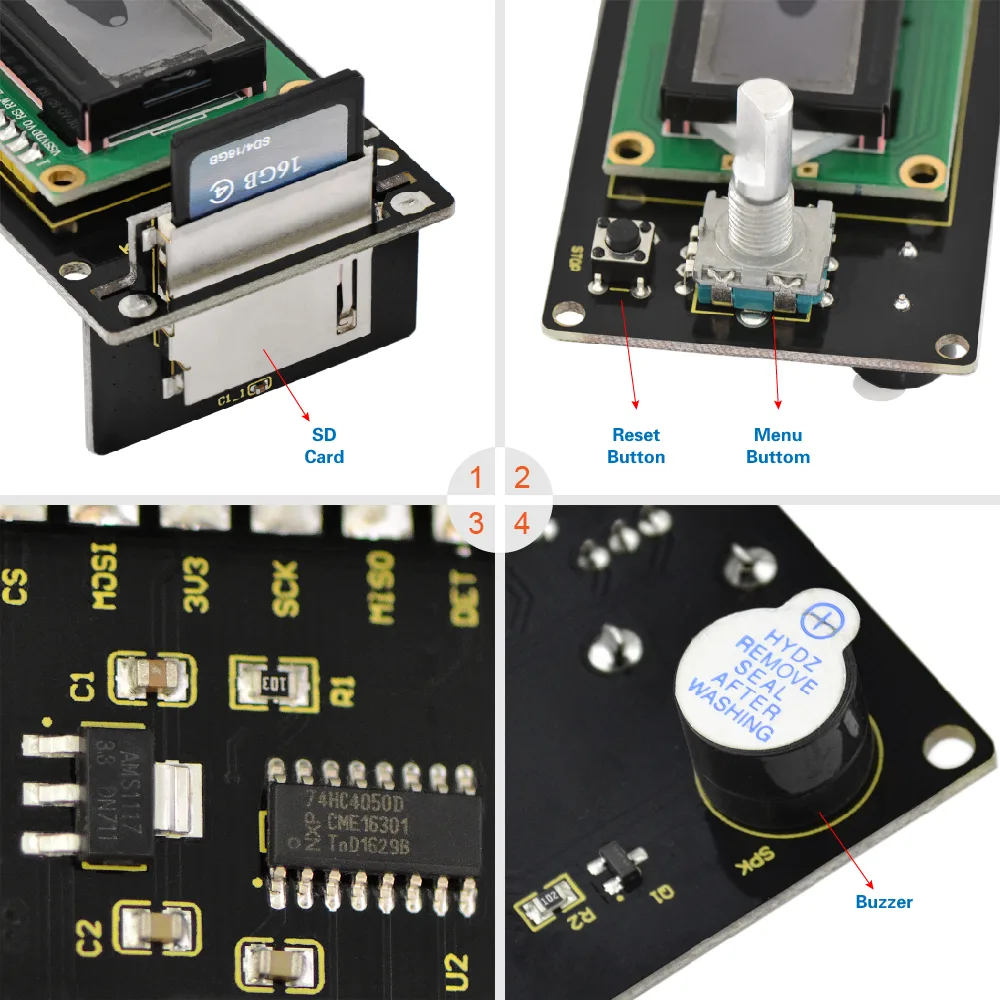
Smart controller upgrade
This module is an updated version of the classic Reprap smart controller. It offers a reliable and compact solution for monitoring and controlling your DIY 3D printer builds.
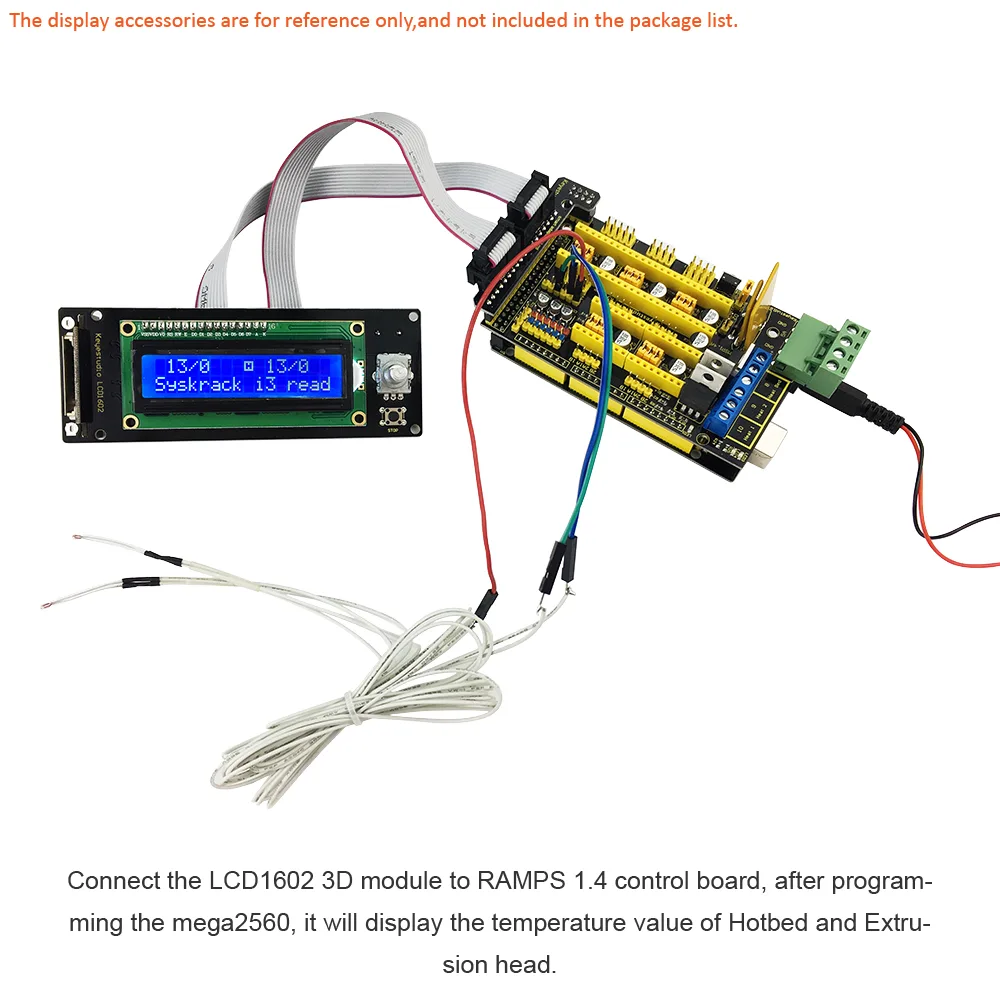
Included connection cable
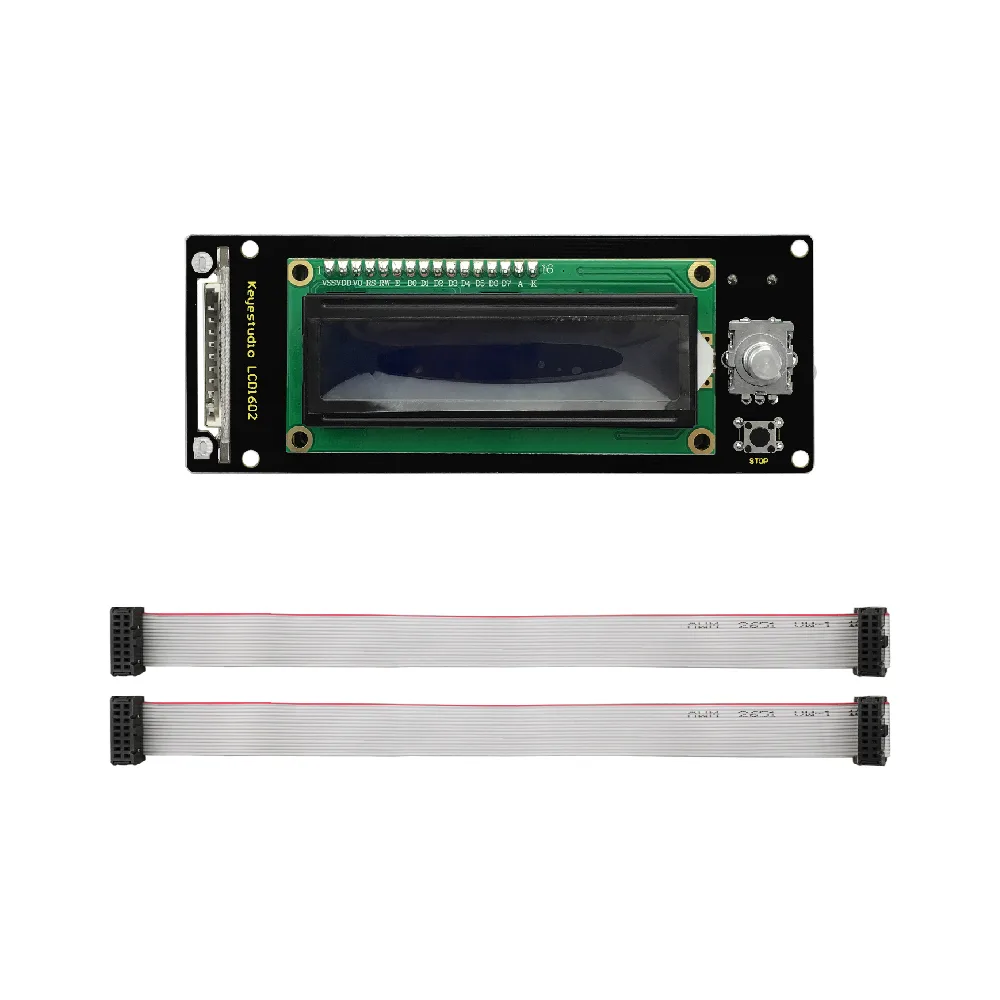
The module comes complete with a 30cm cable to connect the display directly to your control board. This length offers flexibility when mounting the screen to your printer frame or project enclosure.
Online wiki tutorials
Keyestudio provides a comprehensive wiki page tutorial to guide you through the installation and programming steps. This makes it an excellent learning tool for students and hobbyists.

Reviews
No reviews yet — be the first to review this product.
From the same brand
Kidsbits Smart Engineering Kit for Arduino Compatible With Lego Series Scratch Programming
Kidsbits Multi-purpose Coding Robot for Arduino STEM Compatible for Lego 7+
Kidsbits Intelligent Traffic System Kit for Arduino Compatible Lego Series STEM Education DIY Kit
You might like
830-Point Solderless Breadboard, Power Supply Module & 65pcs Jumper Wire
DIY Electronic Universal Circuit Matrix Board (4-Piece Pack) - 5x7cm