Keyestudio 3D Smart Controller 2004LCD Module+Cable+Adapter Board
- Delivery nationwide via The Courier Guy — R150 flat, free over R2,000
- Free collection from our warehouse — address at checkout
- Secure checkout — PayFast card payment or EFT
- Questions? WhatsApp us on +1 555 318 8599
Description
The Keyestudio 3D Smart Controller 2004LCD Module is an all-in-one control upgrade designed for makers, students, and hobbyists building or upgrading RAMPS 1.4-based 3D printers. This kit allows you to untether your 3D printer from your computer, enabling direct offline printing and calibration. It is the perfect addition for any workshop looking to streamline its 3D printing workflow.
Complete interface kit
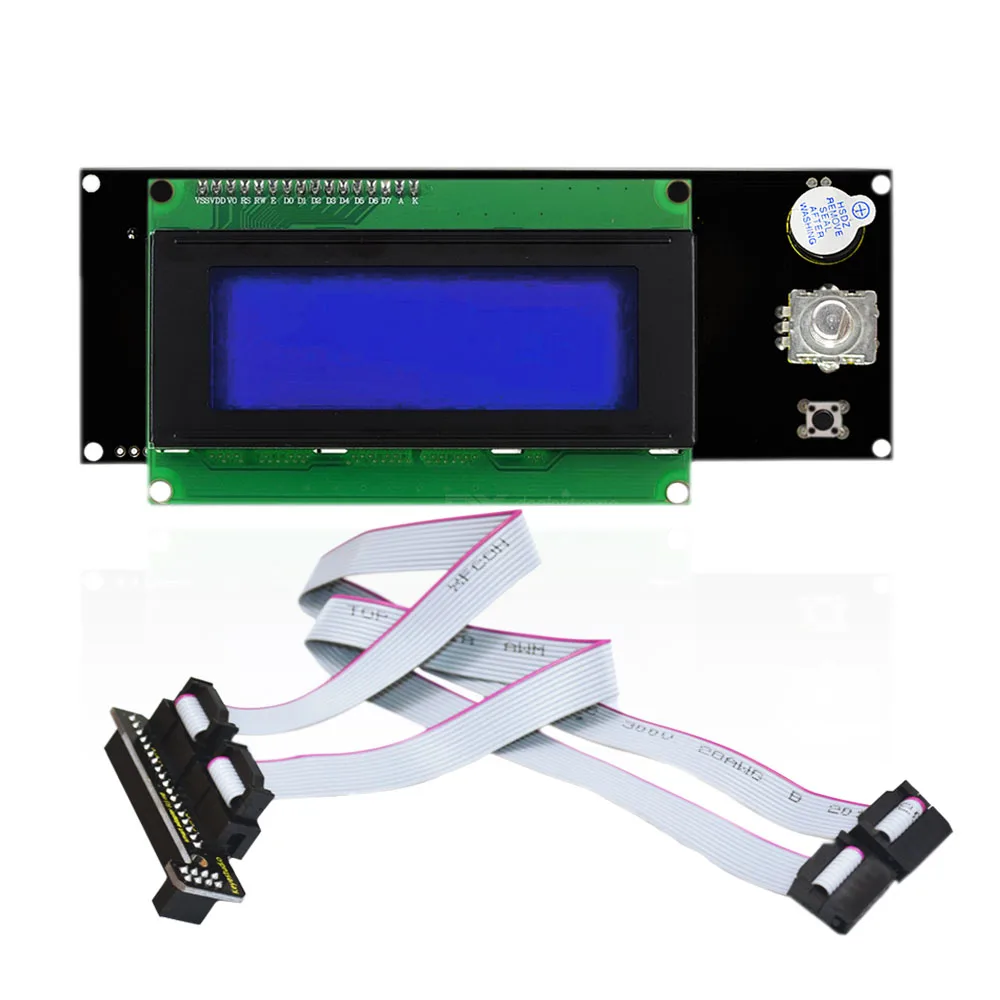
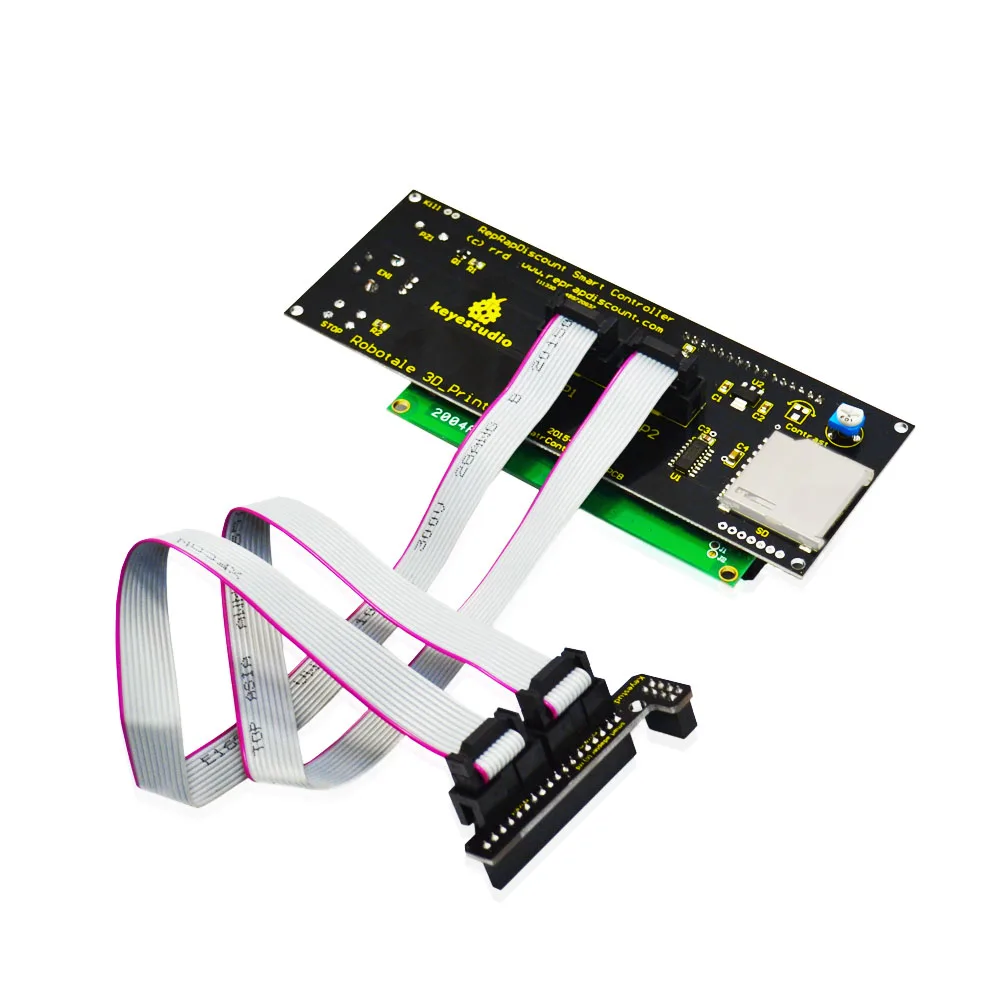
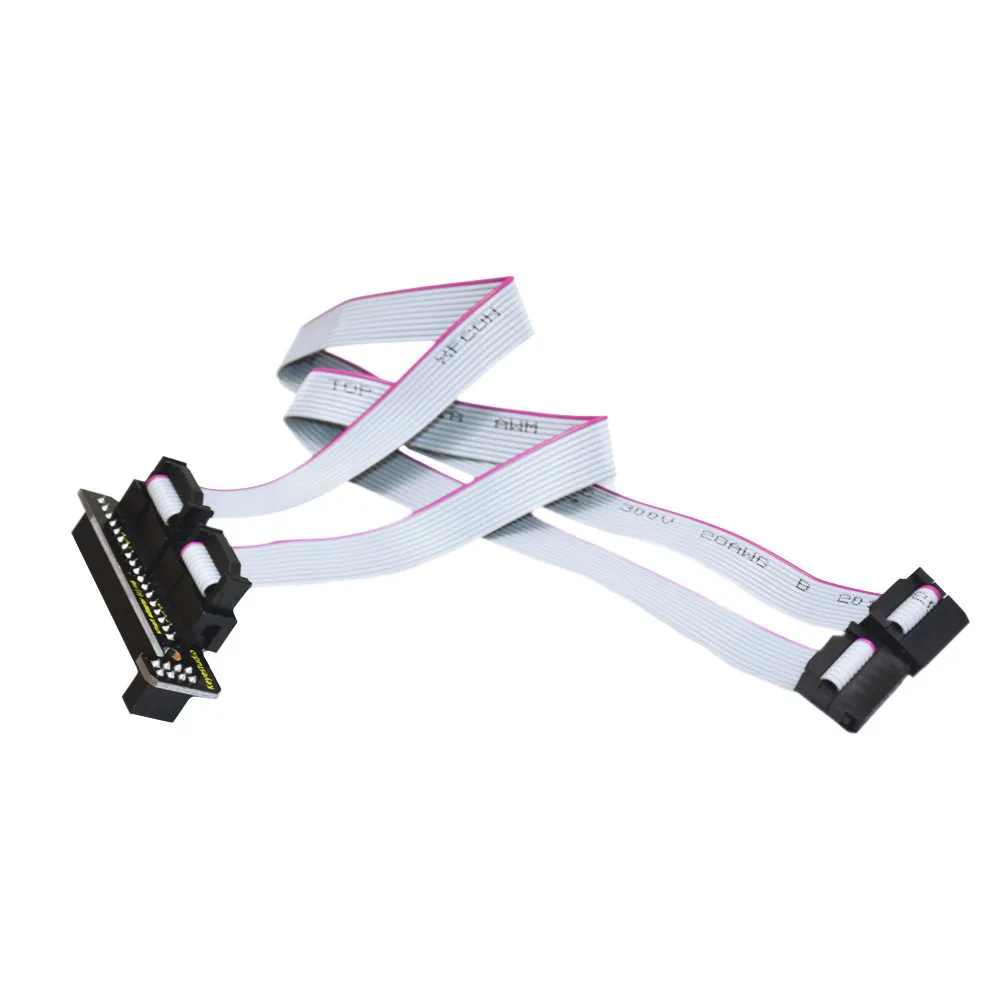
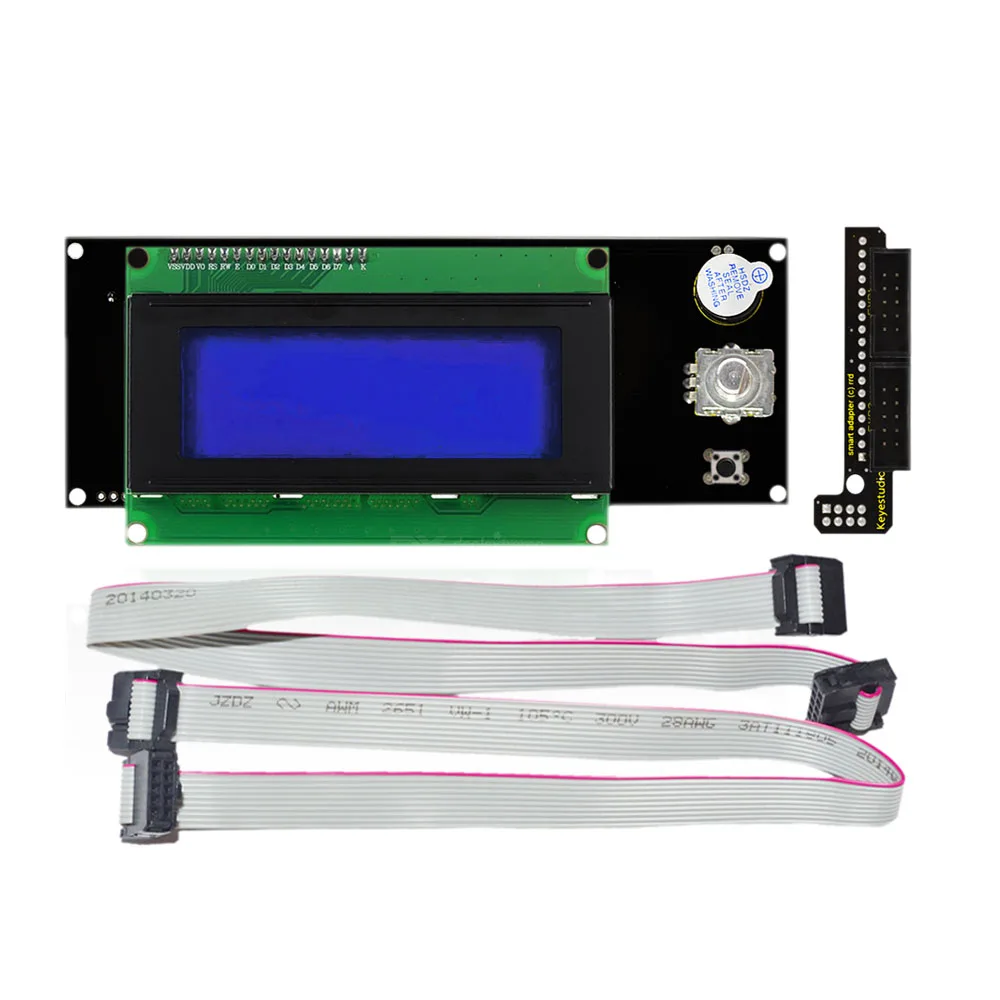
This package includes one smart controller, one L-shaped adapter board, and two FC cables to get your offline printing setup running quickly. The L-type adapter board plugs directly into your RAMPS 1.4 mainboard for a secure connection.
Clear character display
The controller features a 20-character by 4-line LCD screen that provides real-time status updates of your print jobs. This clear display ensures you can easily monitor temperatures, coordinates, and print progress.
Computer-free 3D printing
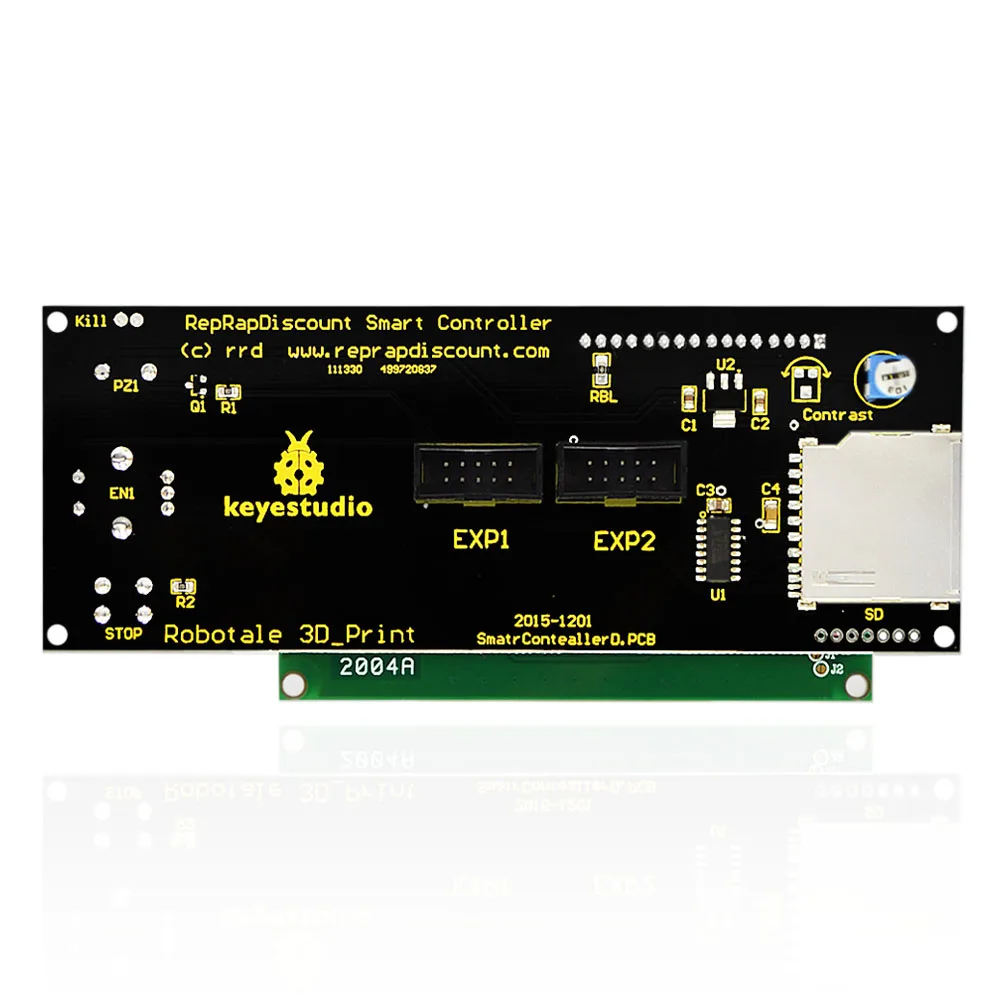
By using the integrated SD card reader, you can store your G-code designs directly on an SD card and print without needing a dedicated computer connection. This frees up your PC and prevents print failures caused by computer sleep modes or updates.
Intuitive rotary encoder navigation
The built-in rotary encoder allows you to navigate menus, select files, and perform manual calibrations on the fly. You can easily control axis motion and adjust printer settings directly from the interface.
Straightforward RAMPS 1.4 connection
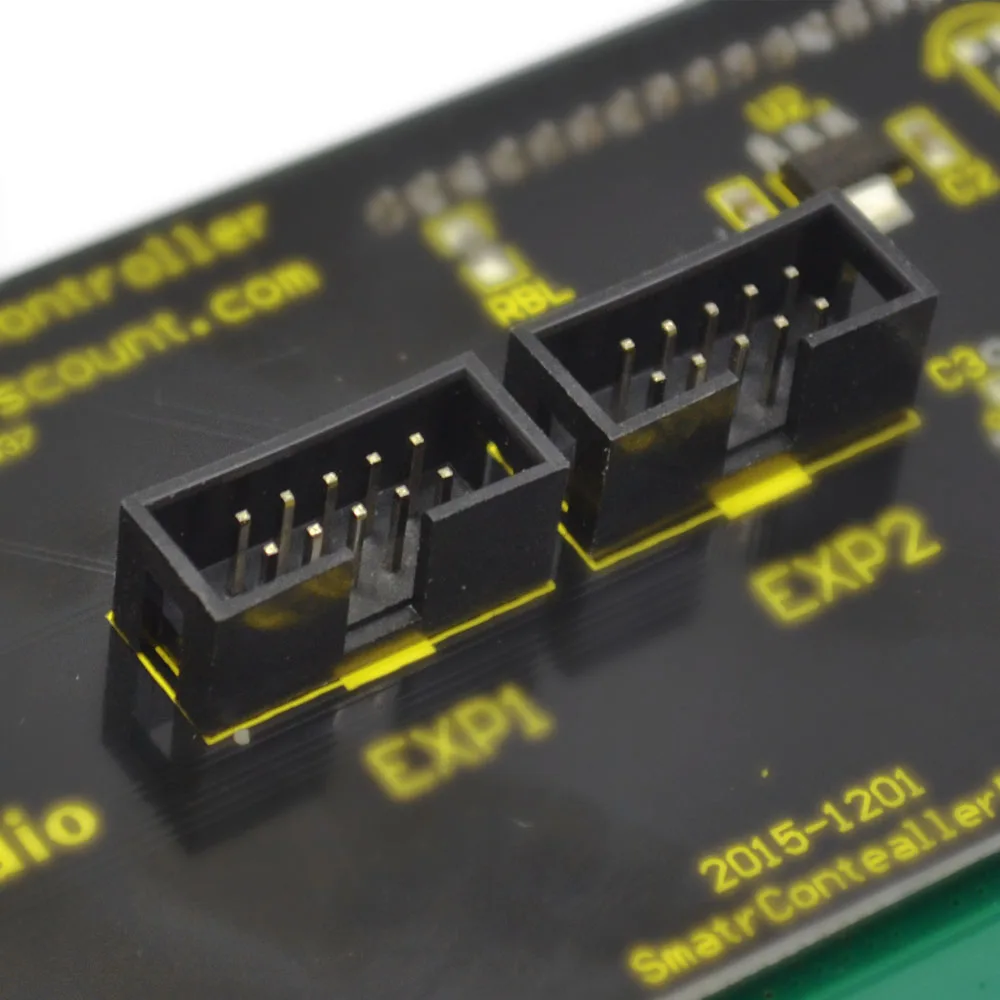
Setup is simple: connect the EXP1 port of the smart controller to EXP1 on the RAMPS 1.4 motherboard, and EXP2 to EXP2. This direct mapping ensures error-free installation and reliable communication.
Standalone system operation
Once connected to your RAMPS 1.4 motherboard, the smart controller powers up directly from the main board. You do not need an external computer connection to power or operate the screen and SD card reader.
Reviews
No reviews yet — be the first to review this product.
From the same brand
Kidsbits Smart Engineering Kit for Arduino Compatible With Lego Series Scratch Programming
Kidsbits Multi-purpose Coding Robot for Arduino STEM Compatible for Lego 7+