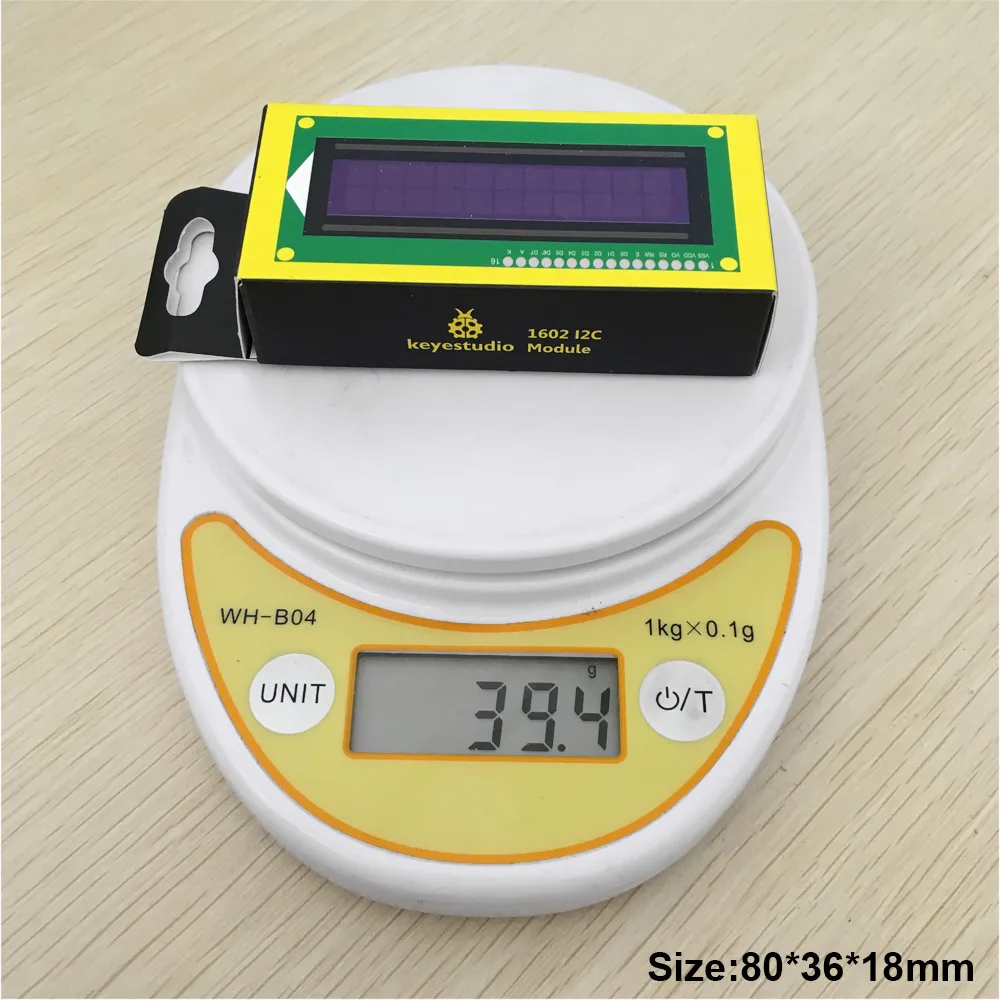
Keyestudio 16X2 1602 I2C/TWI LCD Display Module for Arduino UNO R3 MEGA 2560 White in Blue
- Delivery nationwide via The Courier Guy — R150 flat, free over R2,000
- Free collection from our warehouse — address at checkout
- Secure checkout — PayFast card payment or EFT
- Questions? WhatsApp us on +1 555 318 8599
Description
The Keyestudio 1602 LCD Display Module is a 16x2 character screen designed to easily display data from your Arduino UNO R3 or MEGA 2560 projects. Featuring a blue backlight with clear white text, it is ideal for students, makers, and hobbyists looking to add a visual interface to their builds. Thanks to its I2C interface, it saves valuable microcontroller pins for other sensors and actuators.
Efficient I2C communication
Standard LCD screens quickly consume your microcontroller's limited pin resources. This module uses an I2C interface requiring only two data lines, meaning it uses no extra pins if you already have I2C devices in your project chain.
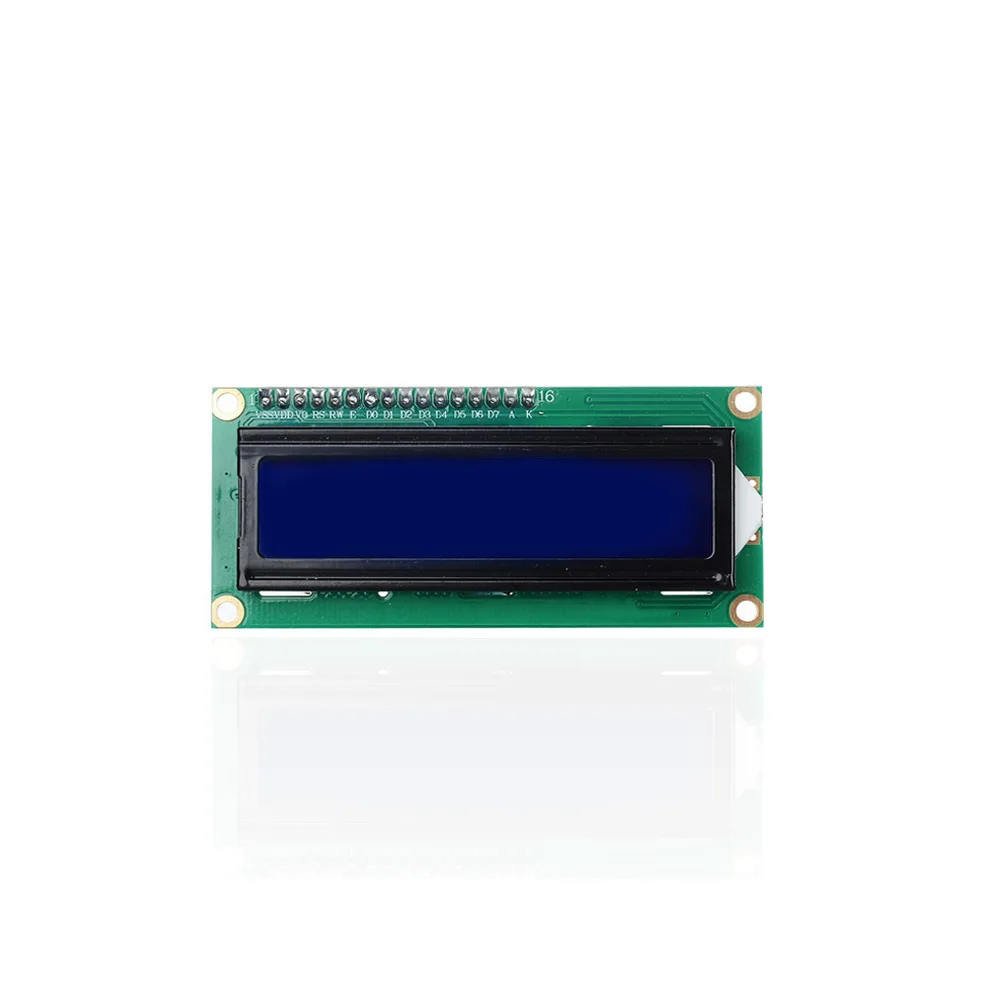
Clear high-contrast display
The screen features a vibrant blue backlight with crisp white characters across two rows of 16 characters. It includes adjustable contrast control to ensure optimal readability in different lighting conditions.

Broad Arduino compatibility
This display module is fully compatible with popular development boards like the Arduino UNO R3 and MEGA 2560. It operates at a standard supply voltage of 5V, making integration straightforward.
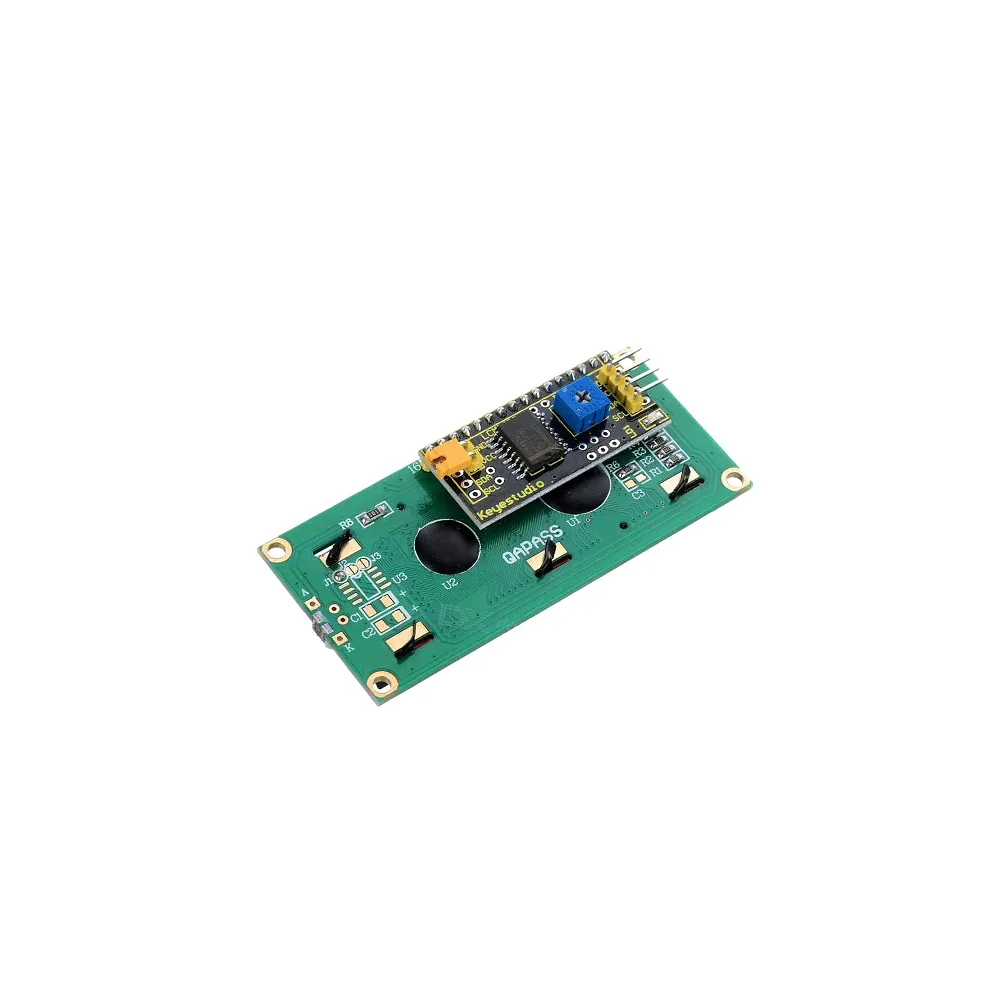
Simple address configuration
The default I2C address for this module can be set to 0x27, allowing for easy software configuration. This makes it simple to integrate into existing codebases using standard liquid crystal libraries.
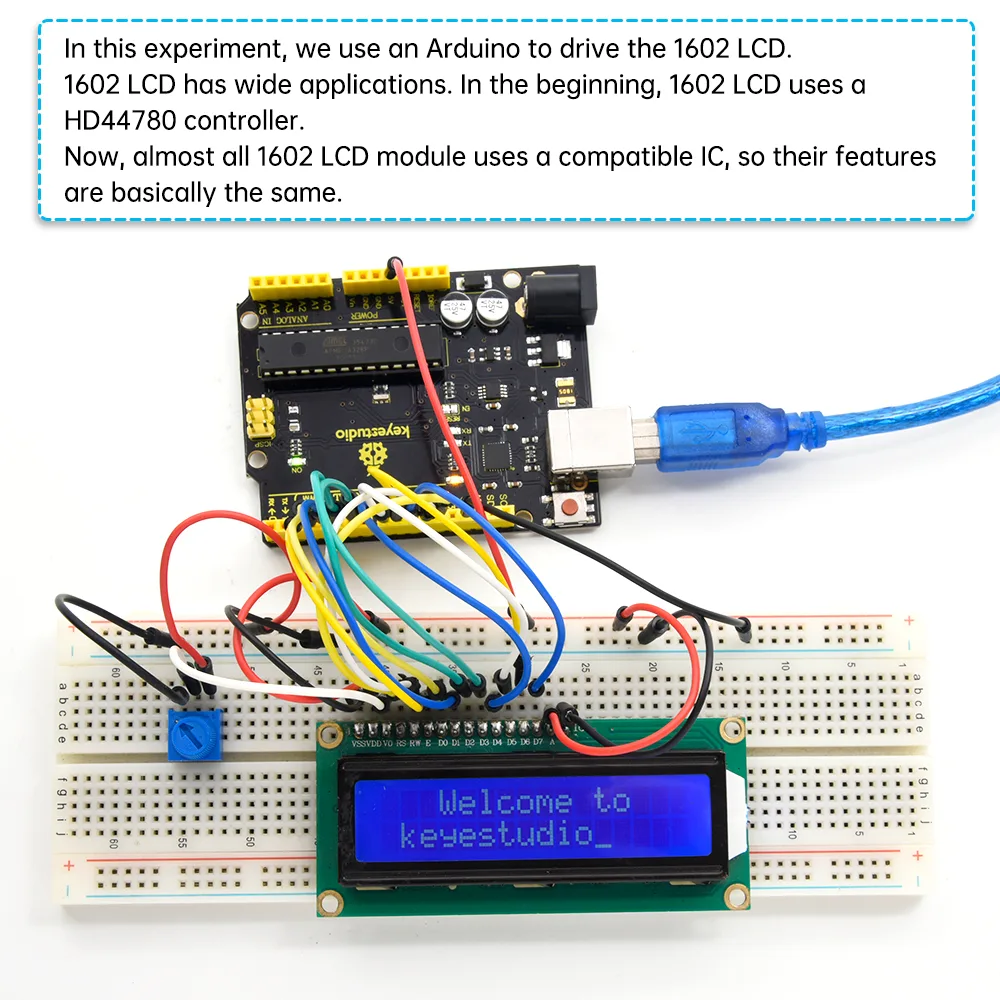
Accessible learning resources
Beginners and educators can get up and running quickly using the dedicated Wiki page tutorial. This resource provides step-by-step guidance and Arduino software examples to help you display your first lines of text.
Reviews
No reviews yet — be the first to review this product.
From the same brand

Kidsbits Smart Engineering Kit for Arduino Compatible With Lego Series Scratch Programming
Kidsbits Multi-purpose Coding Robot for Arduino STEM Compatible for Lego 7+