
Media from the Scratch library, © Scratch Foundation, CC BY-SA 2.0
- Free to try
- Laptops, tablets and phones
- Editor in 11 languages
Meet Mr. Sheen, Your 3D Co-Star
Every new project starts with Mr. Sheen on the stage: a real-time 3D robot who turns to face you, walks across the stage and does whatever your code tells him, with blocks as simple as all the others.
- 15 moves. Wave, cheer, dance, jump, clap, bow, salute, kick and more, each one picked from a single block.
- An emotion screen. Eight faces, from a smile to tears, let a story show how he feels.
- Walks and looks in 3D. He walks a number of steps or to a point, turns to look at a sprite or the mouse pointer, and switches to a flat look when a scene needs one.
Media from the Scratch library, © Scratch Foundation, CC BY-SA 2.0
Everything a Young Creator Needs
A complete creative studio in one browser tab: code, art, sound and a stage to run it all on.
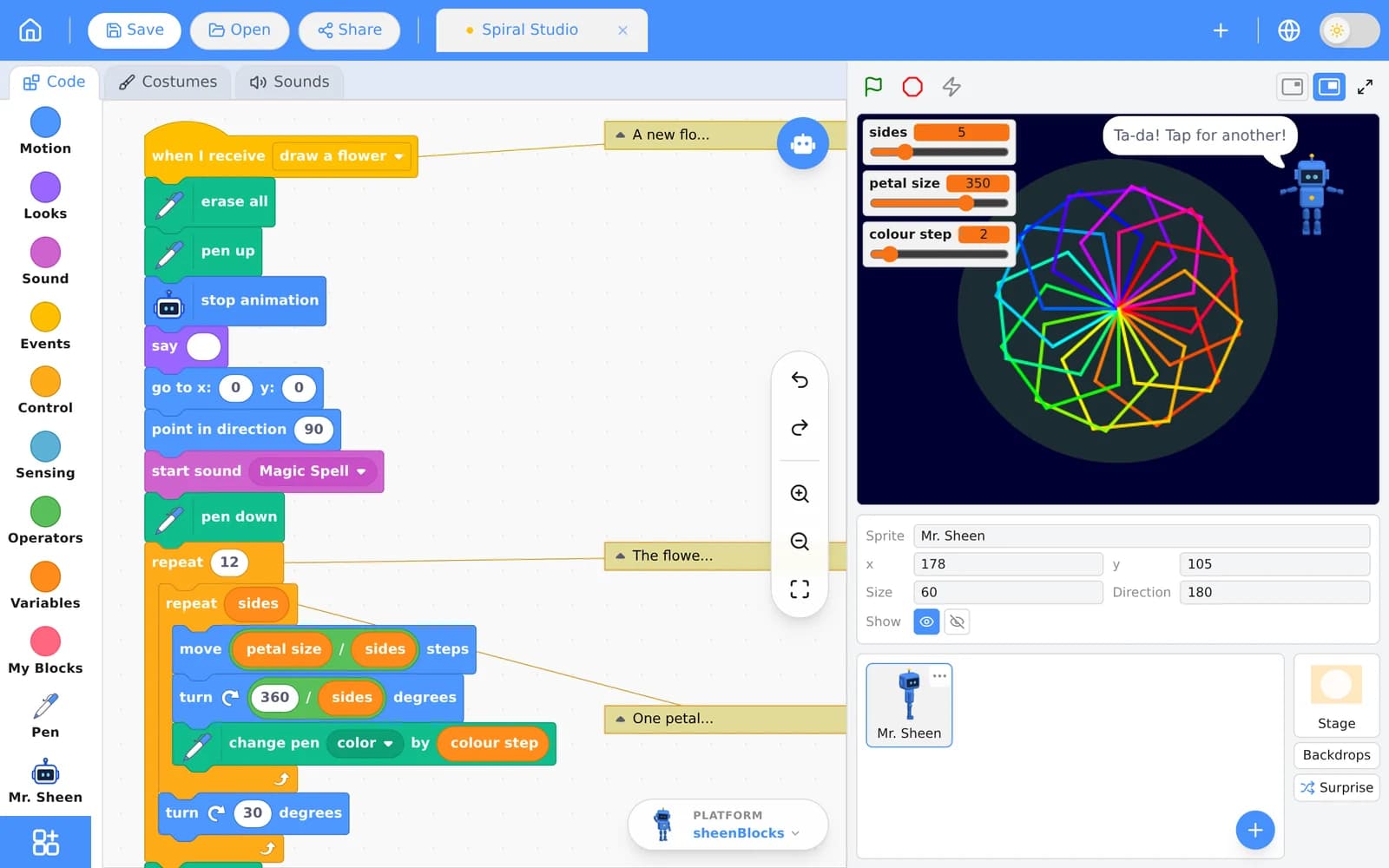
Media from the Scratch library, © Scratch Foundation, CC BY-SA 2.0
Blocks That Snap Together
Motion, Looks, Sound, Events, Control, Sensing, Operators, Variables and My Blocks, with a Help panel that explains every block right where you use it.
Paint and Sound Editors
Draw sprites and backdrops in vector or bitmap, add effects to sounds, or record your own voice with the microphone.
A Library to Start From
Hundreds of ready-made sprites, backdrops and sounds, plus a Surprise button for when you need an idea.
Pen, Music and Speech
Draw with the pen, play instruments and drums, make sprites speak out loud and translate what they say.
Made for Phones and Tablets Too
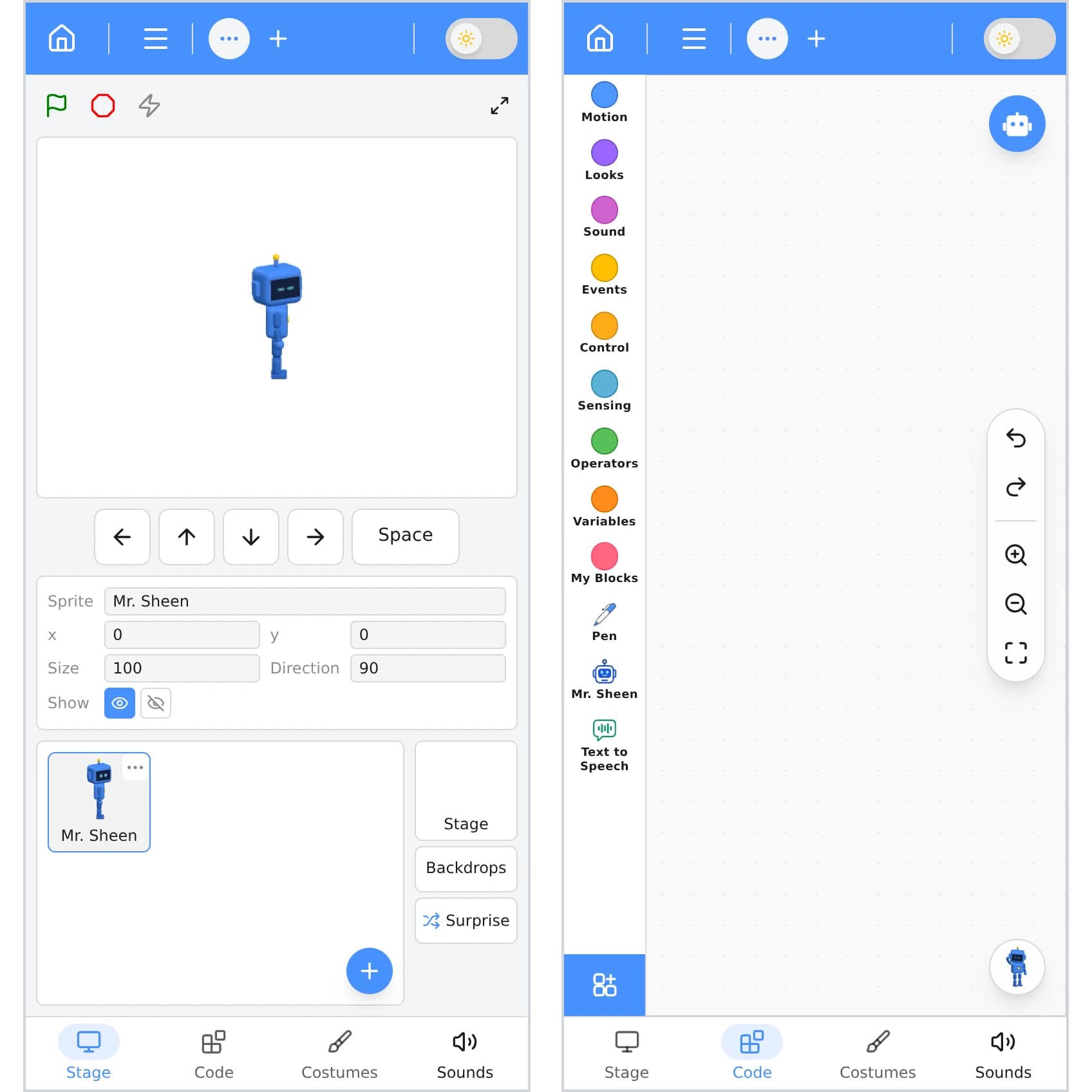
The whole editor fits on a phone, one pane at a time, with on-screen arrow keys for games.
Keep Your Work
Without an account, your draft stays in the browser and you can save the file to your computer. Sign in to save projects online and carry scripts, sprites and sounds between projects in your backpack.
Start From a Finished Project
Open a starter project, press Go to see it run, then read the notes in its code and make it your own.
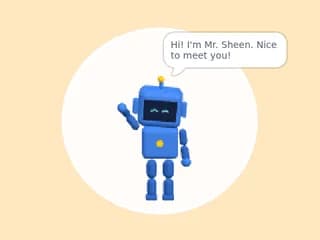
Hello, Mr. Sheen!
Press Go: Mr. Sheen turns to face you, waves and says hello. Click him to make him cheer!
Open in the editor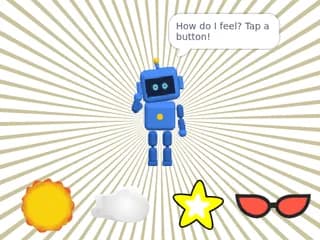
Mood Remote
Tap a mood button and Mr. Sheen shows that feeling with his face and a move. Arrow keys walk him around!
Open in the editor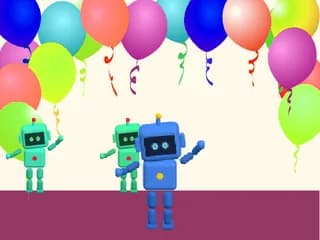
Robot Dance Crew
Press Go and Mr. Sheen dances to the beat. Tap him for a new move; tap the floor to add robots to the crew!
Open in the editor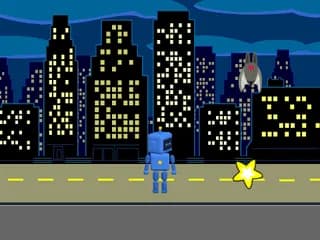
Robo Chase
Mr. Sheen runs after your finger or mouse to catch the star. Dodge the bat: he has 3 lives!
Open in the editor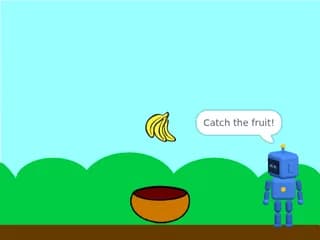
Fruit Rain
Slide the bowl to catch the falling fruit. Mr. Sheen cheers every 5 points; miss 3 and the game is over.
Open in the editor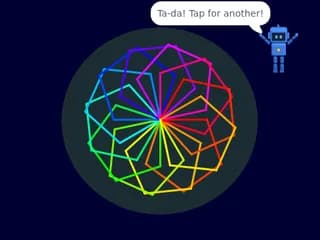
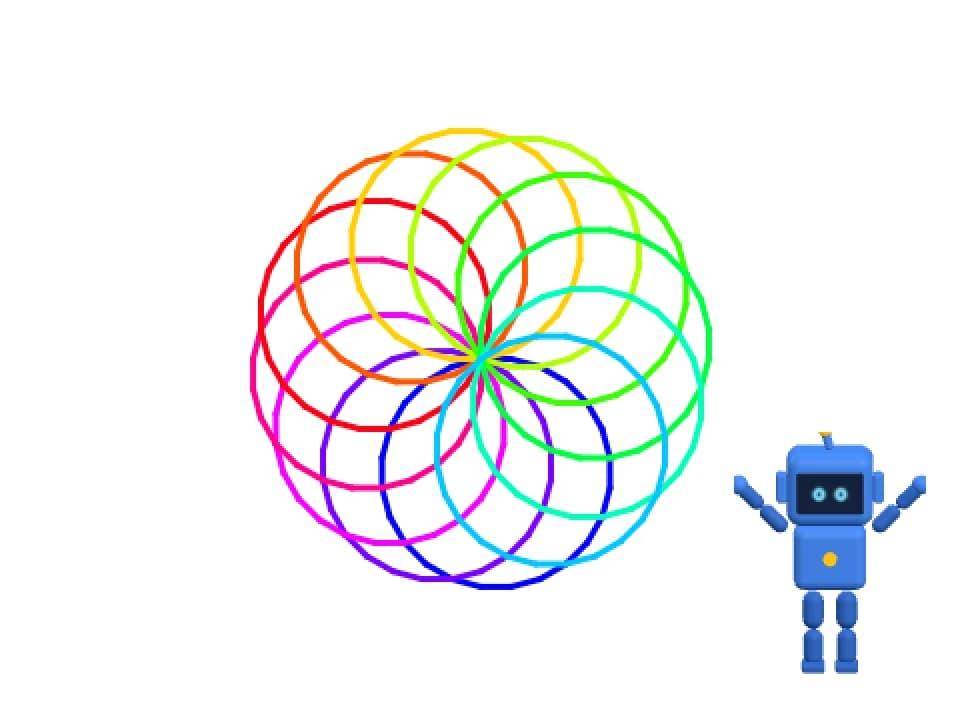
Spiral Studio
Mr. Sheen walks out glowing spiral flowers with his pen. Drag the sliders, then tap the stage for a new one!
Open in the editor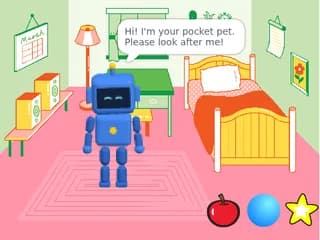
Pocket Pet Bot
Look after Mr. Sheen: feed him, play ball and put him to bed. His emotion screen shows how he feels!
Open in the editor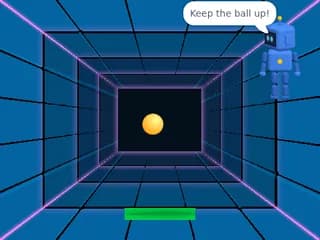
Bounce Keeper
Keep the ball up with a paddle that follows your finger. Every hit makes it faster! Mr. Sheen coaches from the corner.
Open in the editorMedia from the Scratch library, © Scratch Foundation, CC BY-SA 2.0
ask sheen
An AI Coach That Asks Before It Answers
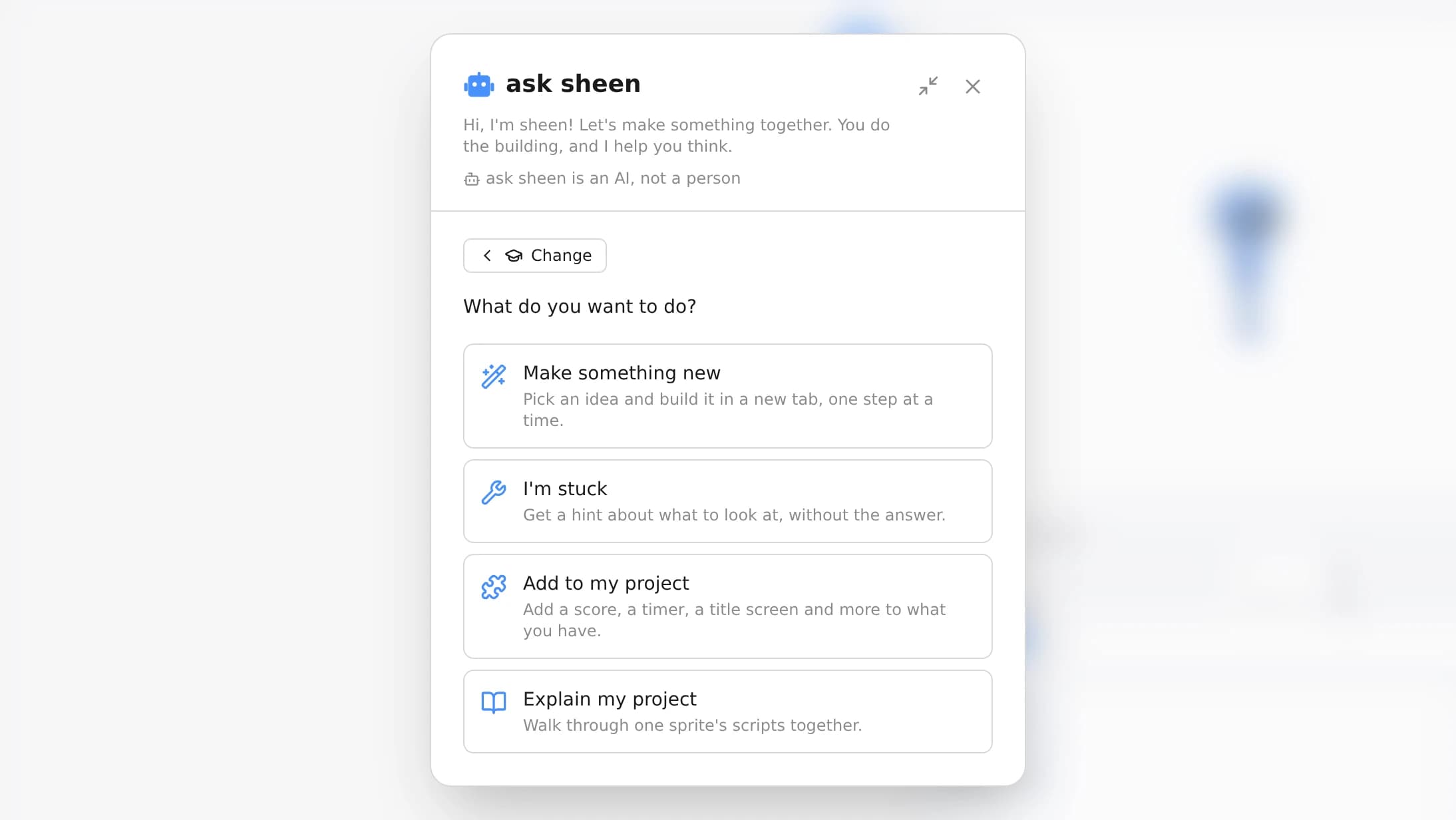
ask sheen is built into the editor, and it works by the rule it tells every child: “You do the building, and I help you think.”
- Make something newPick an idea, such as a scene, a game or a story. sheen asks one question at a time, then builds a starter in a new tab with blanks for you to finish.
- Add to my projectAdd a score, a timer, a title screen and more to what is already there.
- I'm stuckGet a hint about where to look, up to three hints deep, without being handed the answer.
- Explain my projectWalk through one sprite’s scripts together and see what each part does.
- Make a sprite with AIDescribe a sprite or a backdrop in your own words and sheen draws it, marked “AI-made”. It will not draw real people or characters from games, films or shows.
ask sheen always says that it is an AI, not a person, and adjusts its language for younger or older learners. It is optional: every lesson works without it. Read our privacy policy
Share It With a Link or a QR Code
Share a project with a short code, a link or a QR code: it plays full screen on a phone, with touch keys for games. Signed in, you can share with family through a link you can stop at any time, and let friends remix a copy of their own when you choose to.
Where Maths Meets Art
With the pen, a few loops and angles turn into spirals and flowers, and every change to the numbers draws something new.
Ready-Made Lessons for Teachers
A learning path on our learning site, open to everyone: a first project in minutes, then a full course with a teacher guide.
Start Guide
A first project in a few minutes: make Mr. Sheen turn, wave and say hello, then press Go.
OpenLevel 1: Beginner
Sixteen lessons, about 18 hours, for ages 8–14: events, loops, animation, sound and music, drawing with code, debugging and a showcase project of their own.
OpenTeacher Guide
Pacing for a 60-minute slot, notes for every lesson, privacy and safety guidance, and what to look for when you assess.
Open
Ready? Press Go.
Open the editor with Mr. Sheen already waiting on the stage. It’s free, it runs in your browser and you don’t need an account.
sheenBlocks is not affiliated with or endorsed by the Scratch Foundation. Engine: TurboWarp scratch-vm and scratch-render (MPL-2.0). Open-source licences