Why Your Robotics Budget Needs a Simulator (Even If You Only Want Physical Robots)
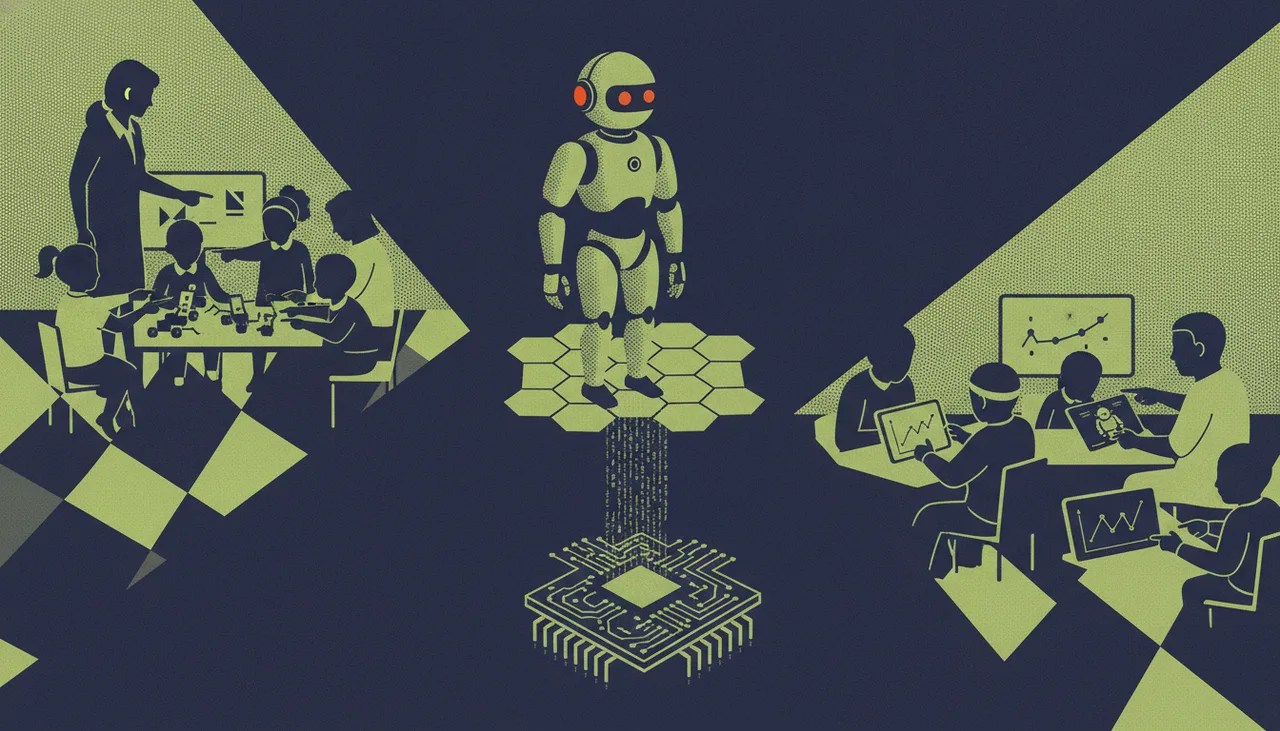
A simulator is not a cheap substitute for physical hardware; it is the economic engine that makes physical hardware viable by ensuring 40 learners aren't sharing three working robots.
If you buy 10 physical robot kits for a class of 40 learners, you do not have a coding class. You have a spectating class. The brutal arithmetic of the classroom dictates that when four learners share a single robot, one codes, one builds, and two watch—or worse, disengage entirely. A simulator is not a cheap substitute for physical hardware; it is the economic engine that makes physical hardware viable.
The Brutal Arithmetic of the 1-to-4 Ratio
Let us look at the budget. A robust educational robot kit typically costs between R2,500 and R6,000. For a South African school equipping a lab for 40 learners to meet the CAPS Coding and Robotics curriculum, buying 40 individual kits is financially out of reach for most. The standard compromise is grouping: four learners to a kit.
In a 45-minute lesson, a 1-to-4 ratio means each learner gets barely 10 minutes of hands-on time. The rest of the time is spent negotiating who gets to plug in the cable or press 'run'. A simulator changes this ratio. By giving every learner a virtual robot on their screen, the ratio becomes 1-to-1 for the critical thinking, debugging, and logic phases. They write their own code, test it in a virtual world, and fail safely without holding up their peers.
Surviving South African Classroom Realities
Physical hardware is highly vulnerable to the daily friction of school environments. Consider the real-world failure modes that derail lessons weekly:
- The Load-Shedding Hangover: The laptop trolley or robot charging station did not get power overnight. You walk into a class with 40 learners and 10 dead batteries.
- The Lost Component: A single proprietary wheel drop-pin goes missing in the carpet. The robot is out of commission until a replacement is ordered.
- WiFi Friction: School WPA2-Enterprise networks often block the peer-to-peer protocols required for a laptop to talk directly to a physical microcontroller.
A simulator bypasses these bottlenecks. If a physical robot's battery dies, the lesson does not stop. The learner simply switches to the virtual environment to continue their project. This is why we designed Sheen Canvas to integrate seamless, browser-based simulation alongside physical hardware control—ensuring that the learning continues even when the physical hardware is offline.
The Homework Problem
You cannot easily send a R4,000 hardware kit home in a Grade 7 learner's schoolbag. The risk of loss, damage, or theft is too high, meaning robotics learning is strictly confined to the school lab. A simulator extends the classroom. Learners can write, test, and refine their code at home on any basic computer or tablet, then bring their completed code to school to run on the physical hardware during their practical slot.
Comparing the Approaches
| Feature | Pure Hardware (10 kits, 40 learners) | Hybrid (10 kits + Simulator) |
|---|---|---|
| Active Coding Time | ~10 minutes per learner | Full 45 minutes per learner |
| Hardware Wear & Tear | High (constant handling, dropped parts) | Low (code is debugged virtually first) |
| Classroom Management | Difficult (disengaged learners cause disruptions) | High engagement (everyone has a task) |
| Homework Viability | Impossible (kits cannot leave school) | High (unlimited virtual practice) |
The goal is not to replace the physical robot. There is immense value in seeing a physical machine navigate a real-world surface, dealing with real-world friction, imperfect lighting, and sensor tolerances. But to make that physical experience meaningful, learners must arrive at the hardware with working, pre-tested code. A simulator is how you afford to give them the time to write it.