What is MicroPython and why do schools teach it?
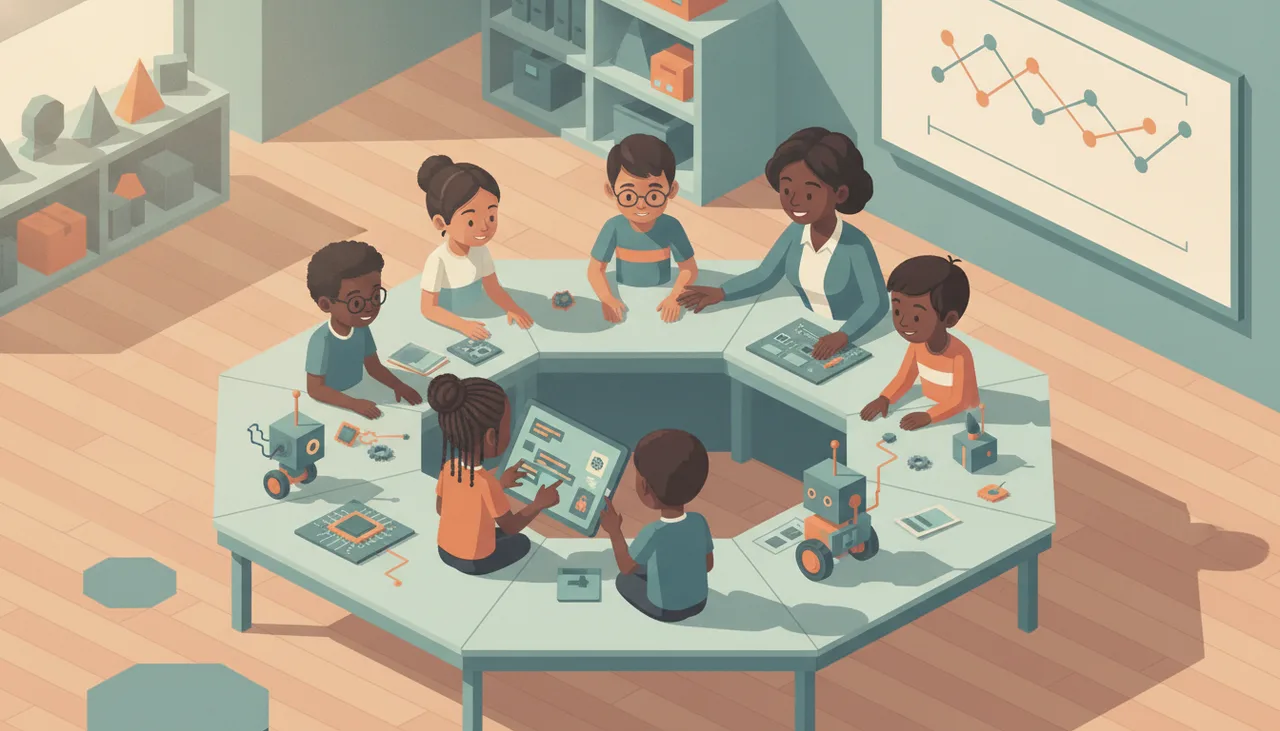
MicroPython is real Python trimmed to run on the small chips inside robots and gadgets. Schools use it because it runs instantly and the skills carry straight over to mainstream Python.
MicroPython is a compact version of the Python programming language that runs directly on a microcontroller, the small and cheap computer chip inside a robot, a sensor board or a wearable. It is not a lookalike or a teaching imitation. It is the same Python syntax a scientist or a web developer uses, trimmed to fit in a few hundred kilobytes of memory and taught to control physical pins, motors and screens. Schools teach it because it sits in a useful middle: more real than dragging blocks around, far gentler than a full desktop setup, and honest about being a language children will still recognise years from now.
Why it counts as real Python
The important word in the name is Python, not Micro. When a learner writes for i in range(10): or defines a function on a MicroPython board, they are writing exactly what they would write in the Python used at university, in data work, and across large parts of the software industry. The rules for loops, variables, lists and indentation are identical.
That matters because it means the effort transfers. A child who learns to read an error message, fix a typo, or restructure a loop on a small robot board is building the same habits they will lean on later in a text editor on a laptop. Very little has to be unlearned. Compare that to some block-only tools, where the ideas are sound but the specific skill does not carry over to any language a teenager or adult would actually meet.
The REPL: type a line, see it happen
The feature that wins over most classrooms is the REPL, short for read-eval-print loop. It is an interactive prompt: you type one line of code, press enter, and the board does it immediately. Turn an LED on. Read a temperature. Spin a motor for half a second. No saving, no build step, no waiting.
For a beginner that instant feedback is worth a lot. A ten-year-old can experiment the way they explore anything else, by poking at it and watching what happens. Mistakes become cheap and quick to correct instead of a mysterious wall. When the loop between an idea and a visible result is a couple of seconds long, learners try more things, and trying more things is most of how coding is actually learned.
Where blocks hand over to text
None of this makes block coding wrong. Blocks are a good place to start, especially for younger children. They remove the fear of typos and let a learner focus on the logic: this happens, then that happens, and if this is true do the other thing. The blocks teach the shape of a program before the spelling of it.
MicroPython is where blocks hand over. The natural moment comes when a learner starts to find blocks slower than their own thinking, or wants to do something the block palette does not offer. Many good tools let a learner flip a project between blocks and the equivalent Python, which turns the switch into a gentle slope rather than a cliff. The robotics board we use in our academy classes, the sheenbot infinity, runs MicroPython for exactly this reason: the same project can grow with the child from blocks into real text code without changing hardware.
Getting started at home or in class
You do not need much to try MicroPython. A short checklist for a parent or a teacher:
- A supported board. Most classroom microcontrollers run MicroPython or its close cousin. A single board is enough to start; a class set can wait.
- A USB cable and a laptop. The board plugs in and appears as a small drive or a serial connection. No expensive software licence is required.
- An editor with a REPL. Pick a beginner editor that shows the interactive prompt, so a learner can type a line and watch the board respond.
- A first tiny goal. Blink a light, then make it blink faster. Small wins beat an ambitious project that stalls on setup.
- A reason to keep going. A weekly class, a holiday workshop, or a project the child actually cares about carries a beginner past the first frustrations.
If you would rather not assemble it yourself, a guided class does the setup and the pacing for you. You can book a free trial lesson to see whether the approach suits your child, or browse boards and kits in the store if you want to tinker at home first. Either way, the value of MicroPython is the same: it is real coding, it responds instantly, and none of it is wasted when your child moves on to the next thing.