
What "AI-native" actually means in an education robot (and what is marketing)
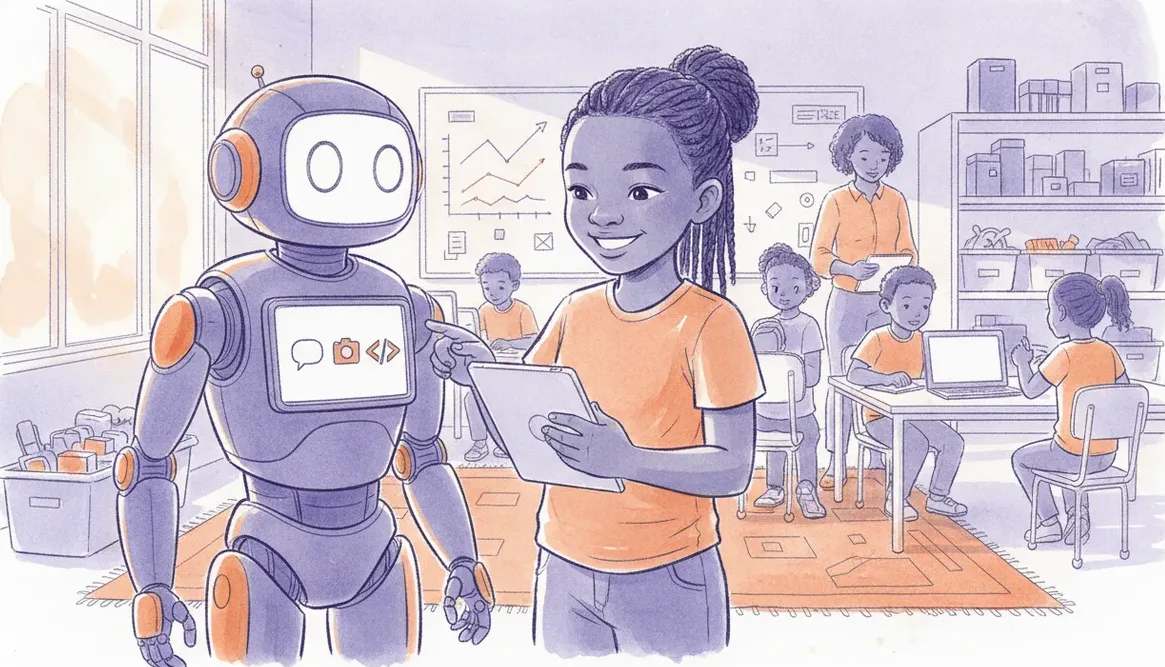
"AI-native" on a robot's box means one of three things: on-device voice or vision, an AI coding helper, or just a sticker. Here is how to tell which you are paying for.
"AI-native" printed on a robot's box can mean three very different things, and only two of them teach a child anything. It might mean the robot runs voice or vision recognition itself, it might mean the coding software has an AI helper built in, or it might mean a marketing team added the word to a product that behaves exactly as it did last year. Knowing which one you are paying for is most of the decision.
The three things the label can mean
When a kit calls itself AI-native, sort the claim into one of these buckets before you look at anything else.
| What it is | What it teaches | What to watch for |
|---|---|---|
| On-device AI: the robot senses and reacts (voice, colour, faces, gestures) | How the physical world becomes a signal, then a decision, then an action | Where the computing actually happens, and whether it works offline |
| AI-assisted coding: the software helps the child write the program | Debugging, reading errors, iterating without an adult hovering | Whether it gives hints or just hands over finished code |
| The sticker: nothing changed, the word is the feature | Nothing beyond the first scripted demo | An "AI" premium on what is really an if-statement |
On-device AI: real, but with honest limits
This is the version people picture: the robot hears "forward", or sees a red card, and acts. It teaches the clearest lesson in the whole kit, because a child can watch a sensor reading turn into a choice turn into movement. That loop is the heart of both coding and robotics.
The honest limit is that at classroom price points, a heavy neural network rarely runs on the microcontroller itself. Often the "AI" is simple threshold logic (a sound level, a colour match) or the heavy lifting happens on a paired phone or laptop and the robot just receives the answer. That is still genuinely educational. It is just not a large model living on the chip, and you should not pay as if it were. On a board like the sheenbot∞ expansion board, colour and sound sensing happen locally while anything heavier leans on a connected device, and the child can see exactly where each part runs.
The question that cuts through the demo: does it still work with no internet? In South African classrooms that is not a nicety. Load shedding will test any feature that quietly depends on a vendor's cloud.
AI-assisted coding: the helper inside the software
This is the version that most changes how a child learns, and it is the one buyers tend to overlook. An AI helper that explains an error in plain language, suggests the next block, or asks a guiding question can keep a stuck nine-year-old moving without a teacher at their shoulder. In a class of twenty-five, that is the difference between one frustrated child waiting ten minutes and the whole room progressing.
The risk is a helper that writes the entire program. That teaches nothing except how to accept an answer. A good helper gives scaffolding and withholds the solution, and it adjusts to the age of the child. The way to tell them apart is to watch one in use: does it nudge, or does it hand over? You can see this in a real lesson far more reliably than in a sales video, which is one reason a trial lesson is worth more than a spec sheet.
The sticker: when "AI" is just a label
Some products slap "AI" onto line-following or a pre-recorded response tree. A robot that speaks a fixed phrase when it sees a wall is running an if-statement, not intelligence. There is nothing wrong with that behaviour in a first kit, and simple logic is exactly where a beginner should start. The problem is paying an AI premium for it.
The tells are consistent. The demo only ever shows the one scripted trick. There is no way to change or extend the behaviour in code. And the "AI" stops working entirely the moment the vendor's app or cloud is unavailable. None of those is fatal on its own, but together they mean the word on the box is doing more work than the robot is.
Questions that expose vapourware
Take this short list to any demo, in a shop, at a market stall, or on a call with a supplier. Vague answers are themselves an answer.
- Where does the AI run: on the robot, on a phone, or in the vendor's cloud?
- Does it still work with no internet? Ask specifically, and do not accept "usually".
- Can the child change the behaviour in code, or only trigger a demo?
- Can I see the program behind the "AI" feature, in blocks or in text?
- Is there an AI coding helper, and does it give hints or full answers?
- What happens in a year if the app is discontinued? Does the kit still teach?
- Can we try it before buying?
Choosing without overthinking it
Decide which of the three you actually want, then buy for that. For most primary classes, an AI coding helper plus honest local sensing beats a flashy cloud vision demo that dies during load shedding. The label matters far less than whether your child can open the program, understand it, and change it.
Because the real behaviour only shows up in use, try before you buy. A trial session or a December holiday workshop will show you in twenty minutes what a brochure cannot, and it tells you whether the coding, not the branding, holds a child's attention. If you want to compare kits first, our store lists what each board can and cannot do in plain terms, and the rest of the academy programme shows where a kit fits into a real term of learning.
Takeaway: "AI-native" is not one claim, it is three. Two of them, on-device sensing and an AI coding helper, teach something real. The third is a sticker. Ask where the computing happens, whether it survives a power cut, and whether the child can change the code, and the marketing sorts itself out.
FAQ
Does my child need an "AI robot" to learn to code?
No. The coding concepts, sequencing, loops, conditions, debugging, matter far more than the label on the box. An AI helper in the software can make the learning smoother, but a beginner learns just as well starting with plain logic and simple sensors.
Is on-device AI better than cloud AI for schools?
For South African classrooms, local sensing that works offline is usually the more reliable choice, because it keeps running during load shedding and does not depend on the school's connection. Cloud features can be richer, but a feature that fails without internet is a weak foundation for a term's lessons.
How do I spot a robot that only pretends to be AI?
Ask to see it do something other than its headline demo, and ask to see the program behind that feature. If the behaviour cannot be changed in code and stops working without the vendor's app, you are most likely paying for a label rather than a capability. Our newsroom covers more of these buying questions as they come up.


