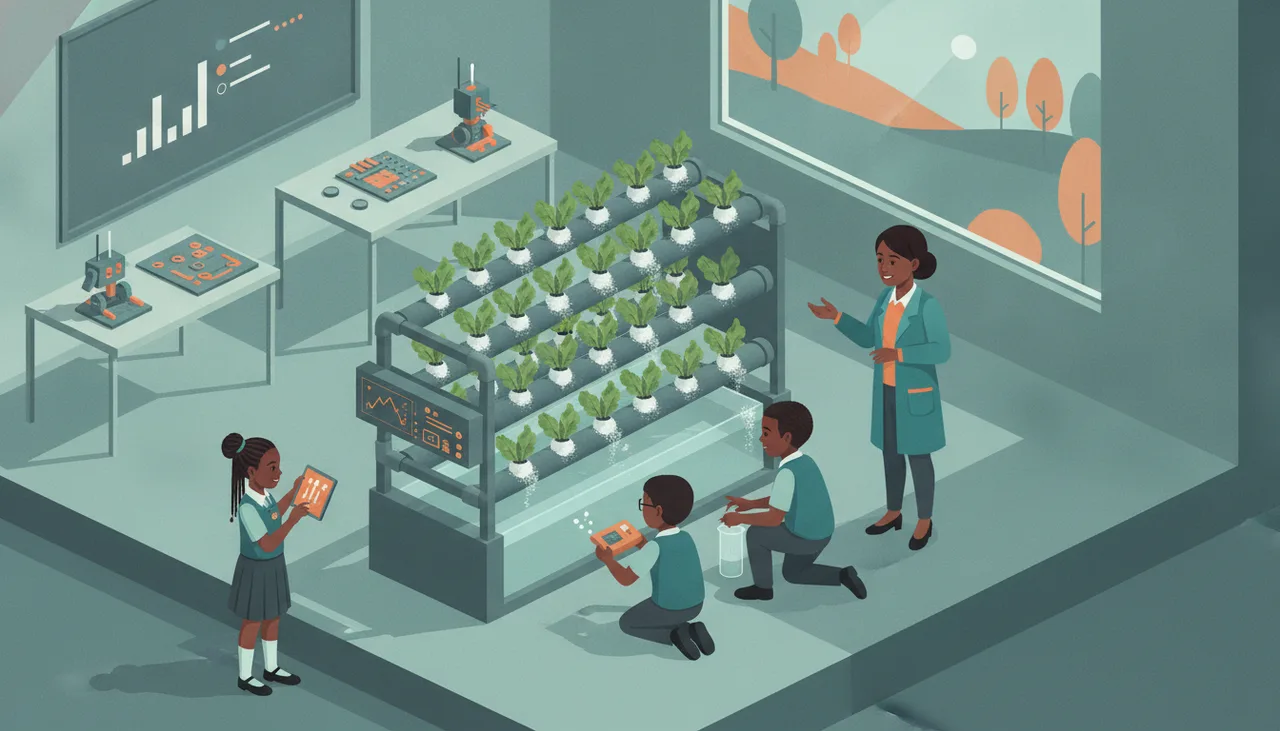
What age should a child start coding and robotics?
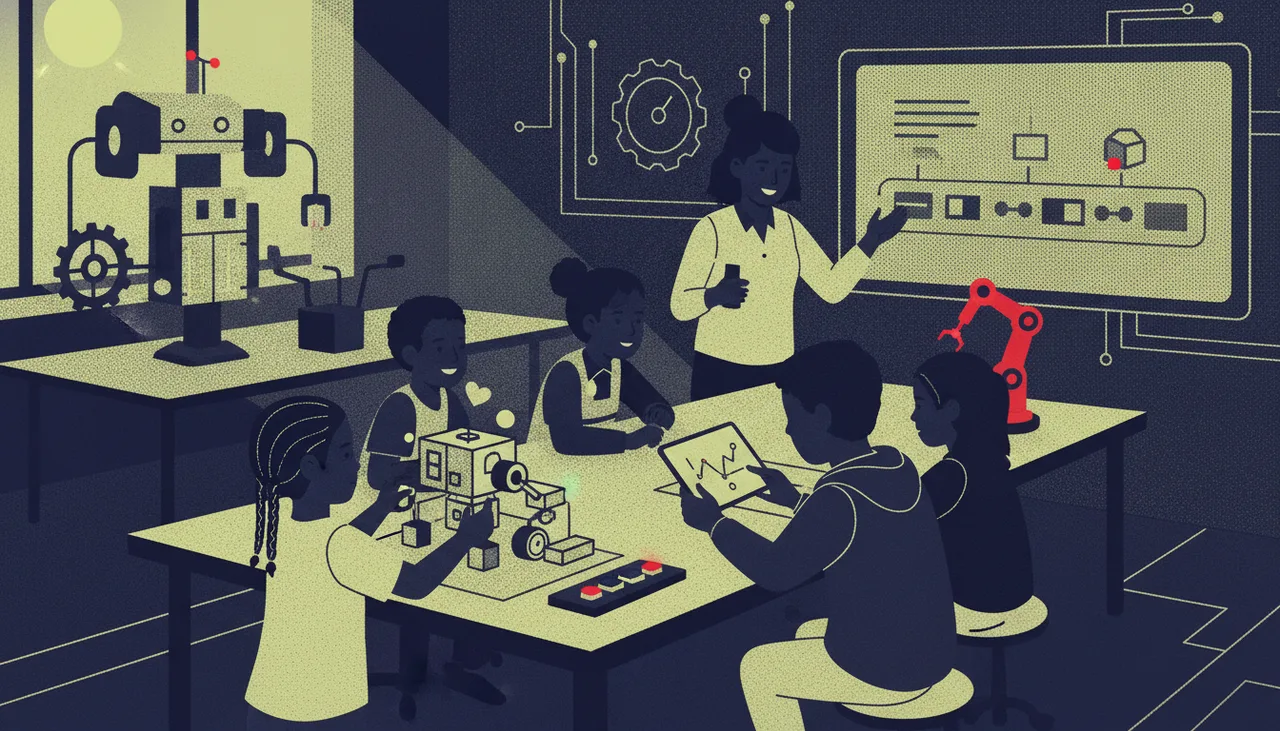
Most children are ready for block coding with hands-on hardware around age six; text languages like Python usually land best from ten to twelve. Match the tools to the child, not the calendar.
Most children are ready to start coding around age six, using visual blocks paired with hardware they can hold and watch react. You can lay useful groundwork earlier, from about four, with screen-free games. Text languages like Python usually land best from ten to twelve. The age matters less than the format: match the tools to what a child can already do with their hands, their reading and their attention span.
Below is a band-by-band guide to what each stage can genuinely do, the signs a child is ready to move up, and the things worth skipping. Use it as a map, not a timetable. Children arrive at each stage on their own schedule.
Ages 4 to 6: screen-free foundations
At this age the goal is thinking, not typing. Young children build the ideas that coding later depends on: putting steps in order, spotting patterns, and understanding that one action causes another. None of this needs a computer. Simple button-based floor robots, step-by-step "instruct the grown-up" games, and sorting or sequencing activities do the real work.
Keep sessions short, roughly ten to fifteen minutes, and physical. A four-year-old who can follow a three-step instruction and enjoys puzzles is already coding in the way that counts. Screens can wait. What you are protecting here is curiosity, so let play lead.
Ages 6 to 8: blocks and the first real robot
This is the sweet spot most parents are asking about. By six, a child who can read a few words and stay with a task for twenty minutes is ready for block coding, where you drag and snap coloured blocks together instead of typing. There are no spelling mistakes to trip over, so the child spends energy on the logic rather than the syntax.
Robotics for six year olds works best when the code makes something physical happen: a light blinks, a buzzer sounds, a motor turns. That feedback loop, change a block and watch the robot respond, is what makes the idea stick. A board built for beginners, like the sheenbot infinity, pairs block coding with sensors and outputs so the connection between code and the real world is immediate. If you are unsure whether your child is ready, a single trial class tells you more than any age chart.
Ages 9 to 12: real projects and debugging
From about nine, children can hold a bigger idea in their head and build it over several sessions. This is where loops, conditions ("if this, then that"), and variables start to make sense, and where the most valuable skill of all appears: debugging. Working out why something did not behave as expected, and fixing it calmly, is worth more than any single project.
Give this band proper hardware and open-ended briefs. A line-following robot, a reaction-timer game, a weather station that reads a sensor and shows the result. They can plan, build, test and improve. Many children in this band are ready to keep going at home with a kit between lessons.
Ages 13 and up: text code and bigger builds
Somewhere around ten to twelve, and comfortably by thirteen, most children are ready to move from blocks to text-based code such as Python. The shift matters because text is how real software is written, and because bigger projects outgrow what blocks can comfortably express. Teenagers can take on multi-part builds, connect several sensors, and start thinking about how their code is structured rather than just whether it runs.
Do not rush this jump. A child pushed into text before the underlying logic is solid often stalls and decides coding is not for them. Blocks first, text when the thinking is ready.
Signs your child is ready to move up
Readiness shows up in behaviour long before a birthday. Look for these:
- They can follow a multi-step instruction without needing each step repeated.
- They stay with a fiddly task instead of abandoning it at the first snag.
- They ask "why did it do that?" rather than only "is it right?"
- They enjoy taking things apart to see how they work.
- They can read the words on the blocks or screen they are using.
If most of these are true, the next band is within reach. If not, there is no harm in staying put and going deeper. Confidence built at the right level beats frustration at the wrong one.
What to skip
A few common mistakes cost time and enthusiasm. Skip screen-heavy apps for under-sixes; the tactile stuff serves them better. Skip jumping straight to text code because a child is "clever"; cleverness and readiness are not the same thing. Skip expensive kits with fifty features when a child will use five. And skip the pressure to specialise early. A ten-year-old does not need to choose between robotics, game design and web development. Broad and playful now leads to depth later.
School holidays are a low-pressure way to test the water without committing to a term. Short, project-based holiday workshops let a child try building something real and go home with it, which is often the moment the interest catches.
Takeaway
Start block coding with hands-on hardware around six, keep it physical and short for the youngest children, and let text-based languages wait until ten to twelve. The right entry point is the one that matches your child's reading, patience and fine-motor skills today, not a fixed age. Watch for the signs of readiness, follow the child's pace, and let the projects get harder as the thinking does.
Is six too young for robotics?
No, provided the format fits. At six, block coding paired with a robot that reacts, blinks or moves is a good match. Avoid anything that requires typing commands or reading long instructions.
My child loves games but not "coding". Does that matter?
Not at all. Building a simple game is coding. Many children who say they dislike coding happily spend an hour making a sprite move or a buzzer play a tune. Start from what they already enjoy.
How do I know which band my child fits?
Match the tools to their current reading and attention, not their age, and use the readiness checklist above. A trial lesson at a coding and robotics academy is the quickest way to see where they naturally sit.