
Voice-controlled robots: offline speech recognition for kids' projects
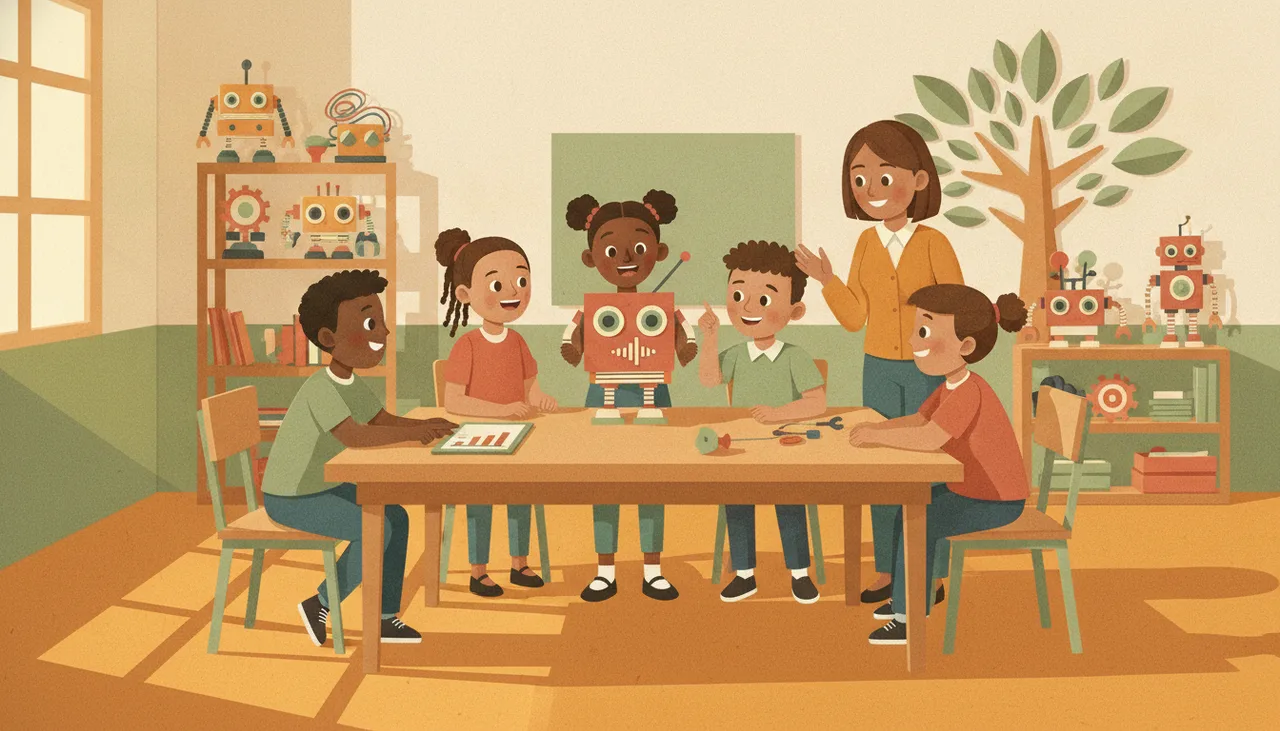
Offline speech recognition lets a robot obey a short list of spoken commands on the device itself, with no cloud, accounts or internet. That makes it a private, reliable fit for classrooms.
What offline speech recognition means
Offline speech recognition runs entirely on the robot or the board driving it. Instead of streaming audio to a server, the device listens for a short, fixed list of commands it already knows: words like forward, stop, left and right. There is no cloud account, no sign-in, and no audio leaving the room. That is very different from the voice assistant on a phone, which sends what you say to a data centre and needs a live connection to answer.
The trade-off is scope. An offline command recogniser will not hold a conversation or transcribe a full sentence. It is built to spot a handful of key words reliably, which is exactly what a driving robot needs.
Why offline suits a classroom
Privacy comes first. When nothing is recorded or uploaded, you avoid the awkward questions about children's voices sitting on someone else's server, and you skip the consent forms that come with cloud accounts.
The second reason is that it simply keeps working. School WiFi is often shared, filtered or slow, and load shedding can take the router down in the middle of a lesson. An offline robot does not care. Once the commands are loaded, it responds whether the internet is up or not.
The third reason is setup. No accounts means nothing to provision for a class of thirty, no email addresses to collect, and no per-seat subscription to budget for. You unpack, load the command set, and start driving.
Designing a command set that works
Most of the reliability of a voice robot comes from the words you choose, not the microphone. A good command set is small and distinct, so the robot rarely has to guess. Use this as a starting checklist:
- Keep it to six to eight commands. Fewer words means fewer things to confuse.
- Pick words that sound clearly different from each other. Left and stop are easy to tell apart; go and no are not.
- Prefer two-syllable words. Forward is easier to catch than on.
- Avoid words that come up in normal chatter, or the robot will trigger during discussion.
- Include one clear stop that always halts the robot, and test that one first.
- Say each command the same way, from a similar distance and volume, so learners build a consistent habit.
What accuracy to expect
Be honest with learners up front: offline recognition is good, not perfect. In a quiet room, about a metre from the microphone, a well-chosen command set is dependable enough to drive a rover around a taped-out course. Accuracy drops with background noise, so a busy room of thirty is harder than a small group. Build for that. Have the robot flash an LED or beep to confirm it heard a command, so a child knows whether to repeat the word rather than shout it louder.
Treating misfires as part of the work helps. Ask why left was missed, swap in a clearer word, and try again. That debugging loop is where the real learning happens.
Building your first voice robot
A simple rover with two motors and a microphone is the right first build. The sheenbot∞ board is set up for this kind of on-device project, so a class can wire a robot, load a short command set, and drive it the same afternoon. If you want to see it run with learners before committing, book a trial session at the academy, or pick up a kit from the store and build one at home. Start with three commands, forward, stop and turn, and grow the set once those are solid.


