
Simulators in the classroom: teaching robotics without hardware
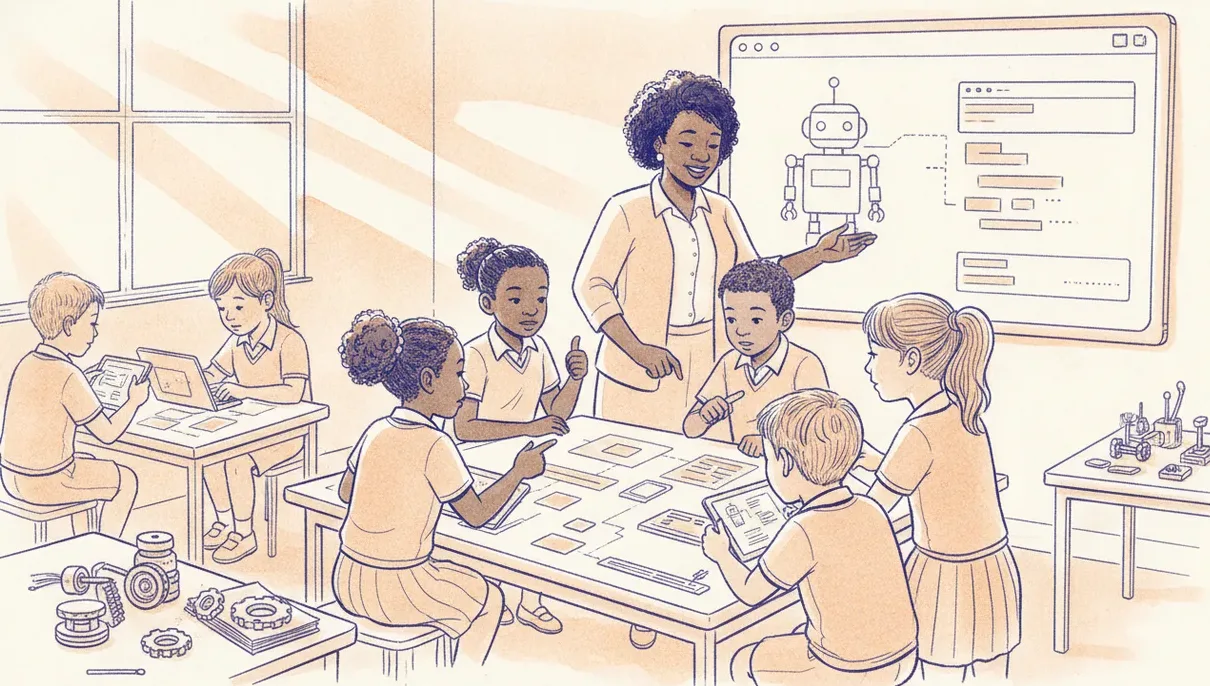
A robotics simulator lets a whole class code, debug and do homework without a kit on every desk. When sims beat hardware, where they do not, and how to run both.
A robotics simulator lets a whole class write, run and debug real code on screen, without a kit on every desk. That makes sims strongest for three moments: teaching code to the whole room at once, setting homework, and keeping a lesson alive on a day when half your kits are flat or broken. What a simulator cannot do is give learners the feel of a motor stalling or a sensor drifting on a shiny floor. The best answer is rarely one or the other.
Here is when a simulator earns its place, where hardware still wins, and a few hybrid patterns that hold up in a real classroom.
When a simulator beats hardware
Three situations make the case on their own.
Whole-class coding. When the goal is a loop, a condition or a function, everyone can be writing and running that code at the same time. You are not waiting for one robot to finish its run before the next learner gets a turn. Thirty learners get thirty attempts a minute instead of one.
Homework and revision. Nobody takes a class kit home. A browser-based sim goes home on any laptop or phone, so a learner can practise the same code they wrote in class. That turns robotics from a once-a-week event into something they can pick up any evening.
Broken-kit and load-shedding days. Kits go missing, batteries die, and a chunk of them will be out of action on any given morning. When the power is off and the charging trolley is dead, a laptop on battery and an offline-friendly sim keep the lesson moving. The plan does not collapse because the hardware did.
Where hardware still wins
A simulator models the clean version of the world. Real robots do not behave cleanly, and that gap is where a lot of the learning lives.
Physical intuition is the big one. A line follower that works perfectly on screen can drift on a glossy floor. A motor that spins freely in the sim stalls under the weight of the real chassis. Battery voltage sags, sensors pick up noise, and wires go in the wrong way round. Learners only meet these problems, and learn to debug them, on real hardware.
Motivation matters too. A robot that actually moves across the desk lands differently from a shape that moves on a screen. For younger learners especially, the physical build and the shared robot are half the reason they turn up.
Browser-based means no IT install battles
School computer labs are usually locked down. Learners do not have admin rights, the machines are old, and IT will not install a new program on thirty PCs for one subject. A simulator that runs in the browser sidesteps all of that. You share one link, it opens on Chromebooks, ageing lab PCs, tablets and phones, and there is no per-machine setup and no version drift to chase across the room.
That single practical detail often decides whether robotics actually happens in a school or stays stuck in a proposal document.
Hybrid patterns that work
Treat the sim and the kit as two tools for one job. A few patterns that hold up week to week:
- Design on screen, deploy to the board. Learners get the logic working in the simulator, then flash that same code to a real board for the last ten minutes and watch it run.
- Rotate stations. Half the class on sims, half on a small set of kits, then swap. You need far fewer kits than learners.
- Homework in the sim, build in class. Concept practice happens at home, so scarce class time goes to the hands-on build.
- Fallback lane. When a kit fails mid-lesson, that pair moves to the sim and keeps working while you fix or swap the hardware.
The key to every pattern is that the code stays the same in both places. If the simulator uses one language and your board uses another, learners have to relearn everything at the hardware step and the transfer is lost.
Choosing a classroom simulator
Vendor claims aside, a classroom simulator is worth using if it ticks most of these:
- Runs in a browser with no install and no admin rights.
- Uses the same blocks and code (Python or similar) that run on the board you teach.
- Keeps working offline or on weak wifi.
- Is free or low cost per learner.
- Mirrors your actual hardware, so moving from screen to board is a short step and not a fresh start.
That last point is why we built our academy around a browser simulator paired with the sheenbot∞ board. Learners write and debug on screen, then run the same program on the physical board without learning a new language. If you want to see it before committing to kits, a free trial lesson runs entirely in the browser, and our holiday workshops in the July break mix screen and hardware together.
The takeaway
A simulator is not a cut-price robot. It is a different tool that is better at some things (reach, repetition, homework, and resilience on a bad day) and worse at others. Use it to get every learner coding and practising, and use hardware for the physical intuition and the motivation that only a moving robot gives. Run them together and you get more robotics per rand and per hour than either manages alone.
FAQ
Can learners do real coding in a simulator, or is it just a toy?
Real coding. A good simulator runs the same blocks or Python that the hardware runs, so learners are writing genuine programs, not clicking through a game. The only difference is that the output shows on screen instead of on a desk.
Do I still need to buy kits?
Fewer than you might think. Because sims cover whole-class coding and homework, a small shared set of kits, rotated between groups, is usually enough for the hands-on part. Budget for a few spares, since some kits will always be out of action.
Does simulator work count for CAPS and assessment?
The coding, logic and debugging a sim teaches map onto the same skills you would assess on hardware. Tie formal assessment to the code and the reasoning rather than to whether one robot behaved on the day, and simulator work counts fully.


