
Screen time that builds instead of drains: the case for hands-on coding
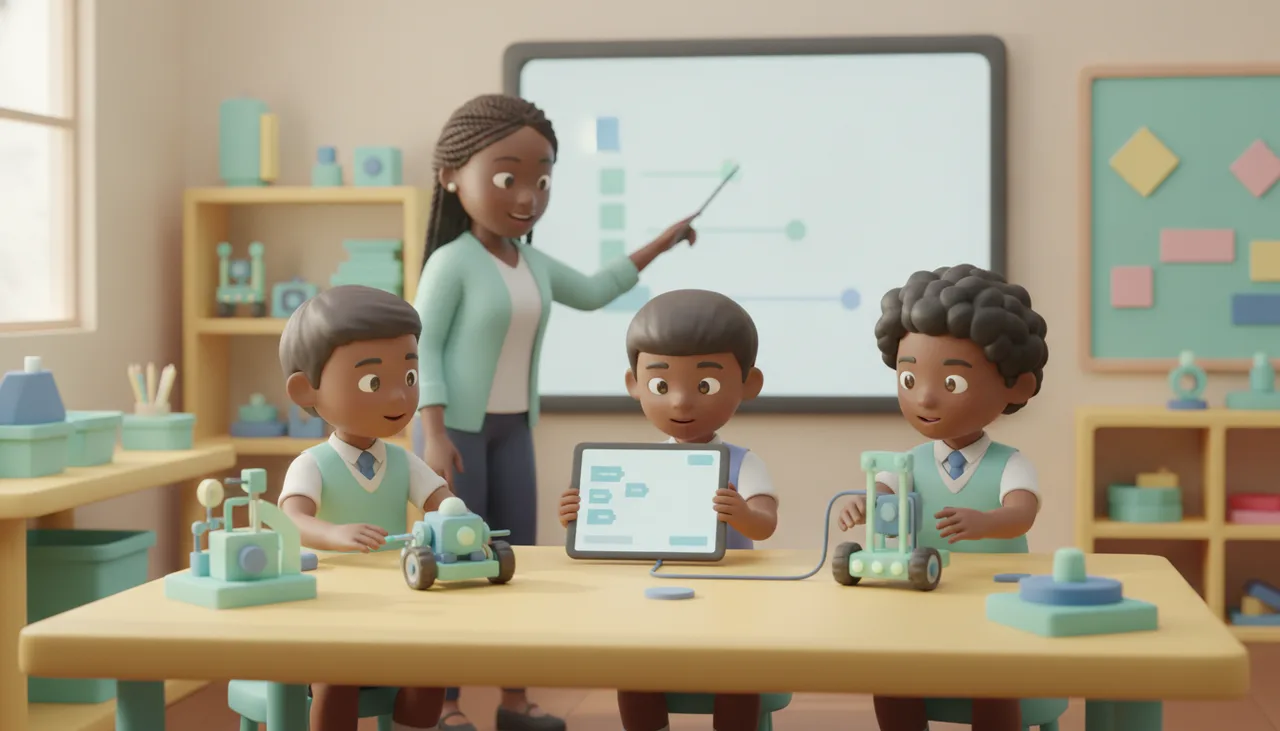
The problem with screen time is passive consumption, not the screen. Hands-on coding turns the display into a tool a child aims at something they build, with a real result.
The worry behind "too much screen time" is rarely the screen itself. It is the passivity: a child watching autoplay videos or scrolling for an hour ends up with nothing they made and nothing they learned. Hands-on coding turns that around. The screen becomes a tool aimed at something the child is building, and when the session ends the result is a robot on the table, not just a closed app.
The real problem is passive consumption
A useful test is to ask who is directing whom. When a feed decides what plays next, the child is being fed. When a child writes a few lines to make a wheel spin or a light blink, the child is directing the machine. Same device, opposite posture. Judging screen time by the clock alone misses this. Twenty minutes of mindless scrolling and twenty minutes spent debugging a line-following robot are not the same twenty minutes.
So the goal is not zero screens. It is shifting the balance from consuming to making, so that more of the time in front of a display leaves something behind.
What "building" screen time looks like
In coding and robotics the screen is a means, not the destination. A child drags or types instructions, but the payoff happens in the room: a motor turns, a sensor reacts, a small robot backs away from the edge of the table. The physical output is what makes it stick. It also has a natural end point. The code works, the robot does the thing, and the child walks away with a result instead of an endless feed.
You do not need hardware to begin. A browser-based block editor like our free block coding sandbox lets a child write real programs and watch a simulated board respond, which is a low-cost way to see whether the interest is there. When it is, a physical kit built around the sheenbot∞ board moves the same skills off the screen and onto the desk.
Simple rules that keep the balance
You do not need a rigid schedule. A few habits do most of the work:
- Separate making from watching. Count creative screen time such as coding, building or designing differently from passive scrolling, and protect the making time first.
- Ask for the output. End a session by having the child show you what they made, not what they watched. If there is nothing to show, it was probably consumption.
- Keep it social. Building next to a sibling or in a small group beats solo scrolling, because the talking and problem-solving are half the value.
- Set a stopping point, not just a timer. "Until the robot turns left" ends on a finished thing, which is a healthier boundary than "thirty more minutes."
- Model it. Cooler autumn afternoons this term are a good reason to sit down together and get something working rather than each retreating to a separate device.
Where to start
If you want to try the making side without committing, a single trial class is the low-pressure way in. A child gets a robot moving in one session, and you get to watch whether they lean in. The holiday workshops over the coming June and July break are another option for a longer, screen-light stretch. Either way the aim is the same: less time being fed by a screen, and more time using one to build something real.


