
A robotics lab on a shoestring: what to buy first
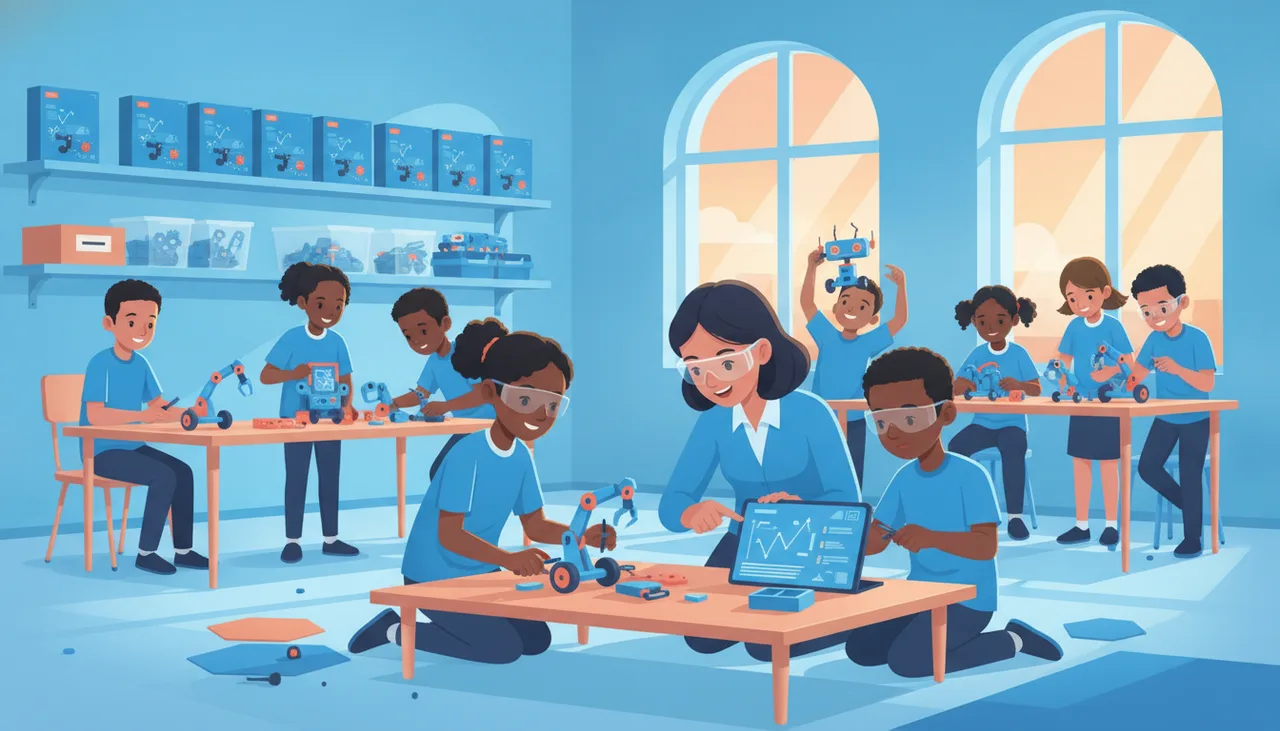
On a tight budget, buy fewer durable kits and share them two or three to a group, spend nothing on software, and set aside a little for spares. Here is the order that works.
When the budget is small, the honest answer to "what do we buy first" is this: fewer good kits, shared between learners, and free software that runs on the computers you already own. You do not need one robot per child to teach coding and robotics well. You need durable hardware, a sensible sharing ratio, and a small store of spares. Everything else can wait until the projects demand it.
Start with the software, because it costs nothing
Free block-coding editors and on-screen simulators are the cheapest win in the room. They run on the ageing lab PCs most schools already have, and they let learners practise sequencing, loops and conditionals before a single kit comes out of the box. That matters in South Africa for a practical reason: when load shedding hits and nothing is charged, a simulator on a laptop keeps the lesson going. Start every new group on screen for a week or two, then move to hardware once the basics are steady. This also protects your kits: learners who already understand a loop are gentler with the board when it finally arrives, and you replace fewer broken parts over the year.
Buy fewer, better kits and share them
Sharing is not a compromise, it is good teaching. Two to three learners per kit is the sweet spot: pairs argue productively about the next line of code, and in a trio one reads, one types and one builds. A class set of roughly ten kits covers a class of twenty-five to thirty in threes, or a smaller class in pairs. Spend the money you save on durability, not features. A rugged board that survives a term of Grade 7 hands is worth two fragile ones that do not. Look for standard connectors and rechargeable batteries so a lost cable does not cost you a whole lesson. If a kit uses common parts you can buy anywhere, a single missing wire is a quick fix rather than a special order that stalls the class for weeks.
A priority order when money is tight
If you can only buy in stages, buy in this order.
- Free software and one teacher device to project from. This alone lets you teach coding for a term.
- One class set of durable microcontroller kits, shared two or three to a group. Resist buying one per child at this stage.
- Consumables and spares: cables, crocodile clips, spare batteries, a handful of LEDs and resistors. Budget roughly 10 to 15 percent of the kit cost for these.
- Storage and labelling: a numbered, stackable box per kit with a parts checklist taped inside the lid. Nothing saves more money than cutting the parts you lose.
- Sensors and add-ons, later, one class set at a time, driven by the projects you actually run rather than the catalogue.
What to refuse to buy
Saying no is where a shoestring budget survives. Skip these until you are certain you need them.
- One expensive robot per child before you know the class will stay the course.
- Locked ecosystems where every cable, sensor and battery is proprietary and dear.
- Kits with clouds of tiny loose parts that vanish by week two.
- Anything that needs a paid subscription just to open the editor.
- The newest, flashiest board when a proven one teaches the same lesson.
Where a kit like the sheenbot∞ fits
Once you are ready for hardware, the priorities above are exactly what we built the sheenbot∞ board around: durable, standard connectors, rechargeable, and happy with free block coding. You can buy a class set from the store and share it at two or three learners per kit, then grow the sensor collection as your projects grow. If you would rather see it work before you spend, a trial class or a holiday workshop at our Cape Town academy lets you and a few learners test the water first. Whatever you choose, the vendor-neutral rules still apply: buy few, buy tough, share widely.
Takeaway
A robotics lab on a shoestring is not a stripped-down version of an expensive one. It is a different, smarter shape: free software, a small set of tough kits shared in pairs or threes, a labelled box of spares, and a firm no to shiny lock-in. Start there, keep the classes running, and let the projects tell you what to buy next.
Common questions
How many kits do I need for a class of thirty?
About ten to twelve. Put learners in pairs or threes. You will get more discussion and fewer idle hands than with one kit each.
Do we need a full computer lab to start?
No. One teacher device to project from is enough to teach coding and to demonstrate a shared kit. If you do have a lab, use free simulators on it so every learner can practise at once.
Is it worth buying spares up front?
Yes. Cables, batteries and small components are the parts that go missing, and they are cheap next to a whole kit. A small spares box keeps every group working instead of waiting.


