
A robotics kit with a free simulator: why it matters more than specs
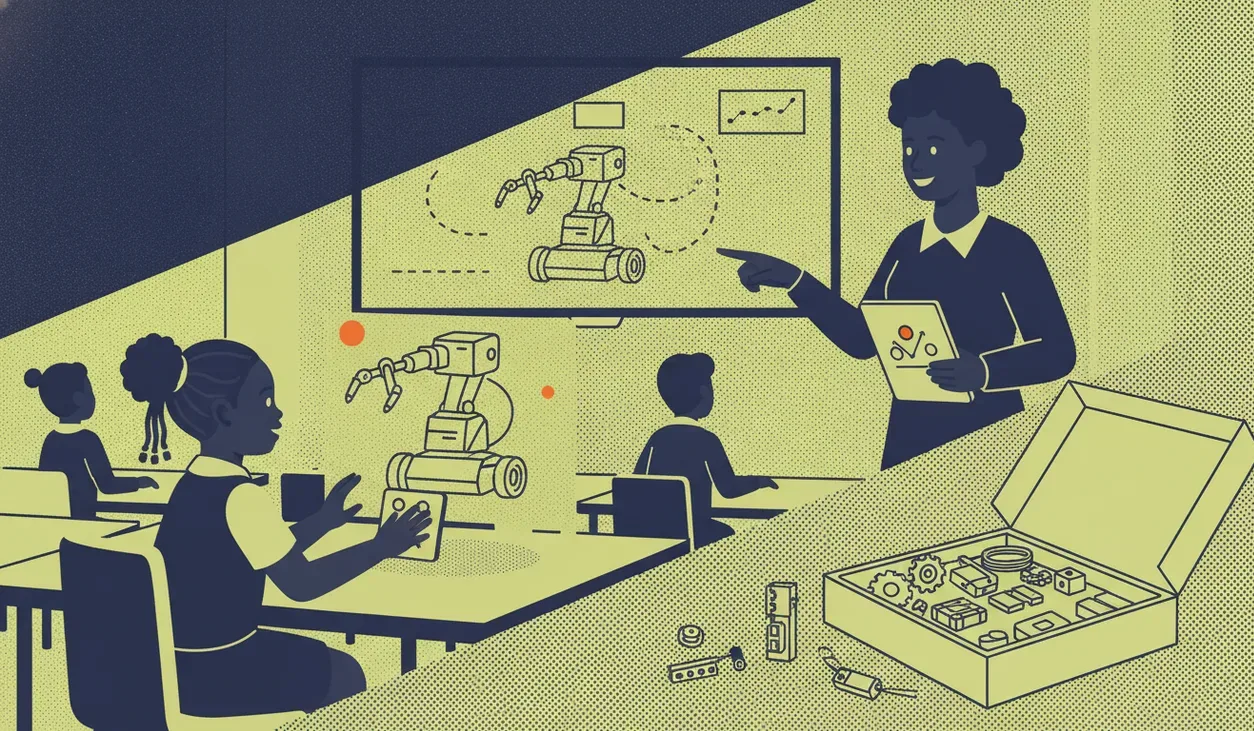
A free simulator matters more than a kit's spec sheet: it powers homework without hardware, keeps lessons running when kits break, teaches one-to-many, and lets you try before you buy.
A robotics kit's spec sheet tells you what the hardware can do. A free simulator tells you how often it will actually get used, and that turns out to matter more. Motor counts and sensor lists look impressive on a quote, but a kit only works when the hardware is in front of the learner, and that is a small slice of the week. A simulator lets a child code at home, on a shared lab screen, or before a single kit has been bought. It changes robotics from an event into a habit.
Homework without a kit in every bag
A class set of ten kits does not go home with thirty learners. A simulator does. Learners write and test their code on any laptop or a lab machine, then flash it to the robot in the next lesson. That way the scarce resource, hands-on time with real motors and sensors, is spent debugging behaviour rather than typing from scratch. When kits stay locked in the cupboard, or when load shedding takes out half the lab, the coding still happens.
When a kit breaks, the lesson still runs
A cracked wheel, a flat battery, a missing cable: in a real classroom something is always broken. If part of the work lives in a simulator, a learner whose robot is down is not stuck watching a neighbour. They keep building and testing in software, then move to hardware when a kit frees up. Budget roughly 10 to 15 percent of your kit spend for spares, and let the simulator cover the rest of the gap.
One teacher, many screens
A simulator lets a teacher demonstrate once and have every learner follow on their own screen, at their own pace. In a 40-minute lesson that is the difference between five children crowded around one robot and thirty each running the program. Marking gets easier too, because you can see the code and its simulated behaviour without waiting for a turn on the hardware. That visibility is worth as much as any extra sensor on the spec sheet.
Try before you buy
Specs are hard to judge on paper. A free simulator lets a school test the coding environment, the block language and the lesson flow before committing a term's budget to hardware. Run a trial lesson, check whether your learners are moving something on screen in the first session, then buy. Our academy trial sessions in Cape Town work this way, and the sheenbot∞ board they use has a simulator you can open before ordering a kit from the store.
Questions to ask any vendor
Before you choose a kit, ask about the simulator, not just the board:
- Is it free, and does it stay free without a per-seat licence?
- Does it run in a browser, or does every machine need an install? This matters on locked-down school laptops.
- Is it the same code and blocks as the real kit, or a stripped-down demo?
- Can a learner use it offline, or on a phone during load shedding?
- Does it simulate the actual sensors and motors your kit ships with?
- Can projects be saved and shared, so homework survives between lessons?
The best answer to "which robotics kit" often starts with the software. A strong free simulator quietly doubles the teaching time you get from every kit you buy, and it lets you prove the fit before you spend. Ask for a link to the simulator early in any sales conversation, and spend an afternoon in it before you sign off on the hardware.


