Robotics kit for a 10-year-old: what changes from age 8
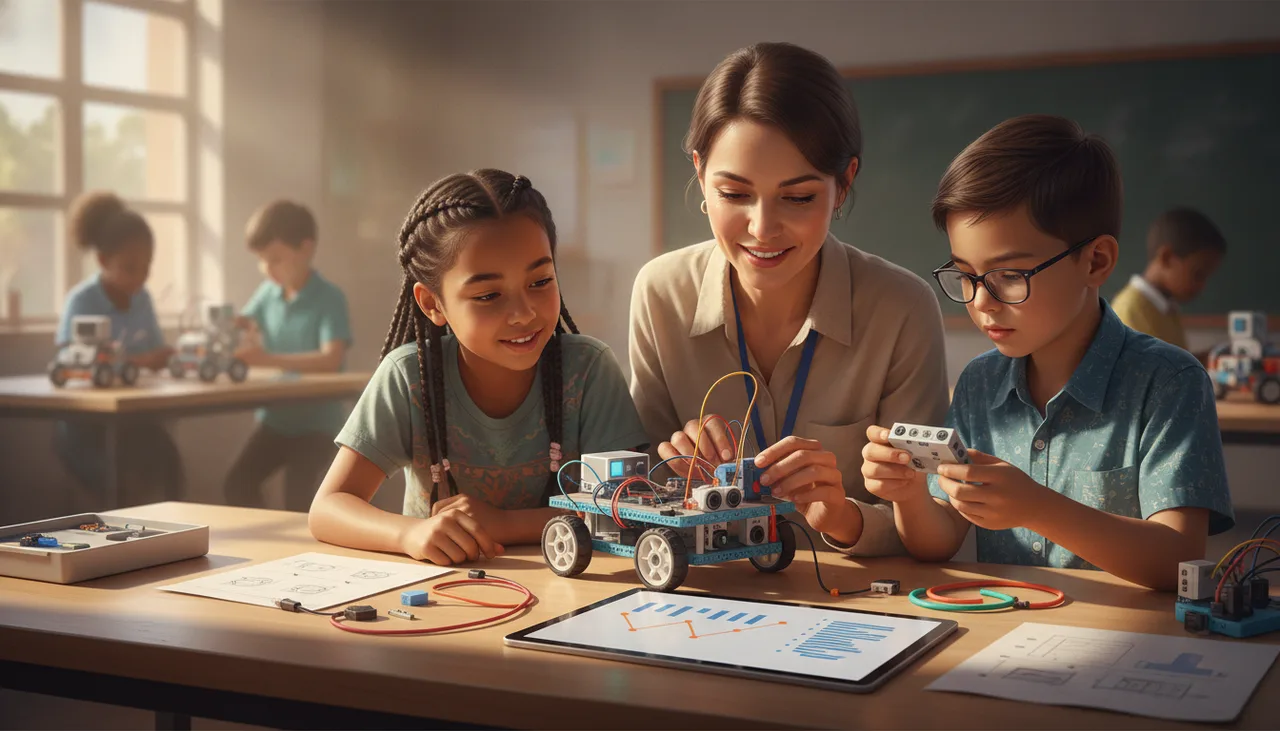
At ten, kids need projects over demos, a first taste of text code, and sensors that add logic. The buying rule: pick a kit you can extend, not replace.
By ten, most kids have outgrown the point-and-tap robot toys that felt like magic at seven or eight. The shift is less about a fancier robot and more about who is doing the thinking. At eight, a good kit runs guided demos and celebrates small wins. At ten, the same child wants to build something of their own, write a little real code, and make the robot react to the world with sensors. The practical takeaway for parents: choose a kit you can extend, not one you will replace in a year.
What actually changes between 8 and 10
Eight-year-olds do best with structure: drag a few blocks, press play, watch it move. That success matters, and it should not disappear. What is added at ten is ownership. A ten-year-old can hold a goal in their head for a whole afternoon, debug when it goes wrong, and combine ideas instead of following one recipe. So the kit needs more headroom: more parts, more ways to combine them, and problems that do not have a single right answer.
From demos to projects
The clearest sign a child is ready for a step up is boredom with finished demos. At this age, projects beat demos. Instead of make the light blink, the goal becomes build a rover that stops before it hits the wall or count how many times the door opens. A rover-style kit is useful here because it gives a body to program: wheels, a couple of sensors, and enough room to keep adding. The long December holidays are a good runway for one bigger build rather than ten five-minute activities.
Blocks first, then a taste of text
Block coding is not a babyish phase to rush past. It stays useful because it removes typing errors and lets a child focus on logic. At ten, the healthy move is to keep blocks and add a first taste of text-based code next to them, so the child sees that the coloured blocks stand for real lines. Look for a system that shows both views of the same program. A board like the sheenbot∞ is built around this: the same project can be viewed as blocks or as text, so the jump feels like a small step rather than starting over.
Sensors and logic, not just motors
Motors are exciting at first, but logic is what holds a ten-year-old's attention. That means sensors, distance, light, sound and a button, and the if this then that thinking they invite. This is where real computational ideas live: conditions, loops, variables, and testing a guess against what the robot actually does. When you compare kits, count the sensors and ask what the child can build with them, not how shiny the robot looks out of the box.
Buy to extend, not to re-buy
The most common parent mistake is buying a sealed, single-project robot, then buying another one a year later when it is outgrown. Extendable kits cost a little more up front and far less over three years. Before you buy, check:
- Can you add parts and sensors later, or is the set closed?
- Does it grow from blocks into text code on the same hardware?
- Are spares and cables easy to get locally? Budget a little for wear and lost pieces.
- Is there a community, classes, or a stream of projects to keep the momentum going?
- Will it still interest a 12-year-old, not just a 10-year-old?
A simple way to start
You do not have to decide everything from a product page. A single class tells you fast whether your child leans toward building, coding, or both, and what level suits them. If you would rather they test the waters over the holidays, our holiday workshops run short, project-based sessions, and a trial lesson is a low-risk first look. When you are ready to buy, choose from the extendable kits in the store and grow the kit as the projects get bigger.