
OLED, LEDs and displays: choosing feedback hardware for kids' projects
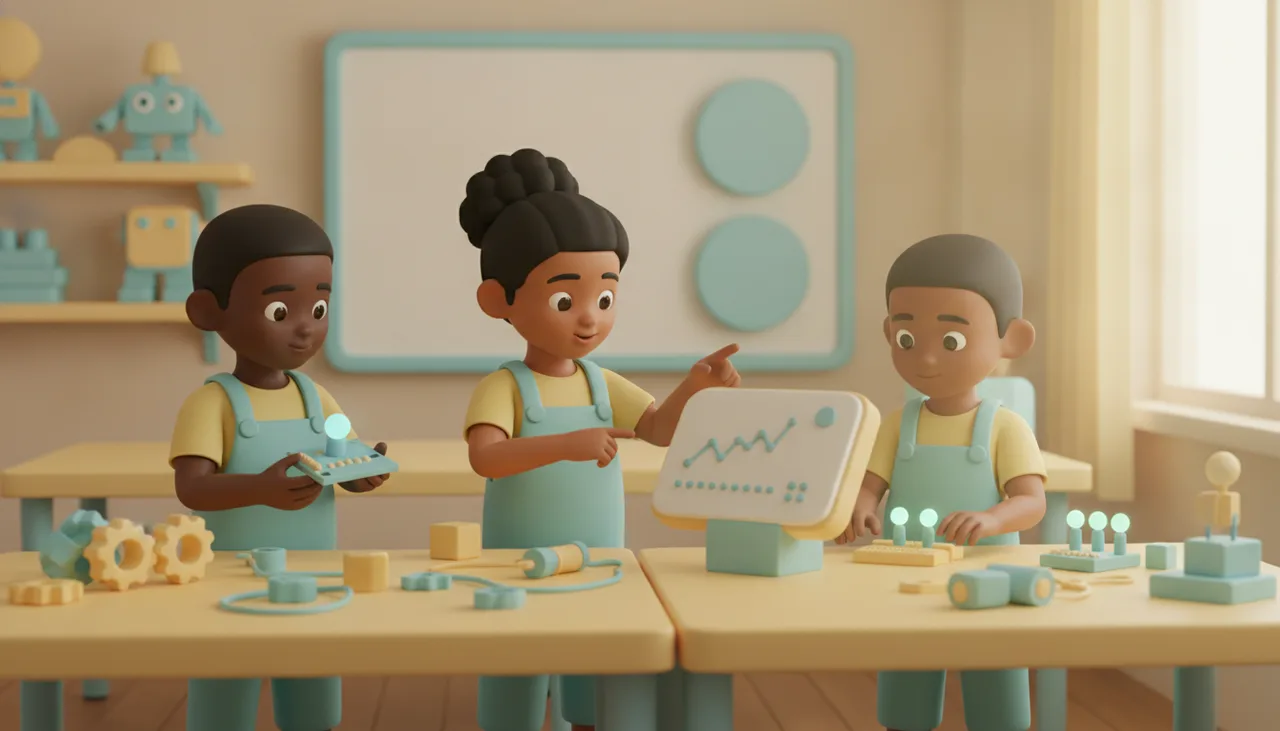
Feedback hardware makes bugs visible. For beginners a single LED often teaches more than a screen; an OLED earns its place once there is real text or data to show. Here is how to choose by age.
Feedback hardware is the part of a project a child can actually see or hear: the light that blinks, the buzzer that beeps, the screen that prints a number. It is also the fastest way to make a bug visible, because output is where wrong code shows up. For most beginners a single LED is the better first choice, and a screen earns its place only once there is real text or data worth showing.
Feedback is how debugging becomes visible
Code is invisible. A child cannot see a variable change or a loop run, so when something goes wrong there is nothing to point at. Output hardware fixes that. It turns an abstract value into something in the room: a light that should be on but is off, a count that stops one short, a reading that never changes. When a beginner can watch the result, debugging stops being guesswork and becomes "the light is wrong, so the condition before it is wrong." That single shift is worth more than any feature on the display itself.
Why one LED can teach more than a screen
An LED holds one piece of state: on or off, fast blink or slow. There is nothing to configure, no library to import, and no wiring diagram to misread. That simplicity is the point. To make the light do the right thing, a child has to reason clearly about a single condition, and the answer is unambiguous in front of them.
A screen invites the opposite habit. It is tempting to print everything and hope the bug reveals itself in the flood. An LED forces a choice: which one thing actually matters here? Blink counts can even become a simple debug code, and later the same light introduces brightness and PWM. For a first taste of cause and effect, one light does a lot of teaching.
When an OLED earns its place
A small OLED or LCD earns its keep the moment a project has genuine information to present to a person: a temperature, a score, a countdown, a short menu. Text and simple graphics are exactly what these screens are good at, and a sensor readout you can actually read beats a blink pattern you have to decode.
The trade is cost and time. A display adds wiring, a driver library, and screen layout to think about, so the first working version takes longer to reach. That is fine for a project whose whole purpose is to show data to a human, and overkill for one that just needs to confirm a condition fired.
Match the display to age and readiness
Readiness matters more than age, but the rough progression is reliable. Younger children (around six to eight) do best with a single LED, an RGB light or a buzzer: on and off logic with immediate cause and effect. Around nine to eleven, kids who read comfortably want words and numbers, so text on an OLED (print a variable, show a counter) lands well. From about twelve, graphics become worthwhile: plotting a sensor over time, drawing a small face, or building a menu.
The dividing line is text before graphics. A child who can print "hello" and a live number is ready for a screen. Drawing shapes and pixels is a separate, later skill, and pushing it too early usually means a lot of wiring for very little understanding.
A quick way to choose
- Do you only need to know whether a condition fired? Use an LED.
- Do you need to show a number or a word to a person? Use OLED text.
- Is the output a picture, a graph or a menu? Use a graphics display, and expect older kids.
- Short on time or budget for a lesson? Start with the light already on the board and add a screen later.
- Debugging your own code? Prefer the LED even on advanced projects, because it is faster to read at a glance.
Having the basics built in helps a class move quickly. The sheenbot∞ board carries onboard LEDs and a small display, so a child gets real feedback in the first lesson without wiring anything, and can graduate from a blink to printed text on the same hardware. If you are kitting out at home or for a group, the boards and add-ons are on the store. To see how the progression plays out with a teacher guiding it, a trial class or a school-holiday workshop is the easiest way in.


