
MQTT explained for teachers (no jargon)
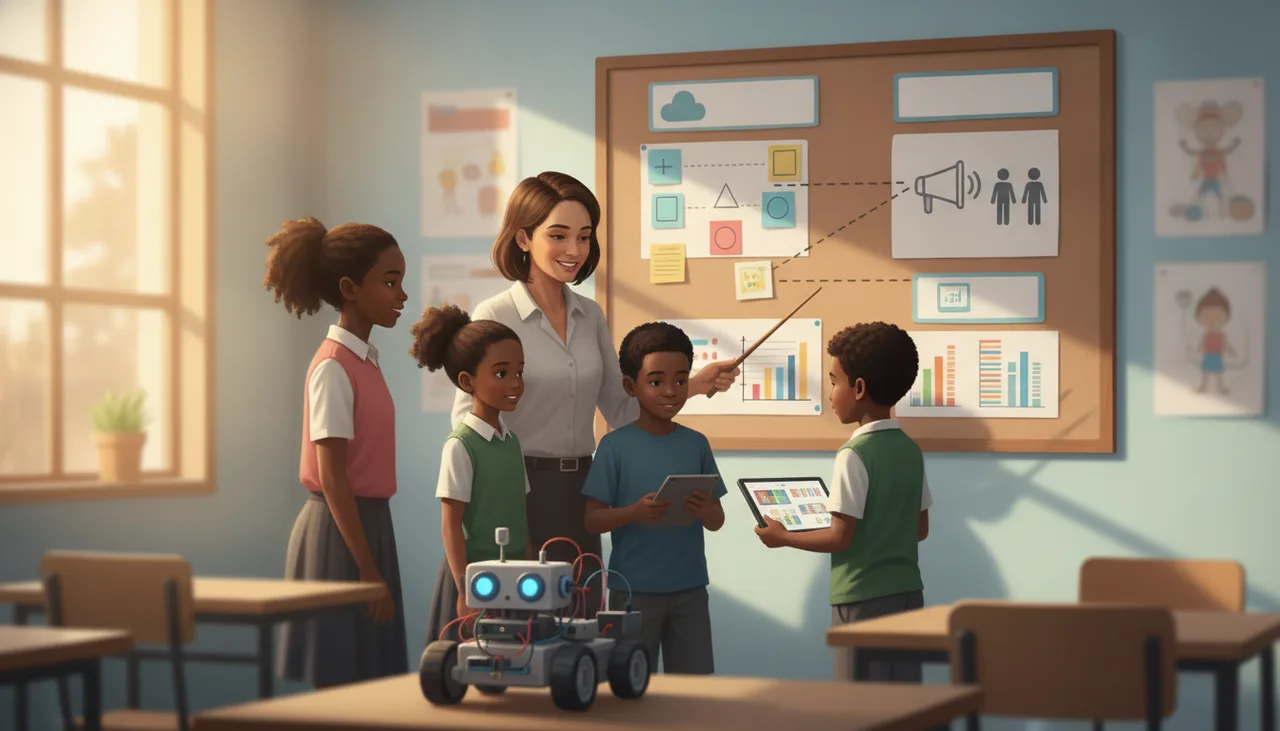
MQTT is the messaging system behind most IoT dashboards. Picture a classroom noticeboard: devices pin notes under named topics, and a broker passes them to whoever is subscribed.
MQTT is a lightweight messaging system that lets small devices share data without talking to each other directly. A device publishes a short message to a named topic, a central program called a broker holds it, and anything that has subscribed to that topic receives a copy. The easiest picture is a classroom noticeboard: you pin a note under a heading, and whoever cares about that heading reads it when they get a chance.
That single idea covers almost everything you need to explain it to a class. The rest of this article names the four moving parts in plain terms.
A noticeboard, not a phone call
A phone call needs both people on the line at the same moment. Most classroom sensor projects are not like that. A temperature sensor might send a reading every ten seconds, but the dashboard showing that reading could be closed, or a pupil might open it an hour later.
MQTT solves this the way a noticeboard does. The sensor pins its note and walks away. The dashboard reads the board whenever it is looking. Neither side needs to know the other exists, or be awake at the same time. This is called publish and subscribe, and it is the reason one small board can feed many screens without any of them being wired together.
Topics are just labels
A topic is the heading you pin the note under. It is written as a path with slashes, so it reads like a folder structure:
classroom/temperaturelab/door/statusgreenhouse/soil/moisture
You invent these names yourself; there is no fixed list. A subscriber asks for exactly the heading it wants. There are also wildcards, so a dashboard can subscribe to classroom/# and receive every note pinned under the classroom heading at once. Good topic names are the single most useful habit to teach, because a tidy naming scheme keeps a project readable when there are twenty sensors instead of two.
The broker sits in the middle
The broker is the program that runs the noticeboard. Every message goes to the broker first, and the broker forwards it to whoever has subscribed. Devices only ever talk to the broker, never to each other, which keeps each device simple and cheap. In a school project the broker is usually a small server or a hosted service; pupils rarely have to see it, they just point their board and their dashboard at the same address.
Retained messages and the last will
Two extra features come up constantly, and both fit the noticeboard picture.
A retained message is a pinned note that stays up. Normally a message is passed on once and gone. If a note is retained, the broker keeps the most recent one, so a dashboard that opens later immediately sees the current value instead of a blank screen. This is perfect for a reading like current temperature.
A last will is a note the broker posts on a device's behalf if that device drops off unexpectedly. It lets a dashboard show a sensor as offline the moment it goes quiet, rather than displaying a stale number forever. Together these two features are why an IoT screen can look after itself.
Why dashboards use it, and where you meet it in class
Dashboards lean on MQTT because the messages are tiny, it copes with the patchy wifi you get in a real classroom, and one broker can serve many devices at once. When a sheenbot board reads a sensor and a live screen updates a second later, publish and subscribe is what carried the number across. Our sheenIoT dashboards work exactly this way, subscribing to the topics your pupils choose.
You do not need hardware to teach the idea. Pupils can publish and receive messages inside the verse simulator first, then move to a real board once the mental model has landed. If you would like to see it built end to end with a class, the holiday robotics workshops cover a full sensor-to-dashboard project.
A five-line mental model to give pupils
- Publish means pin a note to the board.
- Subscribe means ask to be told when notes appear under a heading.
- Topic is the heading, written like
classroom/temperature. - Broker is the noticeboard everyone shares.
- Retained means the last note stays pinned for the next reader.
Keep that list on the wall for the first few lessons. Once pupils can point at the noticeboard and say who is pinning and who is reading, the word MQTT stops being jargon and becomes a description of something they can already picture.


