
micro:bit vs ESP32 boards for classrooms: an honest comparison
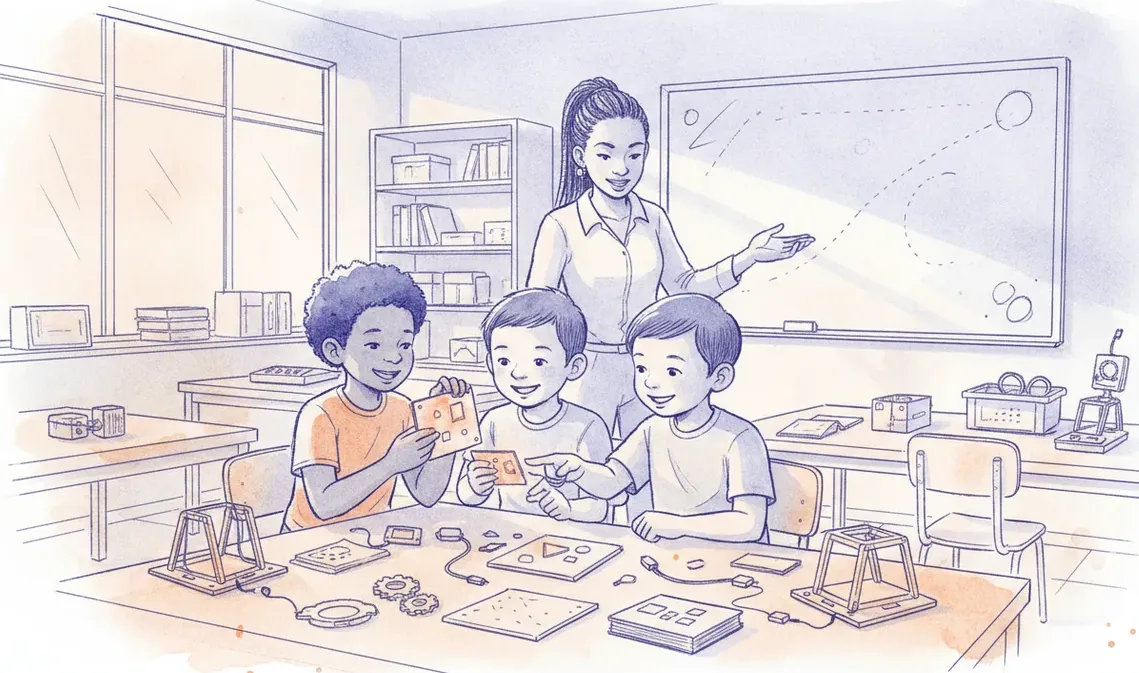
For most classrooms the micro:bit's mature ecosystem makes it the safer first board; reach for the ESP32 when you need WiFi, more power or real IoT. An honest, classroom-first comparison.
The honest answer is that most classrooms should start with the micro:bit and move to the ESP32 only when a project outgrows it. The micro:bit wins on teaching tools, built-in sensors and years of ready-made lessons. The ESP32 wins on processing power, wireless networking and cost per board. Neither is simply better. They solve different problems, and a well-equipped lab often keeps both on the shelf.
The short answer
Pick the micro:bit when the goal is to get pupils writing code in the first lesson, when a teacher is new to physical computing, or when the class runs from the foundation phase to early high school. Pick the ESP32 when learners need internet connectivity, more memory, faster processing, or a board that can run a real project on battery power. If you can only choose one board for a mixed-age school, the micro:bit is the safer default. If your senior pupils are already comfortable and want to build connected devices, the ESP32 is where they should head.
What the micro:bit does better
The micro:bit was designed for education, and it shows. It has an LED display, two buttons, an accelerometer, a compass, a microphone and a speaker on the board itself. A pupil can make something light up, react to being shaken, or play a sound without wiring anything. That matters when a lesson is forty minutes and half of it can disappear into cables.
The software is the bigger advantage. A block editor, a text Python option and a built-in simulator let a learner write and test code before touching hardware. There is a deep library of lessons already mapped to school curricula, which saves a teacher hours of preparation. The board is also forgiving. It survives a school bag, and a class set tends to keep working for years.
Its board-to-board radio deserves a mention. Two or more micro:bits can send simple messages to each other over their own radio protocol, with no router, no WiFi password and no internet. For a school that loses power often, that is a real advantage, because the lesson still runs when the network does not.
What the ESP32 does better
The ESP32 is a more capable chip. It has two processor cores, far more memory, and enough speed for jobs the micro:bit cannot manage, such as serving a small web page, processing audio, or driving a camera. It also carries many input and output pins, so a single board can talk to a lot of sensors and actuators at once.
Its headline feature is built-in WiFi and Bluetooth. This is what turns a classroom project into a connected device. An ESP32 can push readings to a phone, log data to a dashboard, or take instructions over the internet. That is the whole world of the Internet of Things, and it is out of reach for a plain micro:bit. The ESP32 also supports its own low-power radio for board-to-board messaging, so it keeps the offline option too.
The catch is that a bare ESP32 is closer to a raw component than a finished teaching tool. It usually ships with no display and no sensors. You add those with a breadboard, jumper wires and separate parts. The programming tools, mostly Arduino and MicroPython, are powerful but less polished for beginners, and getting a board to talk to a school laptop can mean installing drivers first.
The costs and setup nobody quotes
The sticker price of a board is only part of the story. Plan for the full kit, the spares and the technician time.
| Consideration | micro:bit | ESP32 |
|---|---|---|
| Sensors on the board | Many, ready to use | Few or none on a bare board |
| Programming tools | Blocks, Python, browser simulator | Arduino, MicroPython, C |
| Networking | Board-to-board radio, Bluetooth | WiFi, Bluetooth, board-to-board radio |
| Processing and memory | Modest | Dual core, much more headroom |
| Setup effort | Plug in, drag a file across | Install drivers, flash firmware |
| Cost per board | Higher | Lower |
| Best fit | First code, primary to early high school | Connected projects, senior builds |
On top of the board, budget for accessories. A micro:bit class set needs battery packs and a few breakout boards. An ESP32 set needs breadboards, jumper wires, USB cables and the sensors themselves. For either board, set aside a small margin for spares, roughly a tenth to a fifth of the kit cost, because boards get dropped and cables fray. The least visible cost is time. Flashing firmware and clearing driver permissions across thirty laptops can swallow a lesson, so it is worth doing before the class arrives. Whichever board you choose, you can test the logic in a browser simulator first, which keeps setup out of teaching time.
How to choose for your classroom
- If pupils have never coded, start with the micro:bit.
- If the lesson is about sensing, movement or simple messaging between boards, the micro:bit is enough.
- If a project must reach the internet, a phone or a live dashboard, choose the ESP32.
- If you need a camera, audio or a small web server, choose the ESP32.
- If technician time is scarce, favour the board with less setup, which is the micro:bit.
- If budget per learner is the hard limit and you have setup support, the ESP32 stretches further.
- If you are unsure, run a term on the micro:bit and add a handful of ESP32 boards for extension work.
This is close to how we equip our own classes. We teach the fundamentals on the sheenbot∞, an education board that pairs a block-and-Python workflow, the part the micro:bit gets right, with the WiFi and Bluetooth of a more capable chip, the part the ESP32 gets right. Connected projects then run through the sheenIoT platform, which handles the dashboards and device links a plain micro:bit cannot. Boards, class sets and spares are stocked locally through our store, which saves South African schools the import wait and the customs admin.
Takeaway
Buy for the lesson, not for the spec sheet. The micro:bit gets pupils coding fastest and keeps a lab running through load shedding, which makes it the right first board for most South African schools. The ESP32 is the upgrade path for connected, senior and capability-hungry projects. Many good labs run both, starting everyone on the simpler board and handing the more powerful one to learners who are ready to build something that talks to the world.


