
Load shedding and school tech: designing lessons for power cuts
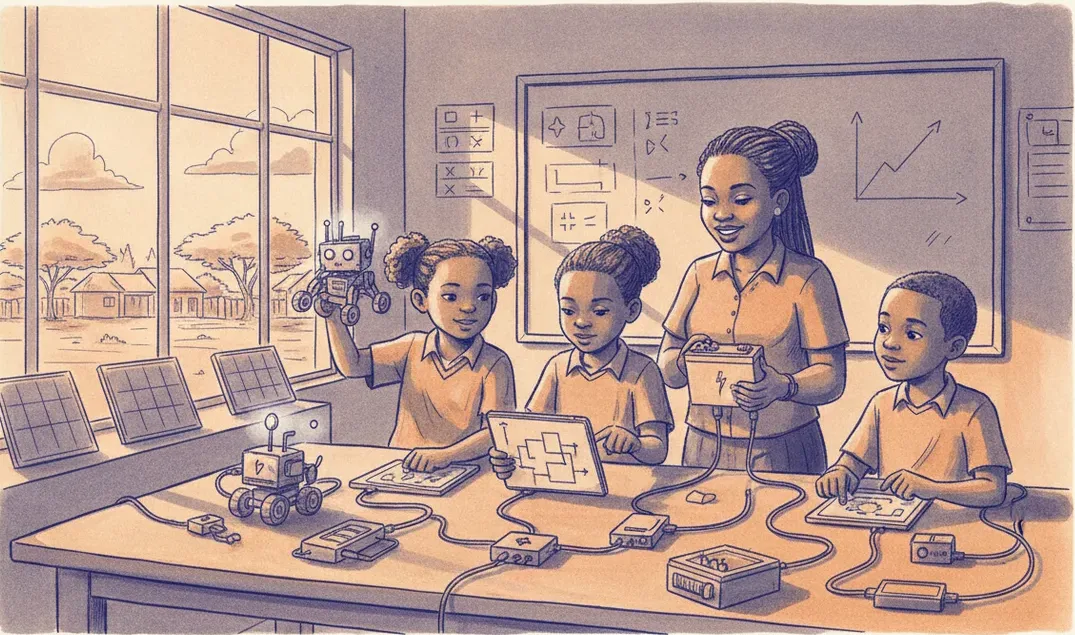
A power cut shouldn't end a coding lesson. Design for load shedding with battery-first devices, offline tools, planned charge windows, unplugged fallbacks and a lab wired to cope.
A power cut should not end a coding lesson. In South African classrooms, load shedding is a scheduling fact rather than a surprise, so the practical answer is to design lessons that keep working when the mains do not. That means four habits: choose battery-first devices, pick tools that run offline, plan charging around known off-peak windows, and keep an unplugged fallback ready for every session. Do those and a stage-four afternoon becomes an inconvenience, not a cancelled class.
Audit what actually needs mains power
Before you fix anything, list what in your lab dies the moment the power goes. Usually it is the Wi-Fi router, the projector, the teacher's desktop, and the wall chargers. The robots and tablets, if they are charged, often keep going. Once you can see the dependency chain, you can decide what deserves a battery of its own.
A small uninterruptible power supply on the router and one laptop keeps a lesson's core alive for the length of a typical slot. Put the projector and any non-essential desktops behind that priority, not in front of it. And when the power returns, a surge can do more damage than the outage did, so keep chargers and sensitive hardware on surge-protected plugs and switch things back on in stages rather than all at once.
Choose battery-first, offline-capable devices
The single biggest win is hardware that does not care about the wall socket. A device that runs on a rechargeable battery, stores student work locally, and does not need a live internet connection to open a project will carry a lesson through almost any outage. When you evaluate kits, ask two blunt questions: how long does it run on a full charge, and does the coding environment work with the Wi-Fi off?
This is one reason we built the sheenbot∞ board to run from its own battery with an on-board display, so students can write, flash and test blocks without a network at all. Whatever brand you pick, favour tools where the code lives on the device or on a local machine, not only in a browser tab that logs you out when the connection drops. If you want to see how a battery-first kit behaves in a real session before committing, a trial lesson is the cheapest way to test it under pressure.
Plan around charge windows
Load shedding schedules are published by area and stage, which means you usually know your off-peak hours a day ahead. Treat those hours as charging time. Set up a labelled charge station, top up every kit the night before or during the first available window, and rotate batteries so no group is ever caught at ten percent. A class set of ten kits charges fine off a single power strip if you stagger it.
- Check your area's schedule at the start of each week and mark the risky slots on your lesson calendar.
- Charge kits to full during a confirmed on-power window, not "whenever someone remembers".
- Keep a couple of spare charged battery packs or power banks as a buffer for the group whose device drained first.
- Budget roughly ten to fifteen percent of your kit cost for spares and replacement batteries over a year.
Consumables like cables and battery packs wear out, so it helps to have a reliable place to top up quickly. Our store stocks the spares that match the kits we run in class, which saves the scramble of hunting for an odd connector mid-term.
Keep an unplugged fallback for every lesson
Even the best-charged lab hits a day where nothing electronic is an option. Plan for it. "Computer science unplugged" activities teach the same thinking with paper, cards and bodies instead of screens. Students can trace an algorithm on a whiteboard, debug a flowchart with a coloured pen, sort themselves by a rule to feel how sorting works, or write step-by-step instructions for a partner to follow like a robot.
The trick is to make the unplugged version cover the same objective as the digital one, so switching to it is a swap, not a downgrade. If today's screen lesson is about loops, your paper fallback is a repeating-pattern task. If it is about conditionals, it is a "if it rains, take the umbrella" decision tree. Keep two or three of these printed and in a folder, ready to grab.
A lesson that degrades gracefully
The goal is a plan with tiers, so you drop down a level instead of stopping. Structure each session so it can run at full power, on batteries only, or completely offline.
- Full power: screens, robots and shared display all live; the lesson runs as designed.
- Battery only: router and one laptop on the UPS; students work on charged devices; you skip the projector and use printed handouts instead.
- Fully unplugged: the paper equivalent of today's objective, with the digital build carried over to the next on-power session.
Write the fallback into the plan itself, not as an afterthought. When we run holiday workshops and weekly classes at the academy, every session already has an unplugged tier, which is why an outage rarely changes what the children walk out having learned.
Frequently asked questions
Should schools invest in a generator or inverter for the lab?
A whole-lab generator is rarely worth it for a coding class. A modest inverter or UPS on the router and one machine, plus battery-first kits, covers the same need for far less money and no fuel. Spend on charged devices before you spend on backup mains.
How do I stop losing student work when the power drops mid-task?
Use tools that save locally and autosave often, and build a "save and name your project" habit into the first five minutes of every build. If work lives only in a browser session tied to a login, an outage can wipe it, so prefer environments that keep a copy on the device.
What if the whole term's timetable clashes with our load-shedding stage?
Move the screen-heavy lessons to your reliable on-power slots and cluster the unplugged and theory work into the risky ones. Thinking about algorithms, planning a build on paper, and testing logic by hand are genuinely valuable, and they happen to need no electricity at all.
Takeaway
Designing for power cuts is not about heroics; it is about small decisions made in advance. Audit what needs mains, buy battery-first and offline-capable tools, charge on a schedule, and keep an unplugged version of every lesson ready to go. Do that and load shedding stops dictating what your students can learn. For more classroom-tested notes for teachers, browse the rest of our newsroom.


