
IoT without the cloud: local-first designs that keep working
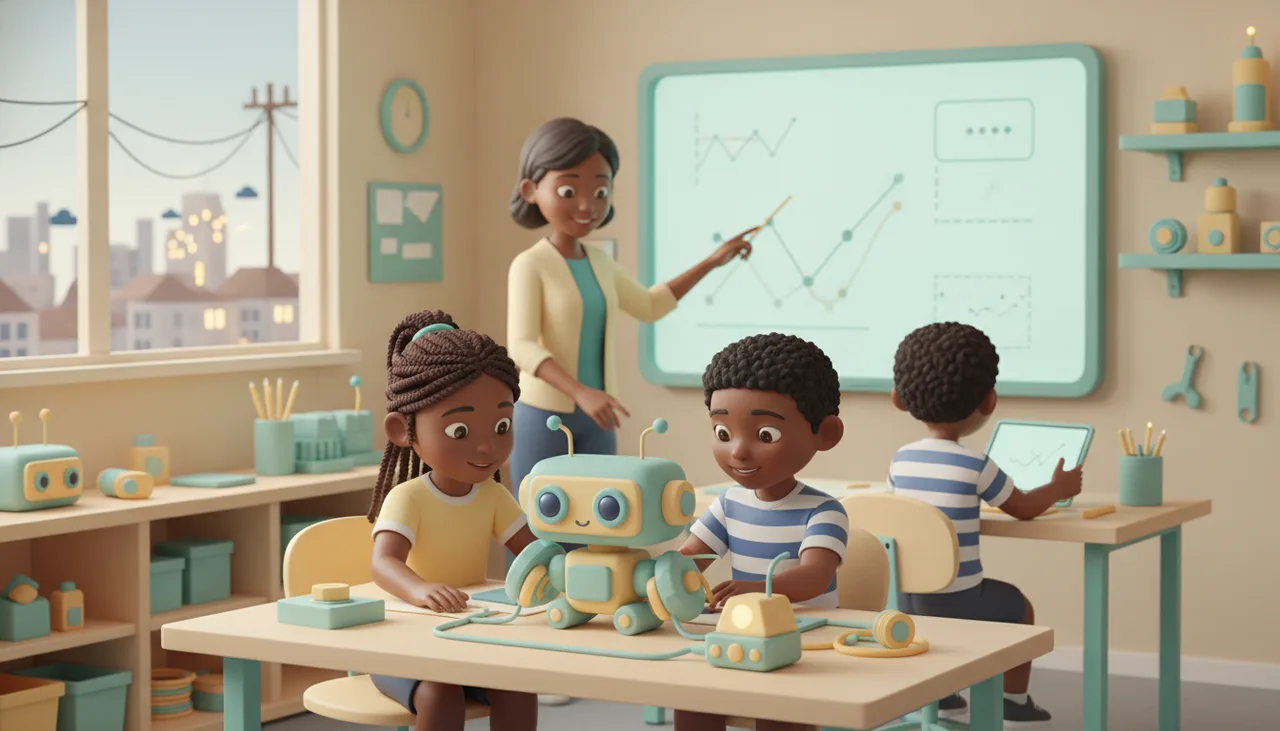
Local-first IoT keeps the control loop on the device and treats the cloud as optional, so a dropped connection or a load-shedding slot is an inconvenience, not a dead device.
A local-first device does its main job on its own hardware and local network, and treats the internet as a bonus rather than a requirement. When the cloud is optional, a dropped connection or a load-shedding slot means a brief inconvenience, not a dead device. This piece explains why cloud-dependent gadgets turn into bricks, the patterns that keep working offline, and a simple test to run before you buy.
Why cloud-dependent devices turn into bricks
Many smart products put the thinking somewhere else. The button on the wall does not decide anything; it sends a message to a server, the server decides, and the answer comes back over the internet. That round trip is invisible when everything works. It becomes obvious the moment the link breaks.
In South Africa the link breaks often. Load shedding takes the router and the fibre box down together. Mobile data runs out or slows to a crawl. A vendor's server gets overloaded, or the company quietly discontinues the product line and switches off the service behind it. When any of that happens, a light switch that needs the cloud to toggle a bulb on the same wall stops working. The hardware is fine. Its brain just lives too far away.
The worst case is the slow one. A device can work perfectly for two years and then turn into e-waste the day its maker decides the cloud service is no longer worth running. You bought a product; you were renting a dependency.
What local-first actually means
Local-first is not anti-internet. It is about where the important decisions happen. In a local-first design the core control loop runs on the device itself, or on a small hub sitting on your own network. The cloud is reserved for jobs that genuinely need the outside world: reaching the device while you are away from home, keeping long-term history, delivering software updates, and sharing access with other people.
Think of it as three layers. On-device logic handles the immediate job. Local network coordination lets your phone talk to the device over Wi-Fi without leaving the house. Optional cloud sync handles everything else, and only when a connection is available. Pull out the top layer and the bottom two keep going.
Patterns that keep working offline
You do not need to design hardware to recognise good habits. A few patterns separate devices that survive an outage from devices that do not.
- Local control loop. Sensor readings and the decisions they trigger happen on the microcontroller, not on a server. A thermostat holds its schedule; a switch switches.
- Local network hub. A small always-on device coordinates the others over your LAN, so phone-to-device commands never have to leave the property.
- Eventual sync, not lost data. When offline, the device stores its readings and uploads them once a connection returns, instead of dropping them on the floor.
- Graceful degradation. The device has a defined behaviour for when it is offline: hold the last known state, run a safe default schedule, or fail into the safer position. It does not simply flash an error and give up.
- Local credentials. You can still log in and configure the device on your own network without the vendor's account server being reachable.
The works-offline test
You can judge most of this in the first evening, before the return window closes. Set the device up, then run it deliberately against a dead internet.
- Turn off the router, or disable mobile data, and use the core function. Does the switch still switch and the sensor still respond?
- Reboot the device with the internet still off. Does it come back to a working state on its own, or does it hang waiting to phone home?
- Open the app on the same Wi-Fi with no internet at all. Can it find and control the device locally?
- Ask the vendor one blunt question: what happens to this hardware if you shut the service down? A confident answer usually means a local fallback exists.
- Look for open protocols such as Matter, Zigbee, or MQTT to your own broker. Standards you control are the difference between switching apps later and buying everything again.
If a device fails the first two steps, it is not a smart device. It is a remote control for someone else's server.
Teaching the local-first mindset
The instinct is easier to build young. Children who learn to code on hardware that runs the program on the board itself grow up expecting a device to own its own logic. When the code lives on the chip, a light-and-sensor project keeps running whether or not there is Wi-Fi in the room, and the learner can see exactly where the decision is made.
That is the model our sheenbot∞ board uses: the program executes on the microcontroller, so a project behaves the same on a home network, at school, or on a table with no connection at all. It is a practical way to show that "smart" does not have to mean "online". If you want to see how we teach it, our academy builds these projects step by step, you can book a trial class, and the boards and kits are in the store.
Takeaway
The cloud is useful for remote access, history, and updates. It is a bad place to keep a device's basic ability to function. Favour products where the core loop runs locally, where data is stored and synced rather than discarded, and where open protocols keep you from being locked to one company. Then spend one evening running the works-offline test. The devices that pass it are the ones still working the next time the power goes out.
FAQ
Does local-first mean I lose remote access?
No. Local-first keeps the core function working without the internet, but a device can still offer remote access as an optional extra. The difference is that losing that extra does not stop the device doing its main job.
Is the cloud always the wrong choice?
No. Cloud services are the right tool for long-term history, over-the-air updates, and reaching a device when you are away. The rule is to use the cloud for what needs the outside world, not for decisions the device could make on its own.
How do software updates work if the device is offline?
Good designs download an update when a connection is available and apply it locally, rather than needing to be online at the moment they run. Offline periods delay updates; they should not disable the device.


