Can I Teach Robotics with No Robots — Just a Computer Lab?
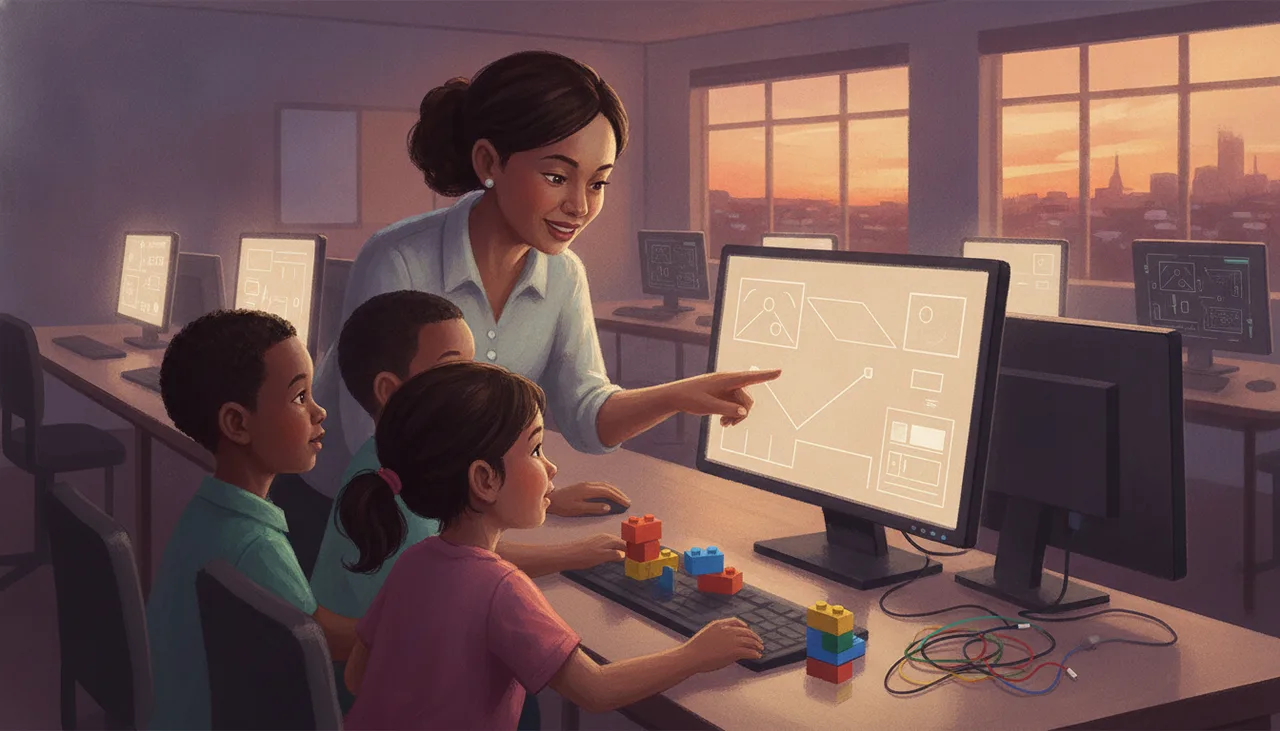
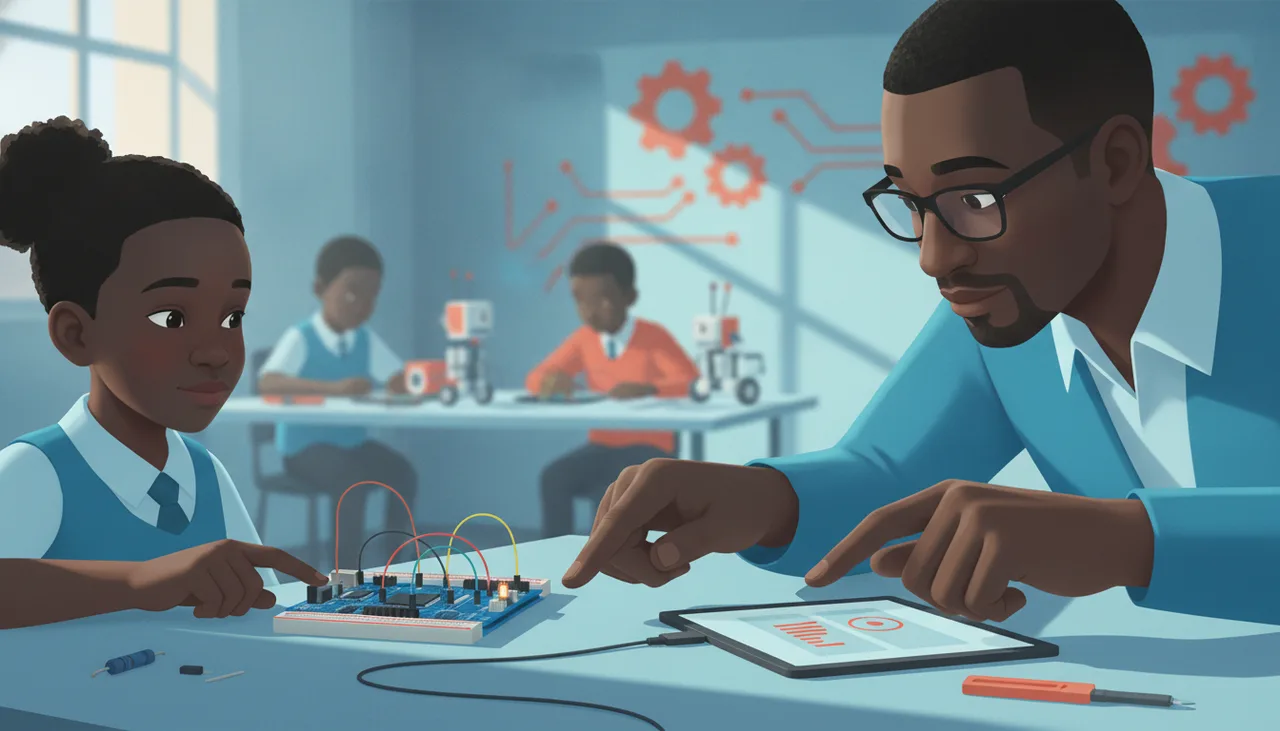
Yes, you can teach robotics using only a computer lab, but you must understand the limits. While logic and sensor theory transfer perfectly, physical realities like friction and wiring require hardware.
Yes, you can teach robotics with nothing but a computer lab. In fact, if you are dealing with large classes, tight budgets, or limited teaching hours, starting with simulation is not just a compromise—it is often the superior pedagogical choice. Handing physical hardware to a class of forty Grade 8 learners on day one frequently results in forty minutes of untangling wires, hunting for lost AA batteries, and troubleshooting Bluetooth pairing failures, leaving exactly zero minutes for actual computational thinking.
However, simulation is not a perfect substitute for physical engineering. To teach effectively without hardware, you must understand the exact boundaries of what a simulator can and cannot do.
What Transfers: The Victories of Simulation
A high-quality simulator is an exceptional tool for teaching the cognitive half of robotics. The skills developed here translate directly to physical systems without any loss of fidelity:
- Control Logic: The core of robotics is decision-making. Writing nested loops, conditional statements (if-then-else), and state machines works identically in a virtual environment as it does on a physical microcontroller.
- Sensor Theory: Simulators teach learners how to think in terms of sensor thresholds. Coding a virtual robot to stop when an ultrasonic sensor reads less than 20 centimetres teaches the exact same mathematical logic required to prevent a physical robot from crashing into a classroom wall.
- Rapid Iteration: In a simulator, compiling and running code takes two seconds. If a learner makes a mistake, they reset the simulation and try again instantly. This tight feedback loop encourages experimentation and debugging, whereas physical hardware often introduces a five-minute delay between writing code and seeing the result due to slow upload speeds.
What Fails to Cross the "Reality Gap"
The "reality gap" is the term roboticists use for the difference between a simulated environment and the physical world. If your learners only ever program in a simulator, they will miss several brutal, essential lessons about physical engineering:
- Friction and Mechanical Tolerance: In a simulator, if you set both motors to 50% power, the robot drives in a perfectly straight line. In the real world, no two DC motors are identical. One will always be slightly faster, the tyres will have different levels of grip, the chassis weight will be unevenly distributed, and the robot will veer to one side.
- Environmental Noise: Simulators operate in sterile conditions. In reality, ambient sunlight coming through a classroom window will saturate infrared line-following sensors, rendering them blind. A dusty floor will cause drive wheels to slip, throwing off encoder calculations.
- Electrical and Wiring Realities: A simulator never suffers from a loose jumper cable, a dry solder joint, or a battery voltage drop that causes the microcontroller to reset every time the motors draw high current.
The South African Classroom Reality
In South African schools, the decision to use simulation is often driven by infrastructure rather than pedagogy. Simulators solve three of our most persistent classroom challenges:
- The Cost Barrier: A decent physical robotics kit costs between R1,500 and R4,000. Equipping a computer lab for a class of 40 learners requires a capital outlay of at least R30,000 (assuming a 1:4 learner-to-device ratio). Simulators, many of which are free and run in standard web browsers, reduce this initial capital expense to zero.
- Load-Shedding and Battery Maintenance: Physical robots rely on rechargeable batteries (Li-ion, LiPo, or NiMH). Keeping dozens of batteries charged during rotational load-shedding is an administrative nightmare. Furthermore, if robots are left in a storeroom over the three-week winter holidays without being charged, the batteries can degrade entirely, requiring expensive replacements. A computer lab running on a school generator or a laptop trolley with a basic UPS bypasses this maintenance cycle entirely.
- WPA2-Enterprise Wi-Fi: Most school networks use enterprise-grade security protocols that require a username and password to connect. Standard educational microcontrollers (like the ESP32 or Raspberry Pi Pico W) do not easily support WPA2-Enterprise out of the box, making wireless code uploading a technical nightmare for school IT administrators. Browser-based simulators bypass this entirely by running locally on the client machine.
How to Sequence a Term: The Hybrid Roadmap
The most effective way to teach robotics is not to choose between simulation and hardware, but to sequence them. You can run an entire term where 80% of the work happens in the computer lab, culminating in a short, high-impact physical challenge.
Here is a proven structure for a 10-week term:
| Weeks | Focus | Environment | Key Learning Outcome |
|---|---|---|---|
| 1–4 | Pure Logic & Navigation | Virtual Simulator | Mastering loops, variables, and basic movement algorithms without hardware delays. |
| 5–7 | Sensor Integration | Virtual Simulator | Coding line-following and obstacle avoidance algorithms in complex virtual mazes. |
| 8–9 | The Hardware Transition | Shared Physical Kits | Deploying pre-tested code onto 4 or 5 shared physical robots to debug real-world friction and wiring. |
| 10 | The Showcase Challenge | Physical Arena | A class competition where learners run their final, physical code in front of their peers. |
By using this sequence, you only need to purchase a fraction of the hardware (perhaps 5 kits instead of 20), as learners can share the physical robots during the final weeks. Because their code has already been logically debugged in the simulator, their time with the physical hardware is spent solving real engineering problems—like sensor calibration and wheel slippage—rather than syntax errors.
To make this transition seamless, we developed Canvas, our browser-based programming editor, alongside SheenVerse, our virtual simulation environment. These tools allow learners to write code that runs instantly in a 3D browser simulation and then loads onto physical hardware with a single click, ensuring that the transition from screen to silicon is as frictionless as possible.