How much should you spend on your child's first robot?
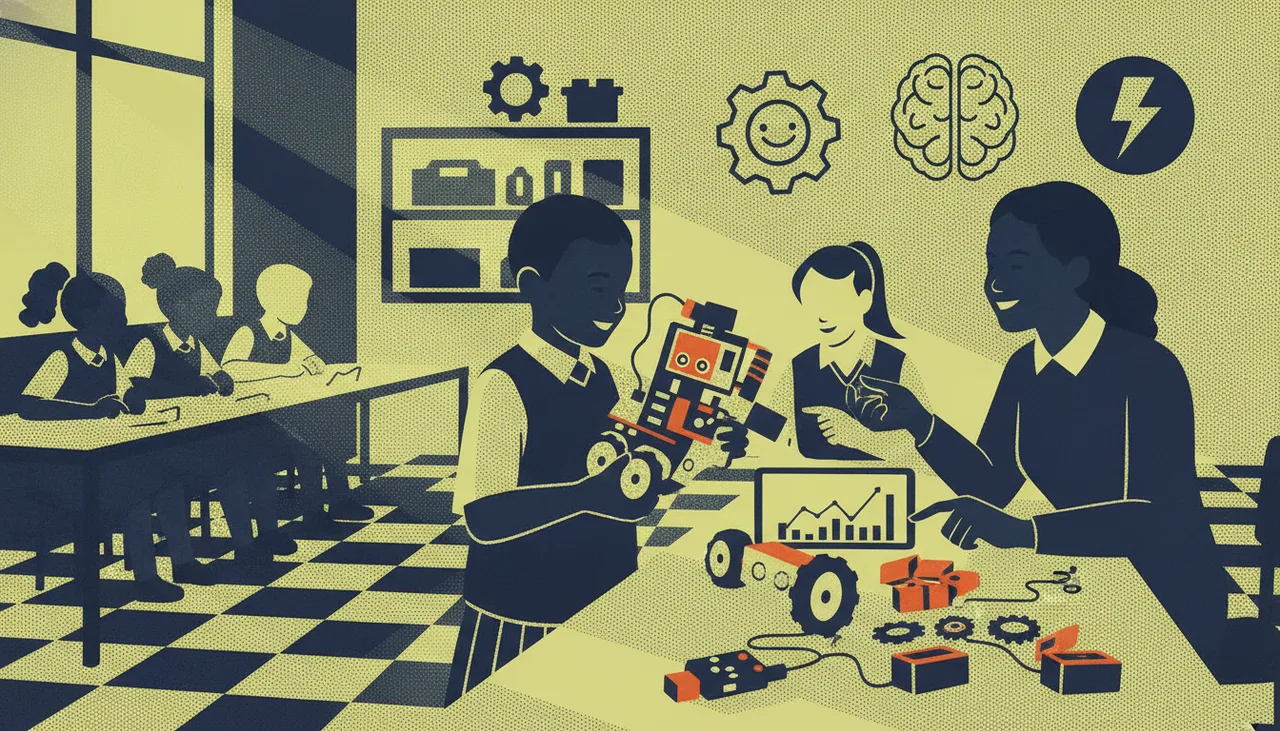
The right amount is the least you can spend on a programmable, repairable robot that fits your child's stage, plus a little set aside for batteries and spares.
The honest answer is less than most first-time buyers expect. Spend the least you can on a robot that is genuinely programmable, repairable, and matched to your child's stage, then set a little aside for the running costs that follow. The dearest kit on the shelf is not the safest bet; the one your child keeps coming back to is. Overspending on day one is one of the most common ways a robot ends up forgotten in a cupboard by mid-year.
Start with the child, not the price tag
Before you compare products, be honest about who the robot is for. A seven-year-old who wants to press buttons and watch something move needs a very different kit from a thirteen-year-old who is ready to write real code. Ask whether your child will build the robot themselves or whether you will end up doing it for them, how long their attention usually holds, and whether they lean towards making, coding, or both. The cheapest kit that keeps a child engaged beats the most advanced one that frustrates them inside a week.
What each price band actually buys
First robots fall into three rough bands. Knowing what each one is really for saves you from paying for capability your child will never touch, and from buying something they outgrow in a single term.
| Band | What it usually is | Best for | Watch out for |
|---|---|---|---|
| Entry / toy | Pre-built, driven by buttons or a phone app, with little real coding | Sparking curiosity in younger children | Sealed and hard to extend; often outgrown quickly |
| Mid / programmable | A real microcontroller board with sensors and motors, coded with drag-and-drop blocks | A first serious kit, roughly ages 8 to 14 | Needs a laptop or tablet and a little setup time |
| Serious / competition | Many sensors, sturdy motors, metal parts and text-based coding, built to be extended | Committed teens and club or contest use | Cost and complexity; usually overkill for a beginner |
For a genuine first robot, the middle band is where most families should look. It is programmable enough to teach real skills and affordable enough that a false start is not a disaster.
The hidden costs the box does not show
The sticker price is only part of what a robot costs in its first year. Plan for these before you buy so none of them become a nasty surprise.
- Power. Rechargeable batteries and a charger cost more up front but pay for themselves quickly. With load shedding still a fact of life, keep a charged pack so a lesson is not lost to a dark hour.
- Spares. Wheels crack, cables fray, and a motor eventually gives out. Budget roughly 10 to 15 percent of the kit price for replacements in the first year.
- Cables and adapters. Check that the kit uses a common cable such as USB-C and that it matches the laptop or tablet you already own.
- Software. Confirm the coding app is free to keep rather than a monthly subscription. Many of the best ones cost nothing.
- A device to code on. Most kits need a computer or tablet nearby. If you do not have one, that is part of the real budget too.
When cheap is actually expensive
A low price is only a bargain if the kit lasts. Sealed toys you cannot open, proprietary parts with no spares, and boards that cannot grow with your child all tend to cost more in the end, because the usual fix is to buy again. A slightly dearer kit that is open, uses standard parts, and can be repaired often works out cheaper over two years than two throwaway ones. Cheap becomes expensive the moment a small breakage turns the whole thing into landfill.
A simple way to decide
- Test the interest for nothing first. A free browser simulator lets a child write and run real robot code before you spend a cent.
- Pick the cheapest kit that is both programmable and repairable, not the one with the longest feature list.
- Add about 15 percent for spares and budget for a rechargeable battery from the start.
- Check that the coding software is free and that individual parts can be replaced.
- Keep the box and receipt through the first school term in case the interest does not hold.
Where sheen kit fits
If you want a concrete mid-band option, the sheenbot∞ board is a programmable controller aimed at that first-serious-kit range. It is coded with blocks that carry over to text later, and it is built to be extended rather than replaced. You can check current pricing in the sheen store. If you would rather confirm the interest before buying any hardware at all, a single trial class lets your child try coding a robot with a teacher on hand, so the decision to spend is based on how they actually respond and not on a guess.
The takeaway
Spend enough to get a programmable, repairable robot that fits your child today, and no more. Keep back a small amount for batteries and spares, avoid sealed kits that cannot grow, and test the interest for free before committing. A first robot is a starting point, not a trophy; the best one is simply the one that gets used.
Common questions
How much does a robotics kit cost in South Africa?
There is no single figure, because kits run from inexpensive app-controlled toys all the way to full competition platforms. For a first robot that will genuinely teach coding, aim for the middle band and expect to add roughly 10 to 15 percent on top for batteries, cables and spares over the first year. Set your budget by what your child is ready for, not by the most expensive option on the page.
Is a more expensive robot better for a beginner?
Usually not. Advanced kits carry parts and complexity a beginner will not use for a long time, and the extra cost buys frustration as often as it buys learning. A simpler programmable kit that is easy to repair and grows in small steps is a better first purchase for almost every child.