
CAPS Coding & Robotics: what South African teachers need to know
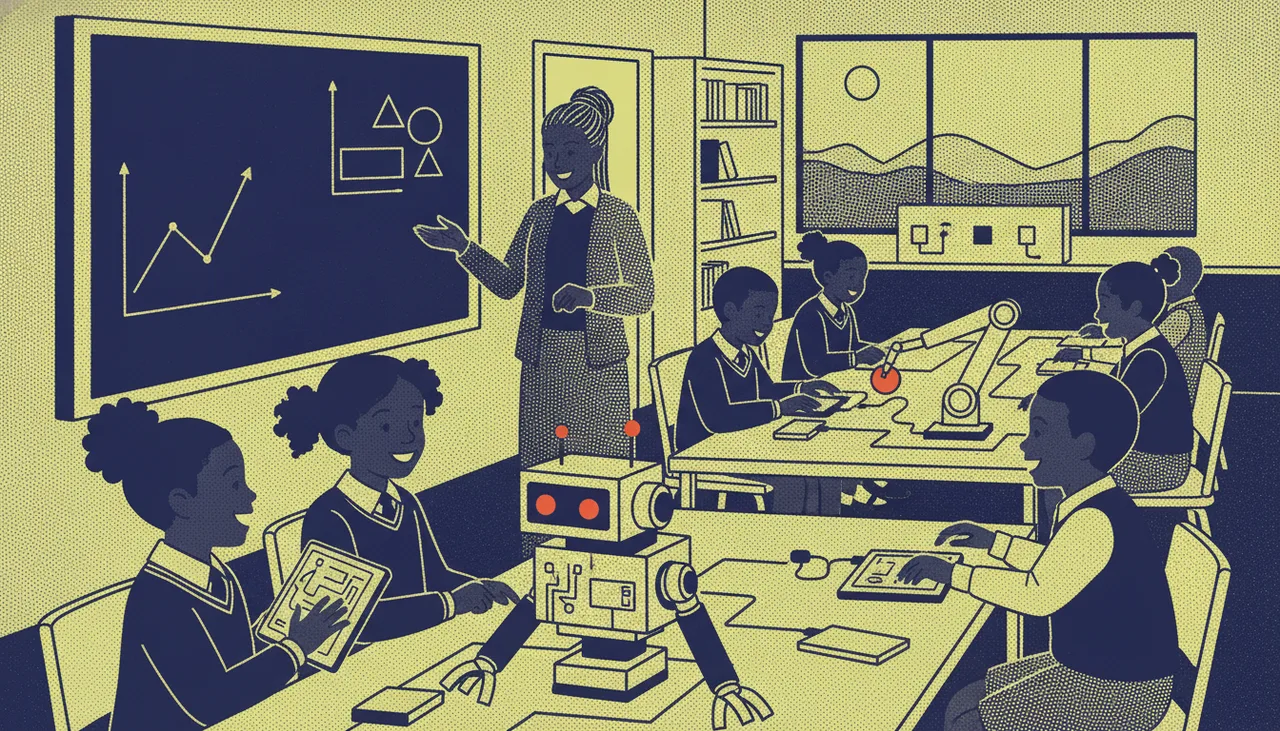
A plain-English guide to South Africa's CAPS Coding and Robotics subject: what it covers, how the rollout really looks, and how teachers can align lessons without waiting for perfect kit.
TL;DR
- The Department of Basic Education has introduced a dedicated Coding and Robotics subject built on the CAPS framework, running across the Foundation, Intermediate and Senior phases.
- It is being phased in, and the rollout is uneven. Many schools are teaching parts of it with whatever devices and training they already have.
- The subject is less about expensive robots than about computational thinking: patterns, algorithms, debugging and problem solving.
- You can align real lessons using unplugged and offline activities first, then add hardware as budget allows.
- Teacher confidence, not kit, is the biggest gap. A clear progression and a little structured practice matter more than the newest board.
If you teach in a South African school, Coding and Robotics has probably landed on your timetable or your planning documents by now, and the guidance around it can feel thin. This guide explains what the subject actually asks for, how the rollout looks on the ground, and how to build lessons that align with the curriculum even if your storeroom is empty.
What the Coding and Robotics subject actually is
The subject sits inside the Curriculum and Assessment Policy Statement family, the same CAPS structure that governs other South African subjects. It is not a single programming language, and it is not tied to one brand of robot. It is a set of knowledge strands that build computational thinking alongside practical making.
Depending on the phase, learners work through pattern recognition and problem solving, algorithms and coding, basic robotics skills, and the responsible use of the internet and digital communication. The word robotics does a lot of heavy lifting in the title, and it puts teachers off. In practice, a large share of the outcomes can be met with no robot in the room at all. The point is the thinking: breaking a problem into steps, spotting patterns, writing a clear sequence of instructions, and fixing it when it does not work.
Where it sits across the phases
The subject is designed to grow with the learner, so the same ideas reappear at increasing depth.
Foundation Phase (Grades R to 3)
Mostly unplugged and playful. Learners sequence steps, recognise and extend patterns, give and follow instructions, and do simple directional work. Often there is no screen involved. A grid taped to the floor and a set of arrow cards can cover a surprising amount of this.
Intermediate Phase (Grades 4 to 6)
Block-based coding starts to appear, algorithms become more structured, and learners meet their first hands-on robotics. This is where a shared device or a small set of kits begins to pull its weight.
Senior Phase (Grades 7 to 9)
More formal programming ideas, sensors and inputs, and projects that combine hardware with code. Learners plan, build and debug something that behaves, rather than just runs.
The rollout reality
The honest picture is that the subject is being phased in, and the experience varies widely from one school to the next. Some schools are well-equipped with device labs and trained staff. Many are teaching from a printed policy document, on shared computers, or with hardware that arrived without training. Provinces, districts and individual schools are at very different points, and that is normal for a subject this new.
Two things follow from this. First, do not measure your programme against a fully-kitted showcase school. A well-run unplugged lesson that hits the strand outcomes is real curriculum delivery. Second, plan for a gap between policy and resources, because for most schools that gap is the reality you teach in.
The resource gaps most schools hit
Four constraints come up again and again, and each has a workable response.
- Devices. There are rarely enough computers or tablets for one per learner. Plan for sharing from the start, with two or three learners per device and defined roles so nobody sits idle.
- Connectivity. Data and bandwidth are expensive and inconsistent. Favour tools and activities that work offline, and download anything you need before the lesson rather than during it.
- Load shedding. A lesson that depends on mains power and a live internet connection will fail on the worst days. Keep an unplugged fallback for every plugged lesson, and prefer battery-powered hardware you can charge overnight.
- Teacher time and confidence. This is the biggest one, and it is not solved by buying more hardware. Many teachers assigned to the subject did not train for it. A short, structured progression they can follow beats a pile of kit with no plan.
Practical ways to align without perfect kit
You can build a defensible, curriculum-aligned programme in stages. The trick is to start with the thinking and add technology only where it earns its place.
- Start unplugged. Sequencing games, human-robot activities where a learner gives another step-by-step instructions, and pattern work all map directly to the algorithms and problem-solving strands. No power required.
- Map every activity to a strand. Before you teach it, write down which outcome the lesson serves. This turns a fun activity into evidence you can point to during moderation.
- Move to block-based coding on shared devices. Once learners can plan a sequence on paper, a free block editor on a shared computer lets them build and debug the same thinking on screen.
- Add hardware last, and share it. A single robot on a visualiser, or a rotating station of a few kits, is enough to introduce sensors and physical outputs. You do not need one robot per child to teach robotics.
- Keep a running progression. The same concept, revisited at greater depth each term, is what CAPS is built around. A simple term-by-term map is more valuable than any one lesson.
Choosing how to start: three honest options
Most schools land on one of three starting points. None is wrong; they suit different budgets and readiness levels. The table below lays out the trade-offs so you can pick deliberately rather than by default.
| Approach | What you need | Strengths | Honest trade-offs |
|---|---|---|---|
| Unplugged only | Printed cards, floor grids, worksheets | Almost free, load-shedding proof, covers a lot of Foundation and lower Intermediate outcomes | Cannot reach the hardware and sensor outcomes; can feel repetitive if it is the whole programme |
| Shared device or computer lab | A few computers or tablets, a free block editor, offline lesson files | Introduces real coding and debugging; two to three learners per device works well | Depends on power and working devices; needs a fallback for outage days |
| Class set of robotics kits | A rotating set of kits, charging routine, spares budget | Covers the full range including sensors and physical projects; high engagement | Highest cost and prep; budget roughly ten to fifteen percent of kit cost for spares and breakages |
A common and sensible path is to run all three at once: unplugged for the youngest and for outage days, a shared lab for block coding, and a small rotating set of kits for the senior grades.
Building teacher confidence
Because the subject is new, the fastest way to improve delivery is usually to invest in the person at the front, not the storeroom. Structured teacher support, a worked progression, and a chance to practise the activities before facing thirty learners make a bigger difference than an extra crate of hardware.
This is where outside programmes can help. Our academy works with learners and teachers on exactly this kind of progression, and holiday workshops are a low-pressure way for a teacher to see a full sequence run end to end before adapting it for a classroom. When you do reach the hardware stage, the sheenbot∞ board is designed to be beginner-friendly and to run offline, which matters on load-shedding days, and full kits are available through the store. Whatever tools you choose, the vendor-neutral advice stands first: pick hardware that boots fast, survives being dropped, and does not need a live connection to work.
Takeaway
CAPS Coding and Robotics is more approachable than its name suggests. It is a computational-thinking subject with a hands-on tail, phased in unevenly across the country, and it rewards teachers who start with clear thinking rather than expensive kit. Map your activities to the strands, keep an unplugged fallback for the bad days, share devices deliberately, and add hardware only where it opens outcomes you cannot reach otherwise. Do that, and you are delivering the curriculum honestly, whatever your budget looks like.
Frequently asked questions
Do I need robots to teach Coding and Robotics?
No. A large share of the outcomes, especially in the Foundation and lower Intermediate phases, are met through unplugged sequencing, pattern and problem-solving activities. Hardware becomes useful for the sensor and physical-project outcomes in the higher grades, and even then a small shared set is enough.
Which grades does the subject cover?
It is designed across the Foundation Phase (Grades R to 3), the Intermediate Phase (Grades 4 to 6) and the Senior Phase (Grades 7 to 9), with the same core ideas revisited at increasing depth as learners move up.
How do we teach it with load shedding and weak connectivity?
Favour offline tools and download lesson files in advance. Keep an unplugged version of every plugged lesson so an outage does not cost you the period, and prefer battery-powered hardware you can charge overnight rather than equipment that needs constant mains power.
How much should a school budget for a class set?
Rather than aim for one device per learner, plan for two to three learners per kit and rotate stations, which cuts the count sharply. On top of the kit cost, set aside roughly ten to fifteen percent for spares, cables and breakages over the year, because shared hardware in daily use will need them.
Where can teachers get training or try it first?
Structured teacher support and a worked progression help more than extra hardware. A short course, a holiday workshop, or a single trial session lets you experience a full sequence before you commit a term of lessons to it. You can also follow along with practical write-ups on our newsroom.


