Unit 1Lessons 1–6
The Game Loop
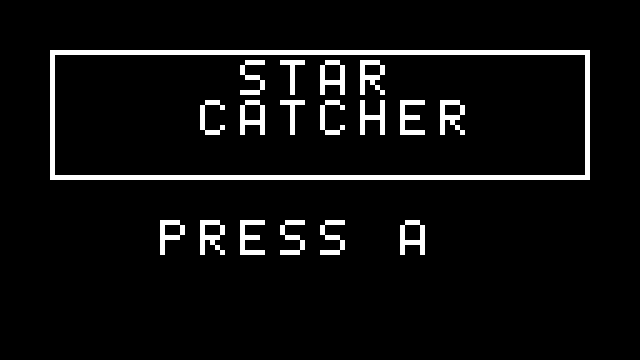
Pixels, the update–draw–show heartbeat, buttons, velocity, collision. By lesson 6 they ship Star Catcher — title screen, three lives, rising difficulty, sound.
One board · first typed Python

Thirty-six lessons in which students ship eight complete games on a screen of 8 192 pixels — every line real, typed Python. It ends with two boards playing Pong against each other over radio, running code your students wrote.
New pilot course · Now bookingEvery lesson carries exactly one game idea and one Python idea, and every unit ends with a finished game that has the student's name on it. Nothing below is an illustration — each screen is the real course program, run.
Pixels, the update–draw–show heartbeat, buttons, velocity, collision. By lesson 6 they ship Star Catcher — title screen, three lives, rising difficulty, sound.
One board · first typed Python
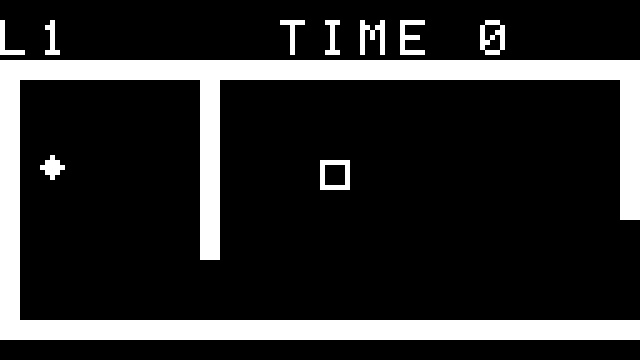
The board itself becomes the controller: deadzones, smoothing, real gravity. Two games — Tilt Maze, steered by tilting the board, then Sky Jumper, an endless climber with a camera.
Motion sensor · two games
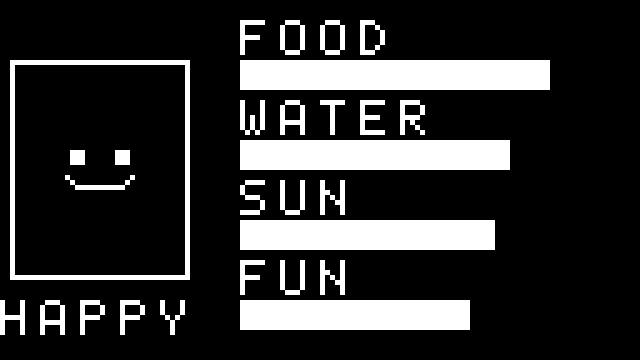
Their first object: sheenPet, a creature whose needs are a Python class — fed by buttons, sunned by a real light sensor, and asleep the moment the room goes dark.
Light sensor · touch · first class
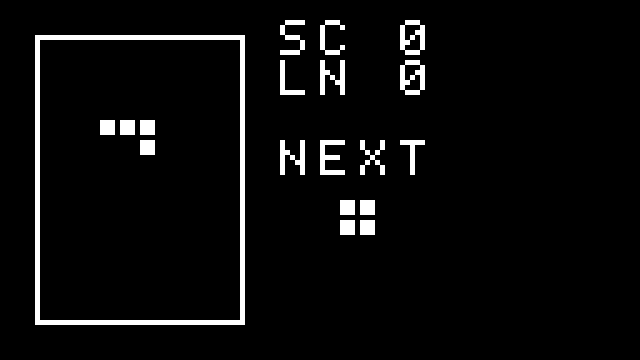
The algorithm unit: a snake that is a list, falling pieces that are data, rotation that is maths. The classics, rebuilt from first principles — then remixed with their own rules.
Lists & grids · two classics
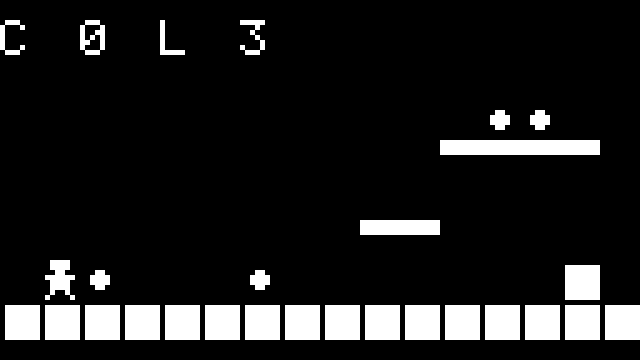
Sprites drawn as strings, levels typed as text, a camera that follows the hero: Pixel Runner is a genuine side-scroller with enemies, coins, lives and a flag — and level 2 is theirs to design.
Sprites · tilemaps · camera
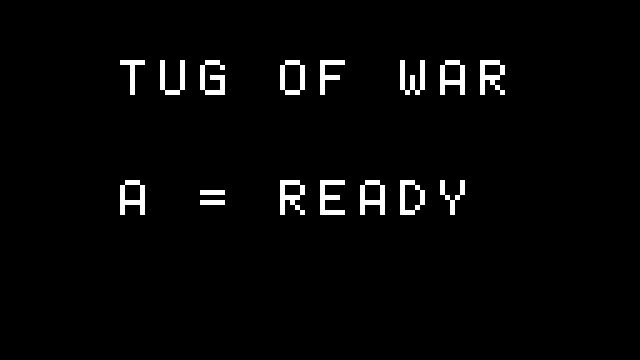
Two boards, one shared world: a message protocol, a ball that exists on exactly one screen at a time, fairness by handshake — Duel Pong and a tug-of-war, then a Game Jam of their own.
Radio · two players · Game Jam
Both columns below are real lessons from this course, printed exactly as students meet them — the first program of the year against the finished two-player Pong they build in the final unit.
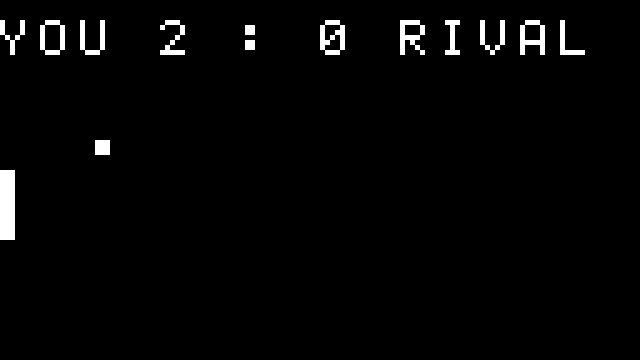
| Lesson 1 | Lesson 34 | |
|---|---|---|
| The program | A blinking title | Two-player Pong |
| Lines of Python | 28 | 158 |
| Inputs it reads | — | Buttons + radio |
| State it tracks | 1 counter | Ball · scores · serve · presence |
| The big idea | show() flips the frame | One authority per fact |
Nothing in between is a worksheet. All 36 programs run — in the browser simulator inside each lesson, on the board in class, and in an automated build that replays every game's rules before a single page could be printed.
The final lesson hands over a clean, commented game template and sixty minutes. Students design on paper first — one genre, one mechanic, one twist — then build, playtest and pitch.
The design doc. Three boxes on paper: the genre, the one mechanic, the one twist. No code until all three are filled in.
Playable. The template's title screen now belongs to their game, and something — however ugly — is fun to touch. That deadline is the whole discipline.
Polished. The juice pass: sound on every event, a flash on every hit, a difficulty curve — the same checklist Star Catcher taught in lesson 6.
Playtest swap. Every game is played by someone who did not write it, and the feedback lands on paper, not over shoulders.
The showcase. Boards up, room plays, four stars on the rubric: fun, finished, craft, and one thing you learned.
We train your teacher on the first unit, supply the boards, and leave all thirty-six lessons in your LMS. Class needs no internet at all — a room, the boards, and one teacher willing to lose at Duel Pong in public.
Download the one-page flyer (PDF)