Why School Laptops Fail to Recognise Microcontroller Boards
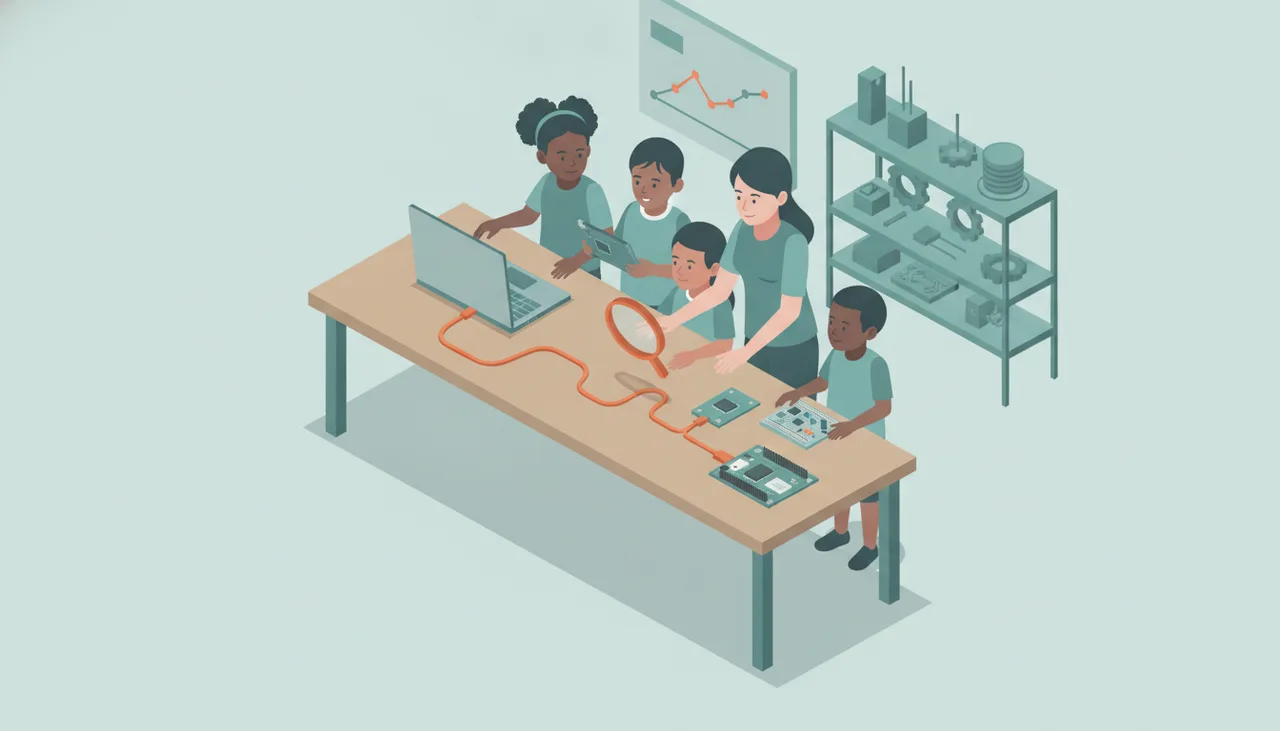
When microcontrollers fail to appear on school laptops, the cause is almost always a missing USB-to-UART bridge driver on locked-down Windows images or a charge-only USB cable.
When a learner plugs an ESP32, Arduino-compatible board, or custom robotics controller into a school laptop and nothing happens, the failure almost never lies in the microcontroller itself. In virtually every school lab, the issue traces back to one of two straightforward causes: a locked-down Windows standard operating environment (SOE) lacking USB-to-UART bridge drivers, or a batch of power-only USB cables mixed into classroom storage tubs.
1. The Hardware Translation Problem: USB to UART
Most entry-level microcontrollers (such as standard ESP32, ESP8266, and Arduino Uno clone boards) do not communicate directly over native USB. Instead, they use hardware serial (UART) pins connected to an intermediary bridge chip soldered onto the development board. This chip converts serial data into USB packets that a host computer can read as a virtual COM port.
The two most common bridge chips on education hardware are:
- WCH CH340 / CH341: The ubiquitous chip found on budget ESP32 and Arduino-compatible boards.
- Silicon Labs CP2102 / CP2104: Common on intermediate robotics, NodeMCU, and ESP32 developer modules.
- FTDI FT232R: Found on higher-spec robotics controllers and industrial interface boards.
Modern home laptops running Windows 11 with full administrator rights and unrestricted internet will often fetch these drivers automatically via Windows Update the first time a board is connected. In a school environment, that automated process almost always fails.
2. Why School Lab Deployments Block Serial Devices
School IT environments operate under strict group policies (GPOs) or mobile device management (MDM) profiles such as Microsoft Intune. These configurations intentionally restrict unprivileged learner accounts from installing third-party kernel-mode or device drivers.
When a learner logs in with standard user privileges and plugs in a CH340-based microcontroller, Windows identifies an unknown device under Other devices in Device Manager (often listed simply as USB-Serial or USB2.0-Serial with a yellow warning triangle). Because the learner profile cannot write driver files to System32\drivers, the board never assigns a virtual COM port, and web-based IDEs or the Arduino environment will report no device connected.
3. The Administrator Fix: Silent Driver Deployment
Solving this across a computer lab or a laptop trolley requires deploying the driver packages silently at the machine level (SYSTEM context), rather than relying on per-user installations.
WCH CH340 Driver Deployment
Download the official CH341SER package from JiangSu QinHeng (WCH). The installer can be run silently via command line or PowerShell during your standard image deployment or pushed via Intune:
CH341SER.EXE /S
Alternatively, extract the .inf, .cat, and .sys files from the archive and stage them using Windows Driver Package Utility (pnputil):
pnputil.exe /add-driver CH341SER.INF /install
Silicon Labs CP210x Driver Deployment
Download the CP210x Universal Windows Driver package from Silicon Labs. Extract the archive and execute pnputil:
pnputil.exe /add-driver silabser.inf /install
Once added to the Windows Driver Store via pnputil, any learner logging into that laptop can plug in a board and receive an active COM port assignment without triggering a User Account Control (UAC) prompt.
4. Browser Permissions and the Web Serial API
Many modern coding platforms (such as MakeCode, Web Arduino, and browser-based Python editors) rely on the Chromium Web Serial or WebUSB APIs to flash firmware directly from Google Chrome or Microsoft Edge. Even with drivers correctly installed, three administrative hurdles can block communication:
- Group Policy Serial Port Blocking: Administrators frequently deploy enterprise Chrome/Edge policies that disable Web Serial. Ensure the policy
SerialAllowAllJSDevicesForUrlsorDefaultSerialGuardSettingis configured to allow educational domains to prompt learners for port selection. - Port Access Conflicts: If a local application (like the Arduino IDE serial monitor or a background Python script) has the COM port open, the browser cannot claim exclusive access. Learners must close background serial monitors before flashing from a web tab.
- Native USB vs Bridge Chips: Microcontrollers with native USB support (such as the Raspberry Pi RP2040, BBC micro:bit, or SAMD21 boards) appear as USB Mass Storage or WebUSB devices without requiring traditional bridge drivers. If your lab runs locked-down thin clients where kernel drivers cannot be added, native USB hardware bypasses the bridge driver issue entirely.
5. The Hardware Sanity Check: Cables and Ports
If drivers are confirmed and the device still does not appear in Device Manager, inspect the physical link:
- Charge-Only Micro-USB Cables: Many inexpensive micro-USB cables supplied with power banks or rechargeable peripherals contain only the positive and ground power lines (VBUS and GND), omitting the D+ and D- data lines. A microcontroller connected with a charge-only cable will light up its power LED, leading teachers to assume the connection is good, but it will never register on the operating system.
- Front-Panel Hub Voltage Drops: High-drain robotics kits connected to unpowered desktop front-panel USB ports can cause brownouts on the microcontroller during serial handshakes. Always test suspect boards directly on rear motherboard ports or powered USB hubs.
If your school is configuring shared laptop trolleys or planning a rollout of physical computing hardware across grades, our team assists with network, driver, and lab configuration via Sheen Robotics School Service.