Can You Run Computer Vision on an ESP32-CAM in Class, or Is It Too Slow?
An ESP32-CAM can handle basic face detection and colour thresholding, but frame rates drop to 2–5 FPS under load. For a 45-minute lesson, running vision models in the browser is usually far more reliable.
Yes, an ESP32-CAM can run elementary computer vision on-chip, but with severe constraints: you can expect 2 to 6 frames per second for lightweight colour blob tracking or face detection, dropping below 1 frame per second for anything resembling an actual machine learning model. If a learner expects real-time interactive tracking like a smartphone app, the hardware latency alone will derail the lesson.
For structured classroom projects, the issue is rarely whether the microcontroller can technically process pixels; it is whether the debugging friction fits into a 45-minute period. Understanding where the bottlenecks lie determines whether you should flash the board or keep processing in the browser.
What the ESP32-CAM Can Actually Do On-Chip
The standard ESP32-CAM pairs an Espressif ESP32-D0WDQ6 chip (dual-core 240 MHz Tensilica Xtensa LX6) with an OV2640 camera module and 4 MB of external PSRAM (pseudostatic RAM). Because computer vision requires substantial memory buffers for image frames, raw computation is heavily constrained by how fast data moves between the sensor, the PSRAM, and the CPU cache.
| Vision Task | Typical Frame Rate | Viability in a 45-Minute Lesson |
|---|---|---|
| Colour Blob / Threshold Tracking | 6–12 FPS (QQVGA 160×120) | Viable. Works well for following a bright coloured ball or line. |
| Haar-Cascade Face Detection (ESP-WHO) | 2–5 FPS (QVGA 320×240) | Marginal. Demonstrates detection, but movement must be slow. |
| Face Recognition (Enrolment + Matching) | 0.5–2 FPS | Fragile. Lighting changes and slight angles easily break recognition. |
| Edge ML Object Classification (TensorFlow Lite Micro) | 0.2–1 FPS (96×96 greyscale) | Impractical for live robotics; viable only for static snapshot classification. |
Colour tracking works because it requires simple arithmetic: comparing RGB or HSV values per pixel against fixed threshold boundaries. Face detection via Espressif’s ESP-WHO library uses simplified neural networks and integral images, but at 320×240 resolution, the chip spends nearly its entire compute budget on one frame, leaving minimal headroom to control motors or read sensors simultaneously.
The Classroom Failure Modes
In a home workshop, waiting four seconds for a board to capture and classify an image is a minor inconvenience. In a school computer lab, it introduces distinct failure points:
- Wi-Fi Streaming Collapses: Many ESP32-CAM tutorials rely on streaming JPEG frames over local Wi-Fi to a web server hosted on the chip. In a classroom with 20 boards connecting to a single school access point (or failing against WPA2-Enterprise authentication), the network saturates immediately, resulting in dropped connections and multi-second video lag.
- Lighting Sensitivity: The cheap OV2640 sensor lacks dynamic range. A model calibrated under fluorescent lab lighting fails as soon as afternoon sunlight hits the desk, turning a coding lesson into a frustrating lens-tuning exercise.
- Brownouts and Power Drops: When the ESP32 activates its Wi-Fi radio while capturing a frame, current draw spikes above 300 mA. If learners power their boards from cheap USB hubs or unpowered laptop ports, the board repeatedly brownouts and reboots.
The Alternative: Offload Vision to the Browser
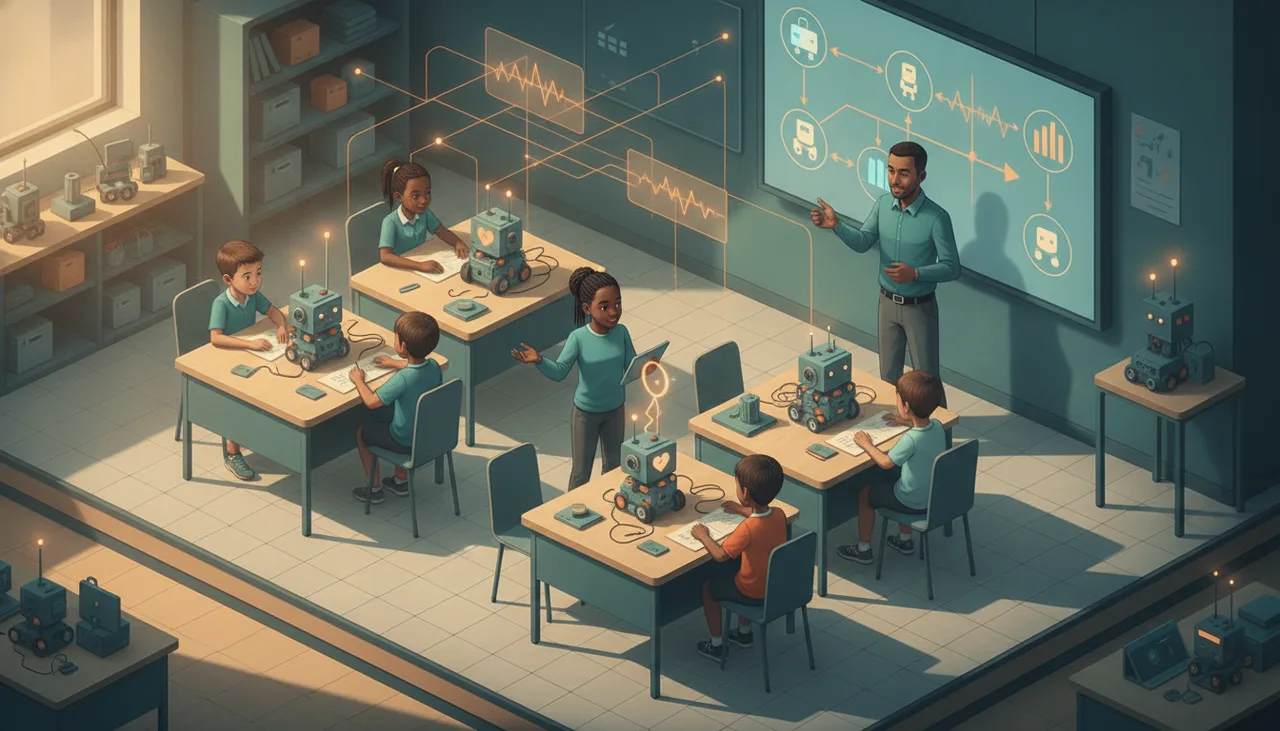
If your curriculum objective is teaching computer vision logic—such as object classification, pose detection, or spatial tracking—running inference directly on the microcontroller is often the wrong architectural choice. A far more robust model is split computing:
Let the learner’s laptop camera capture the image and run the vision model inside the browser via WebAssembly or TensorFlow.js at 30 FPS, then send simple single-byte directional commands (like
LEFT,RIGHT, orSTOP) over Web Serial or Bluetooth to the microcontroller.
This approach isolates concerns: the learner debugs computer vision logic with immediate visual feedback on a high-resolution display, while the microcontroller focuses entirely on motor control and hardware response. Platforms like Sheen Canvas use this split model so learners can build real-time interactive robotics without getting bogged down in low-level memory allocation and frame-buffer latency.
When Should You Actually Use the ESP32-CAM?
Use the ESP32-CAM directly on-chip when the lesson is specifically about embedded constraints and IoT edge architecture—such as an automated plant camera that wakes up once every ten minutes, captures a single still frame, saves it to an SD card, and enters deep sleep. For real-time robotics, autonomous rovers, and interactive vision projects, keep the heavy lifting on the workstation and let the microcontroller drive the wheels.